

Why build on Corepanel
Every colour is a token, every breakpoint is deliberate, and both themes are measured against WCAG AA — not eyeballed.
Efficient, Clean Code Structure
Static multi-page markup with build-time partials and 47 small JS modules. Every file is commented, so the next developer can read it without a tour.
Documentation & Support
A written guide covers the build, the design tokens and the conventions — including the gotchas that would otherwise cost you an afternoon.
Built to Keep Working
Both themes are measured against WCAG AA and every page is swept for overflow from 360px up — so changes land without quietly breaking a screen.
Technologies
The tools that power the template — no bespoke abstractions to learn before you can move a button.
-
 HTML5
HTML5
-
 Tailwind CSS v4
-
 Webpack 5
-
 Vanilla JS
-
 ApexCharts
-
 Swiper
-
 npm
npm
- Phosphor
Discover demos
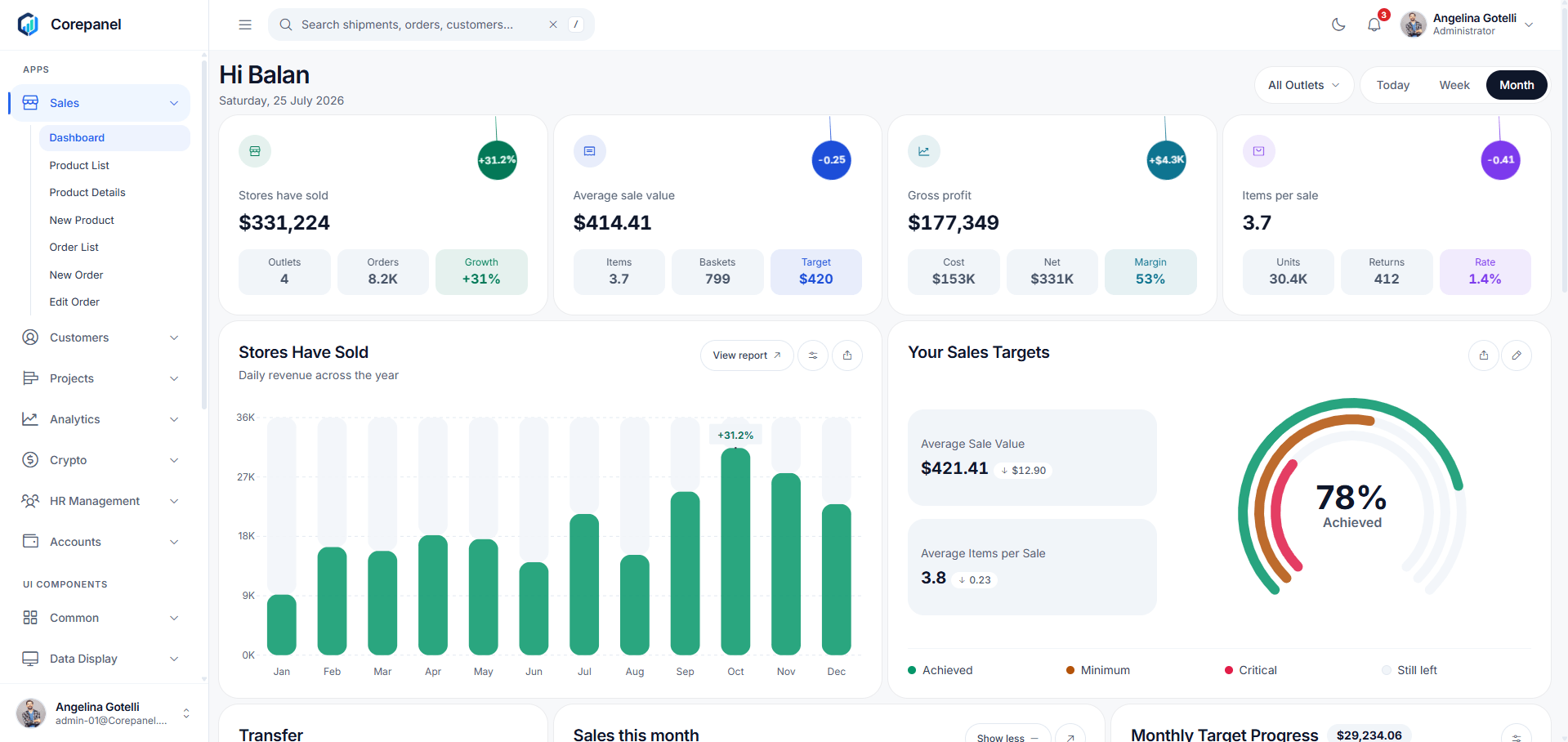
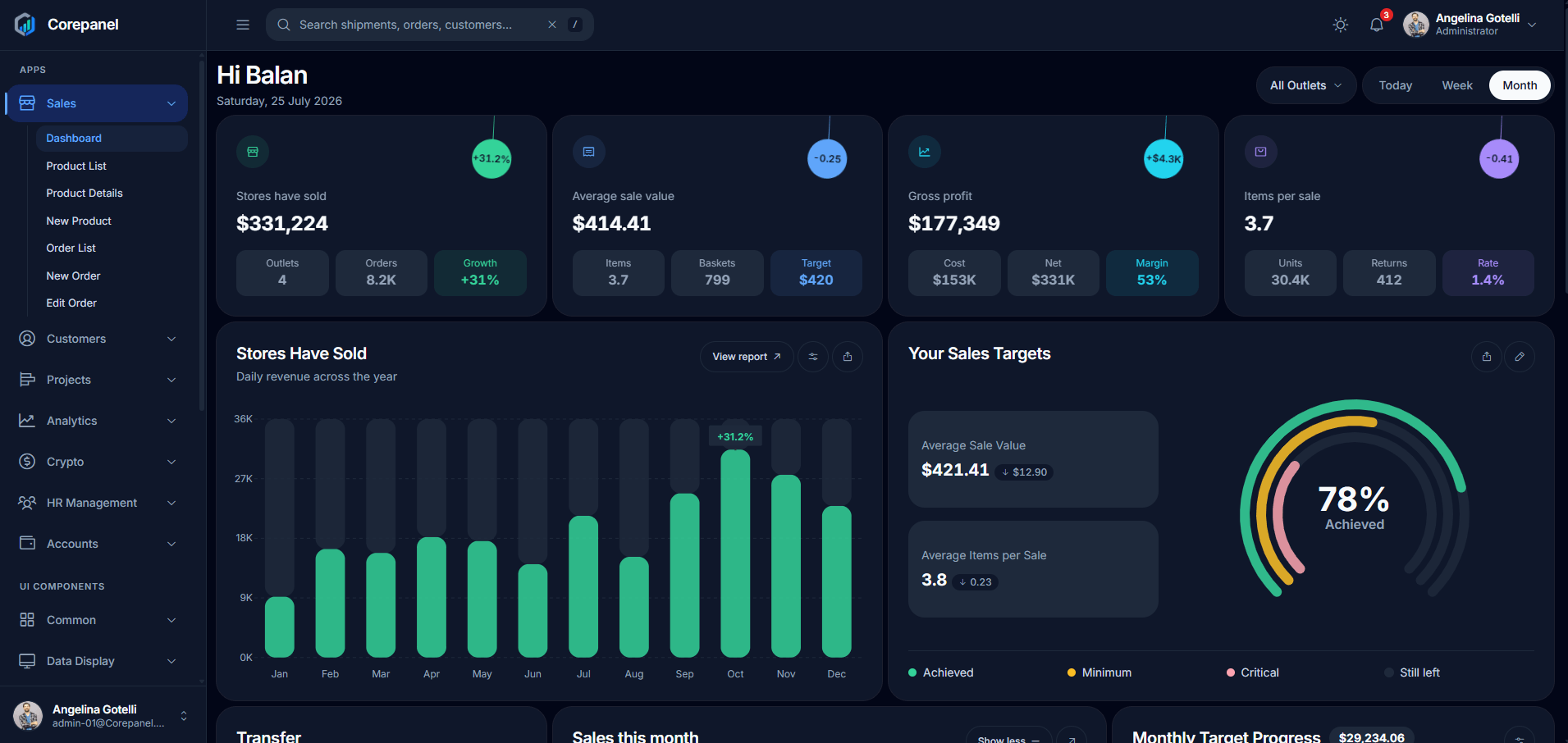
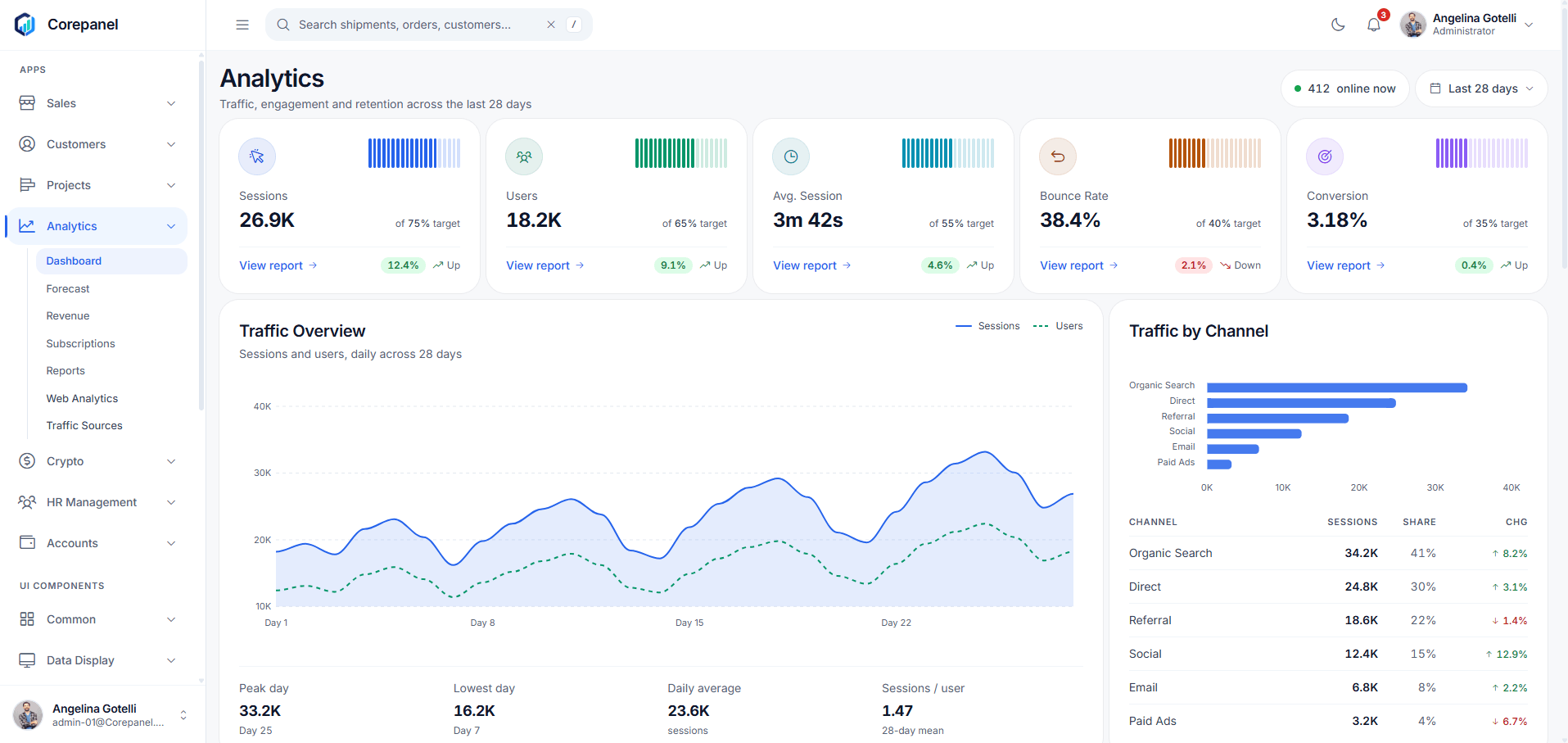
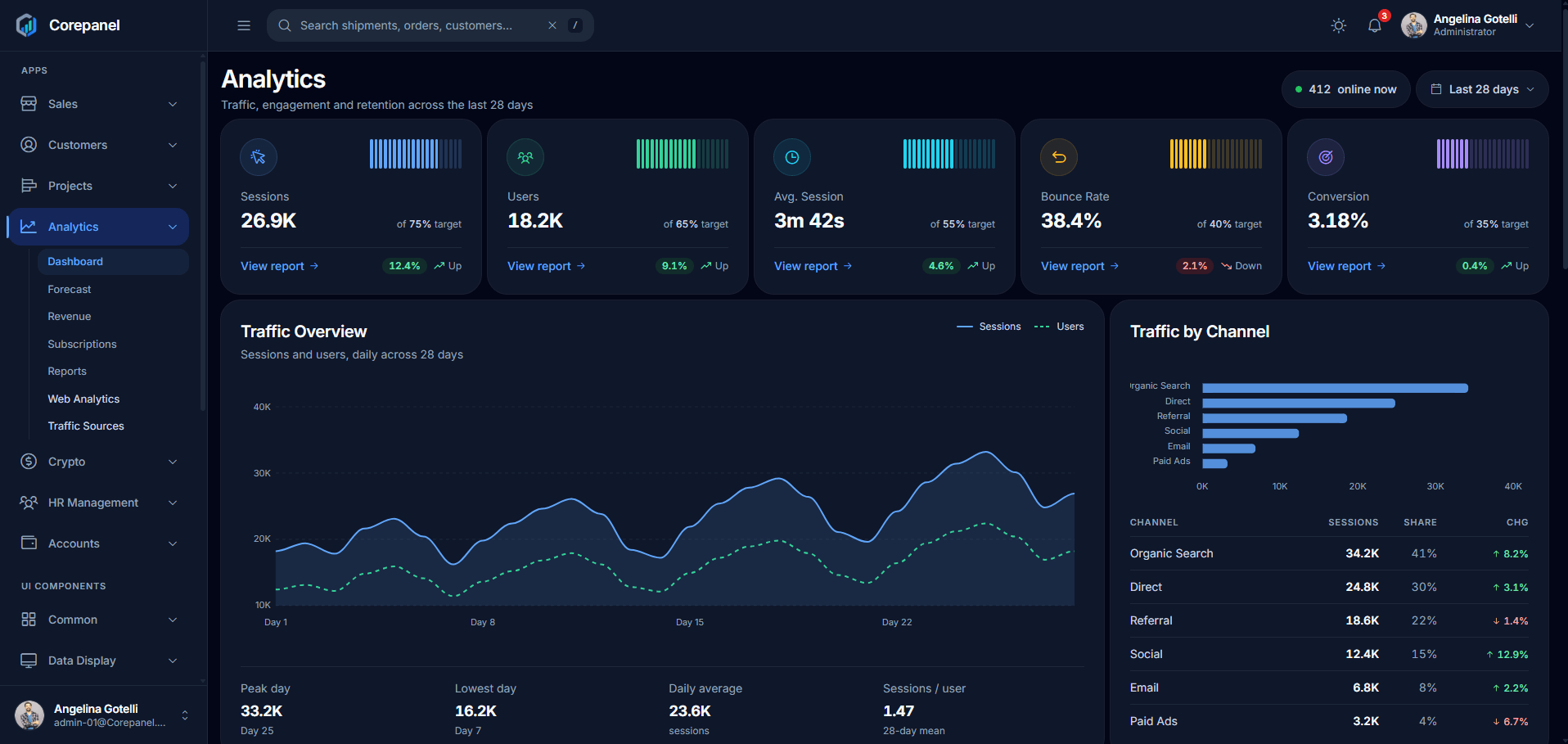
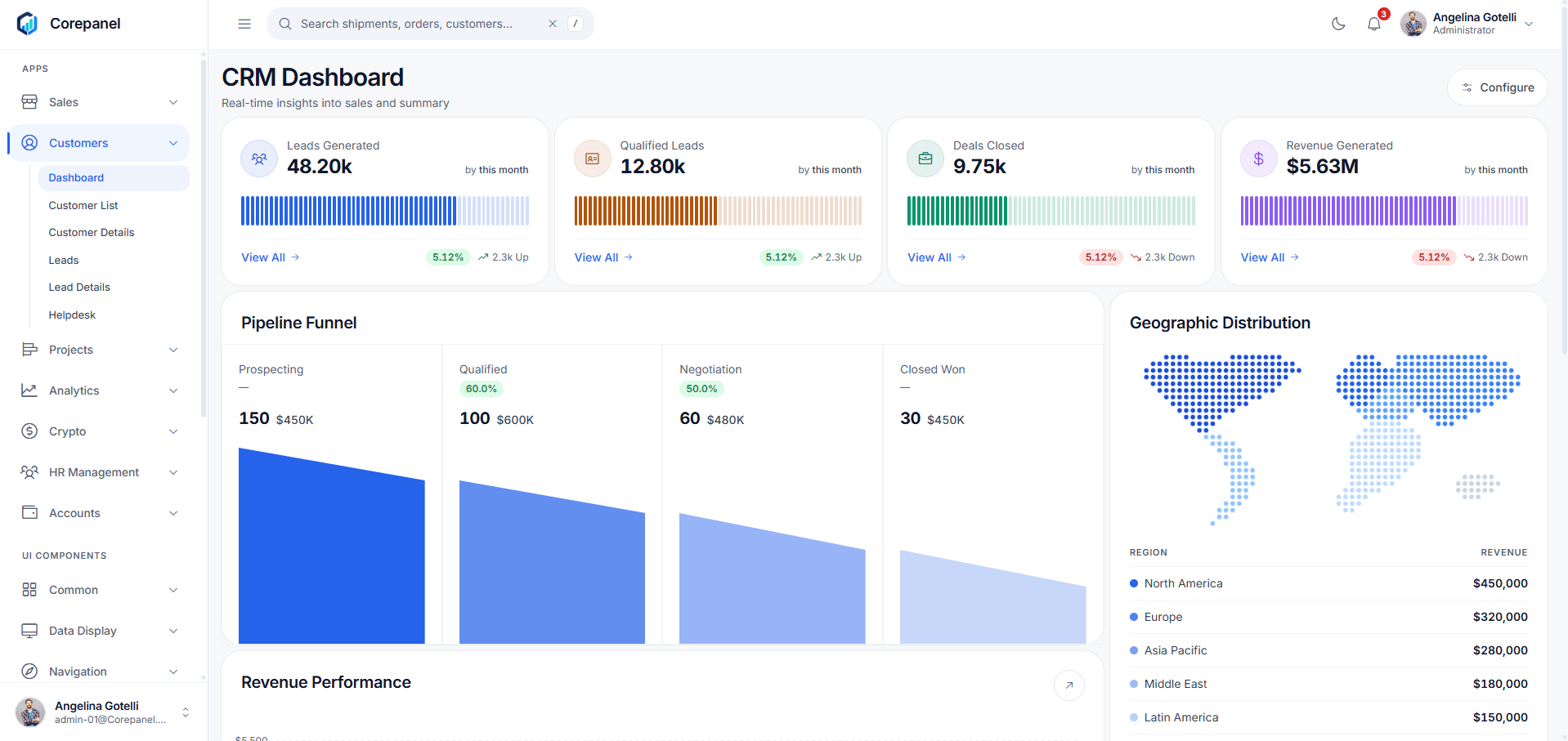
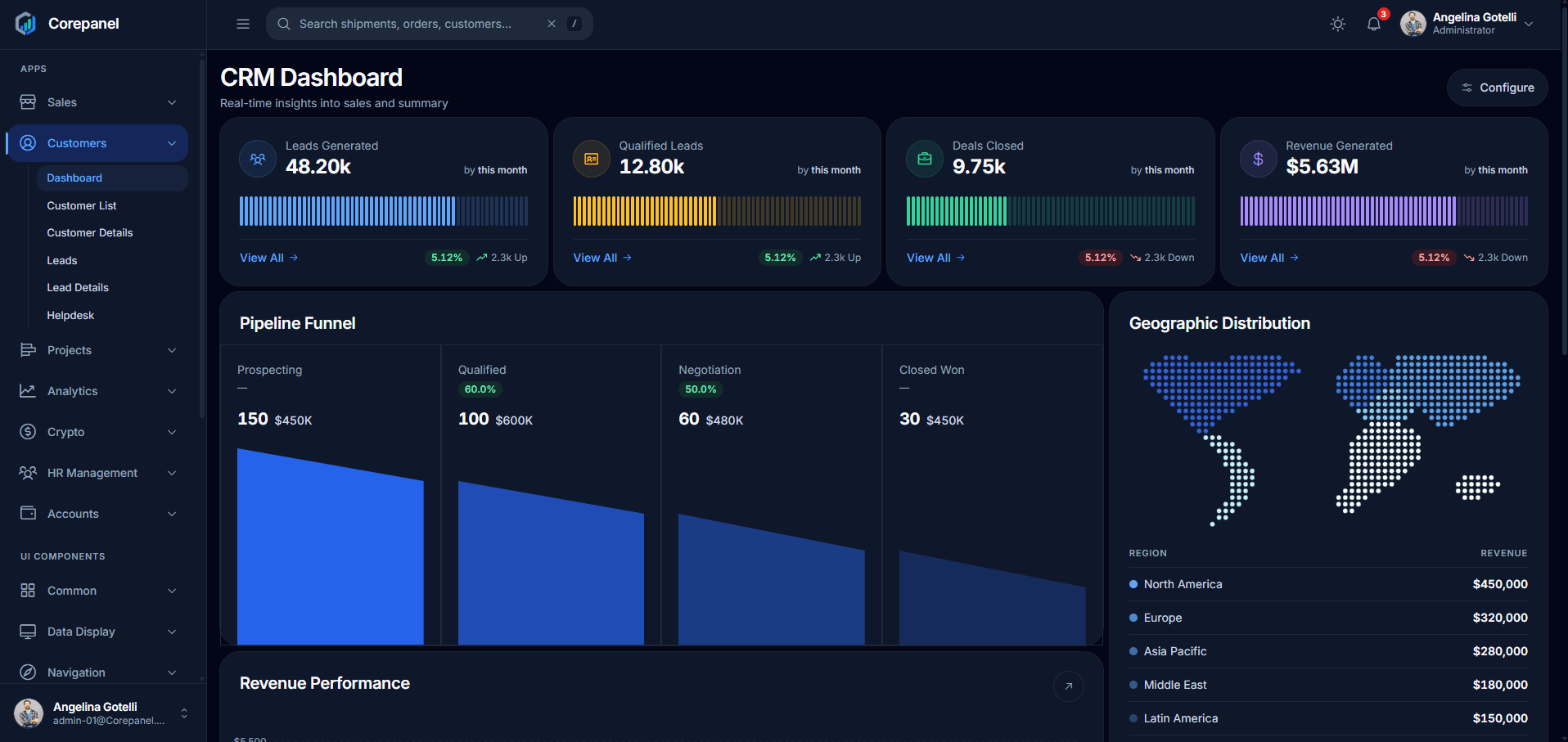
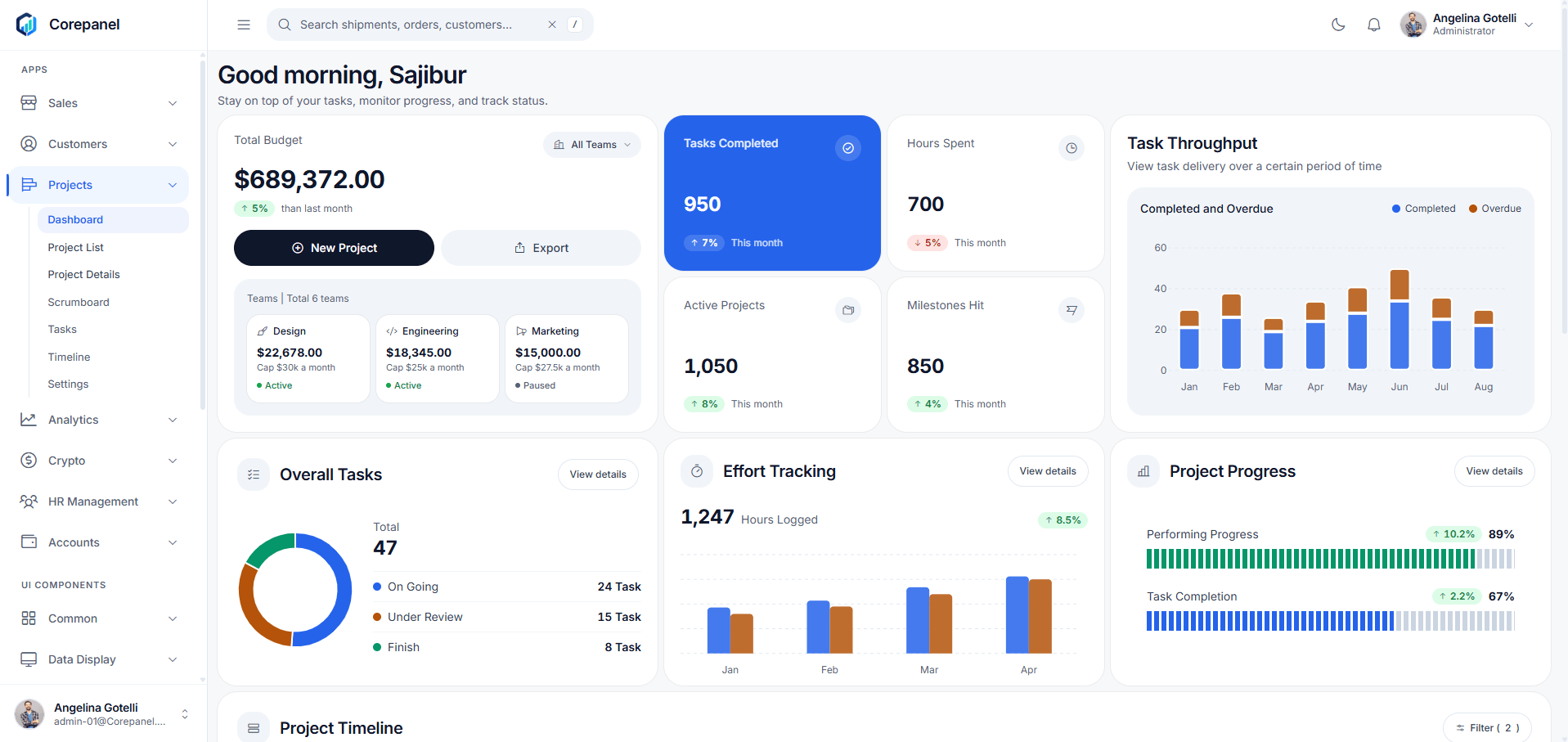
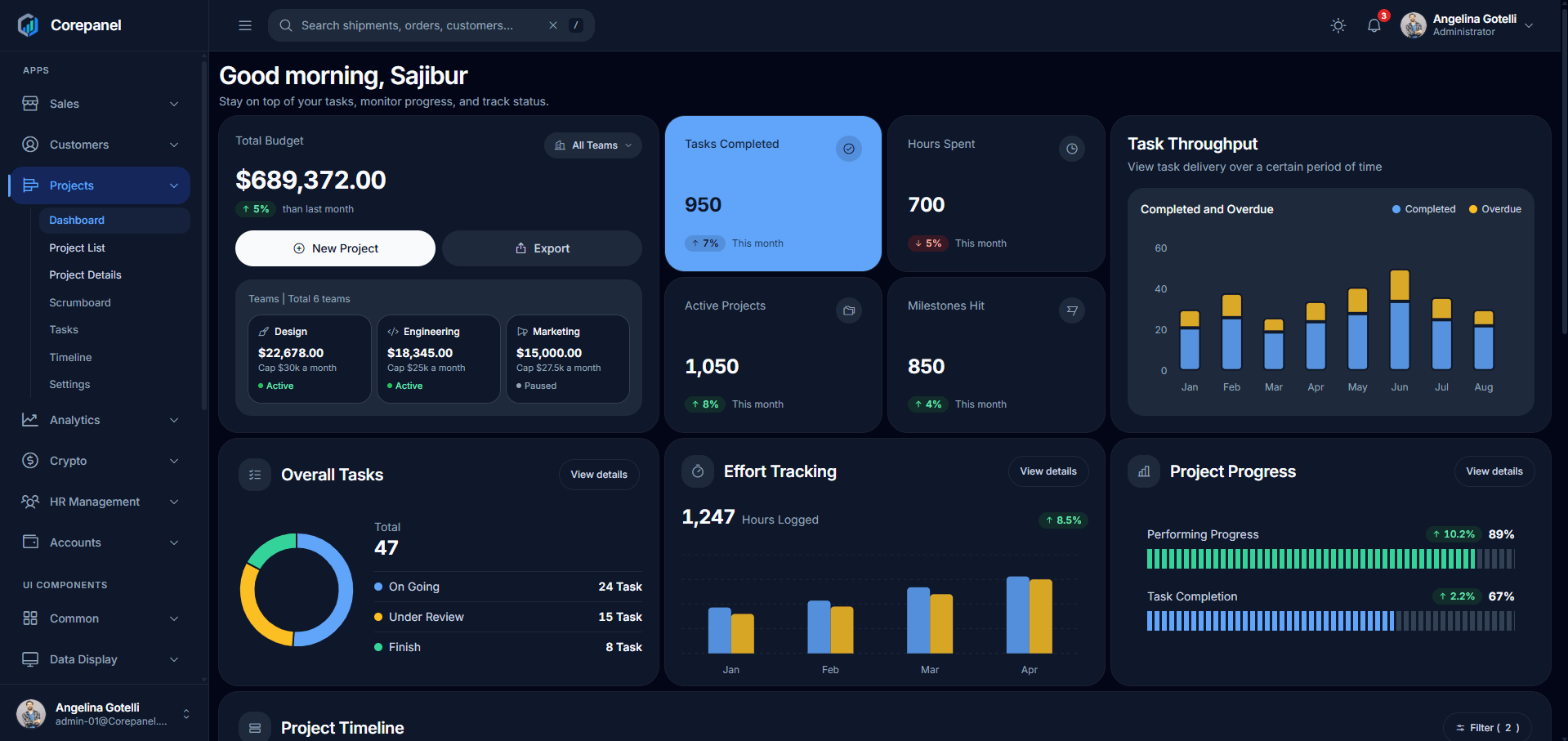
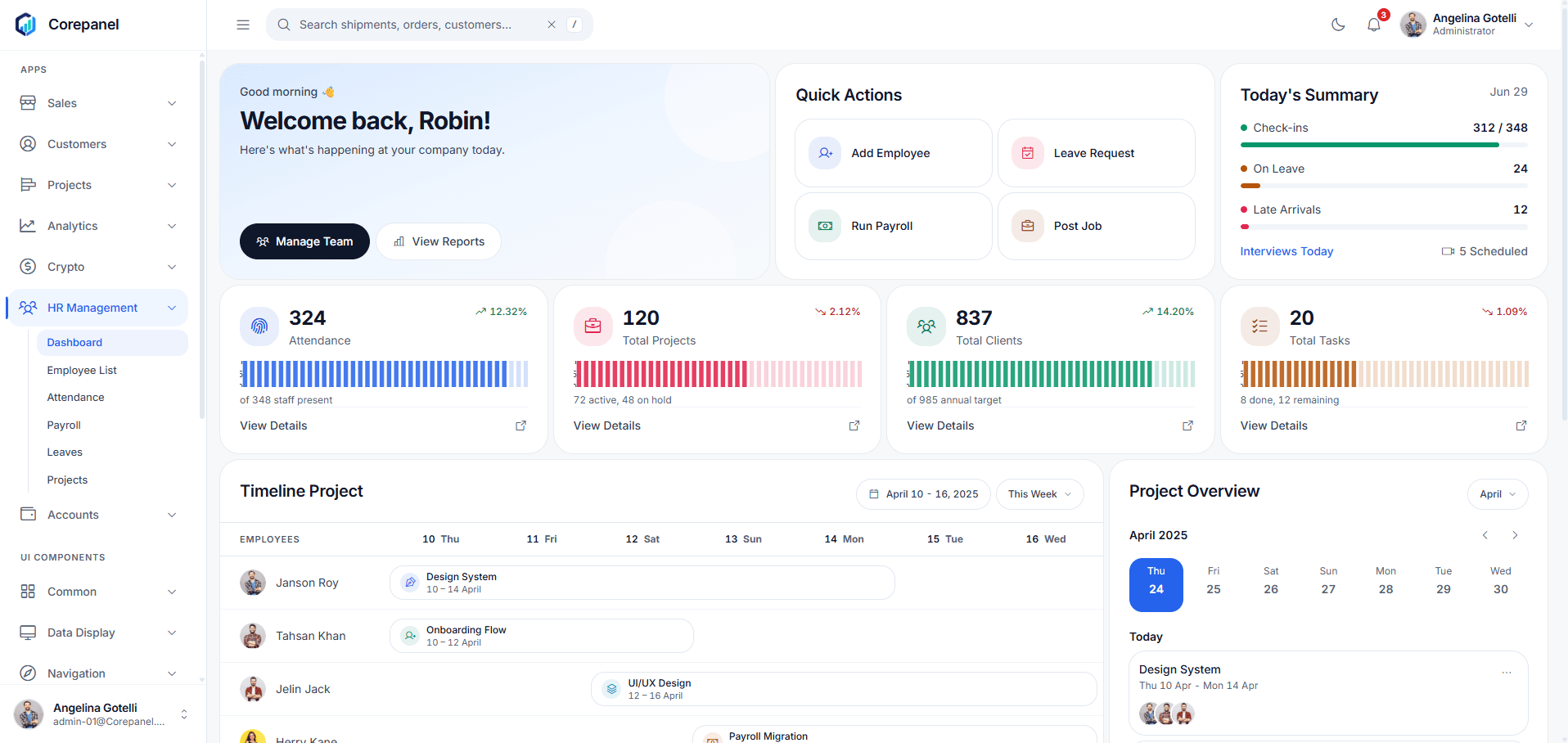
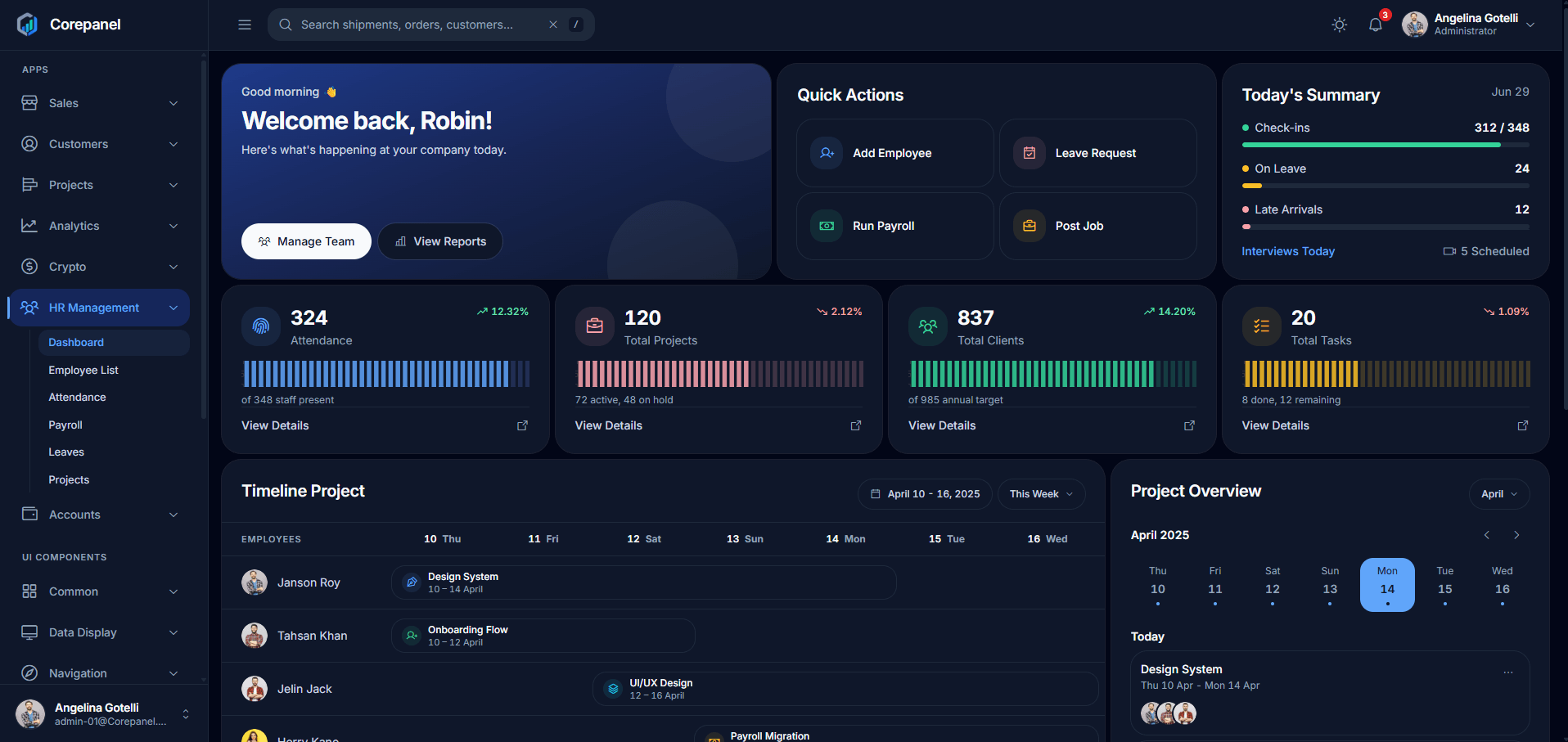
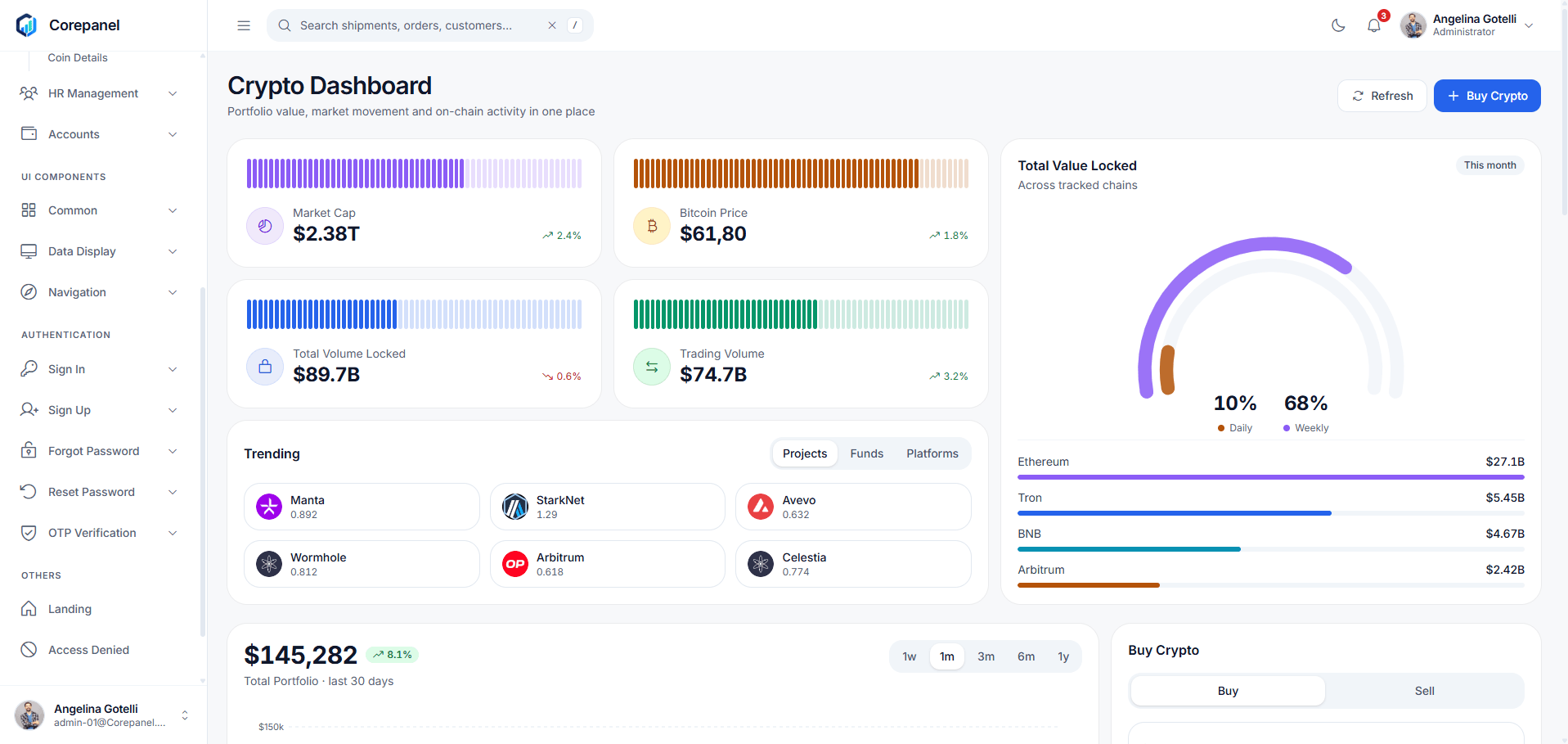
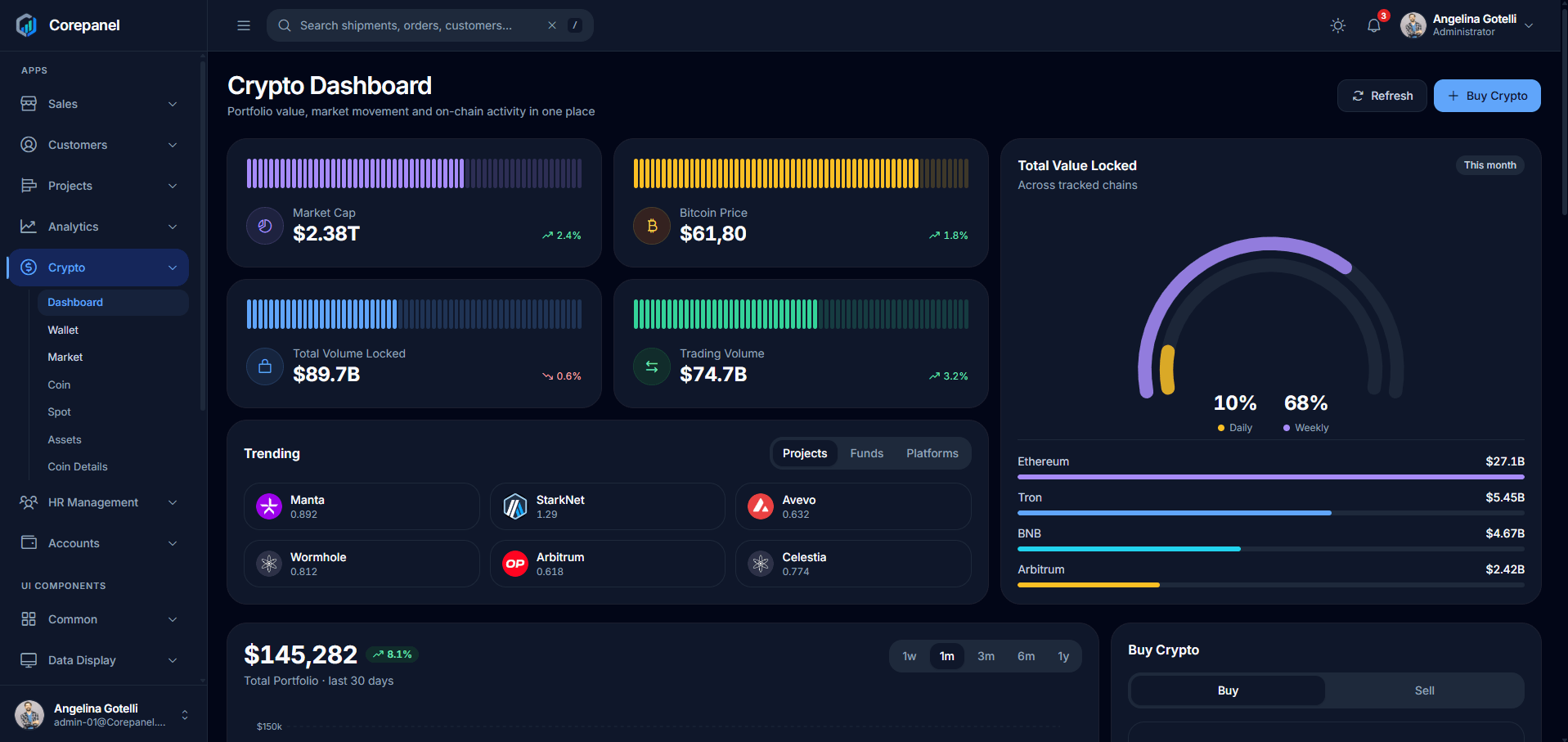
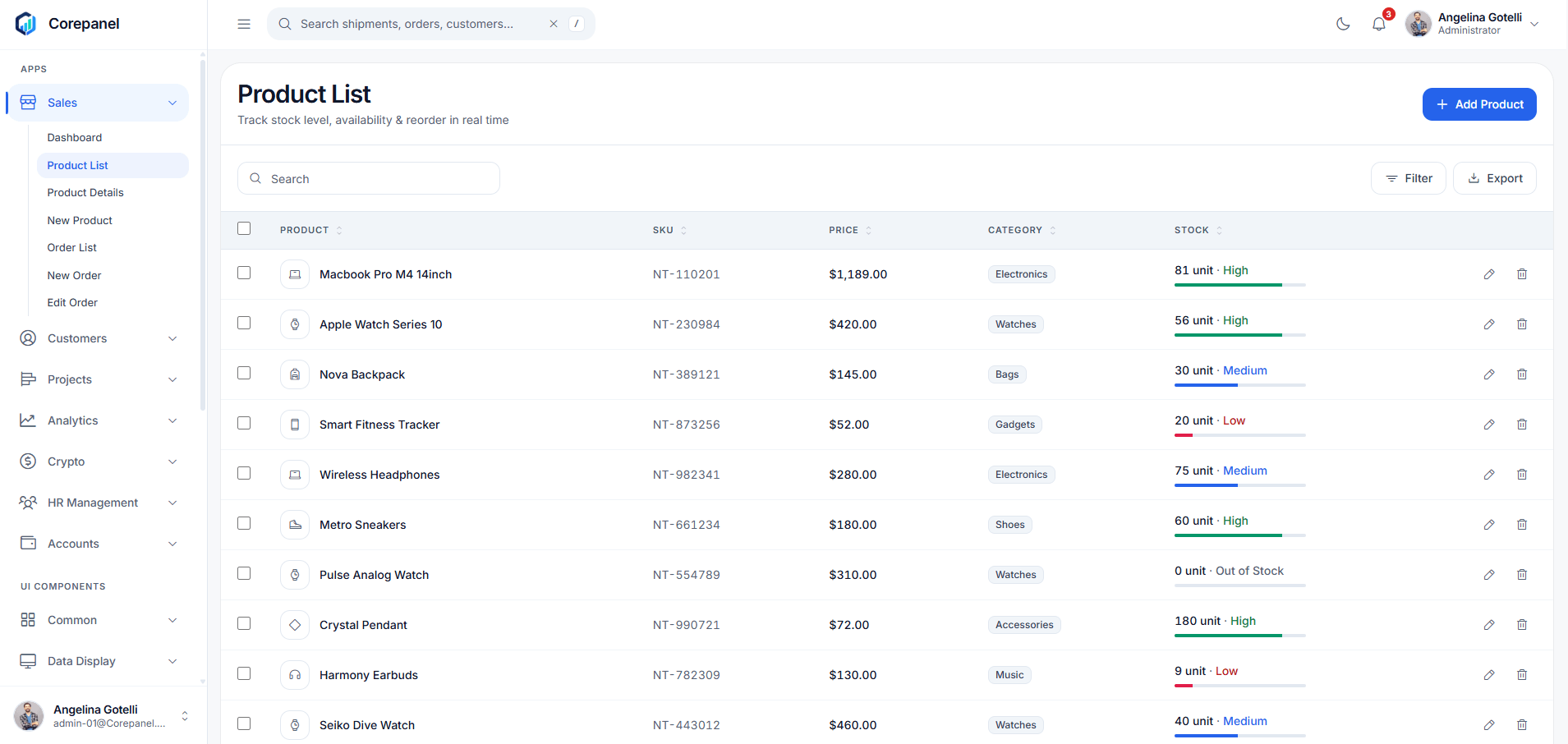
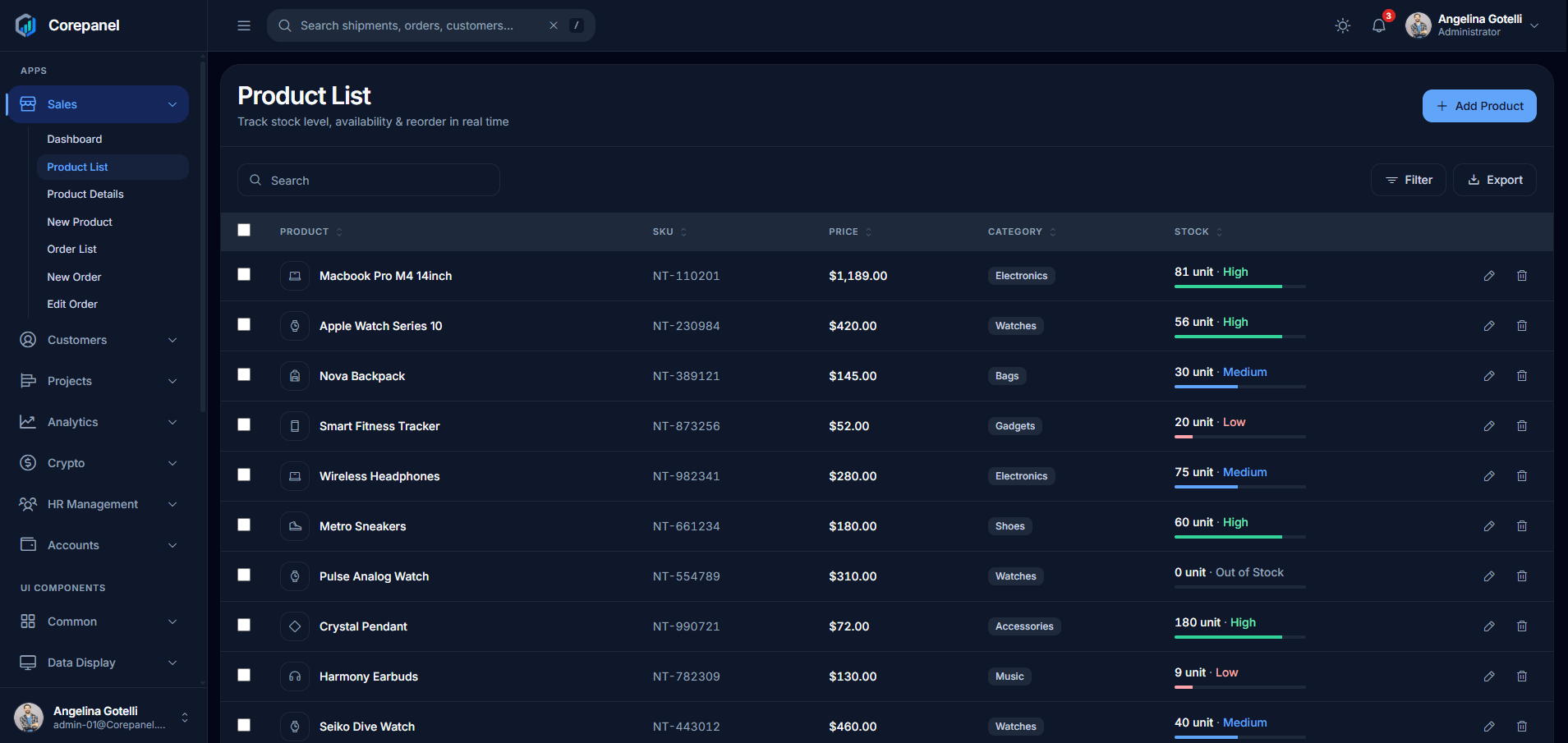
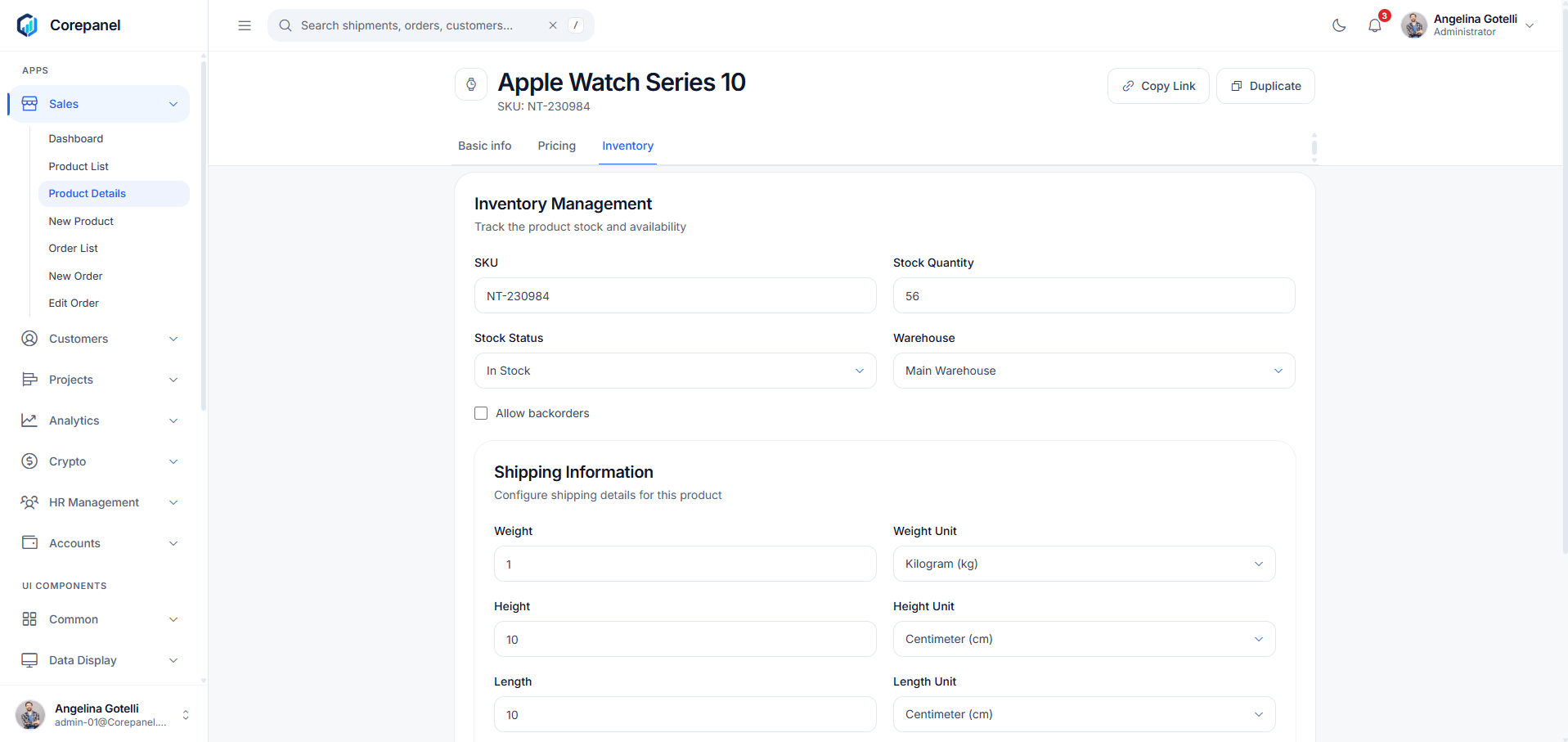
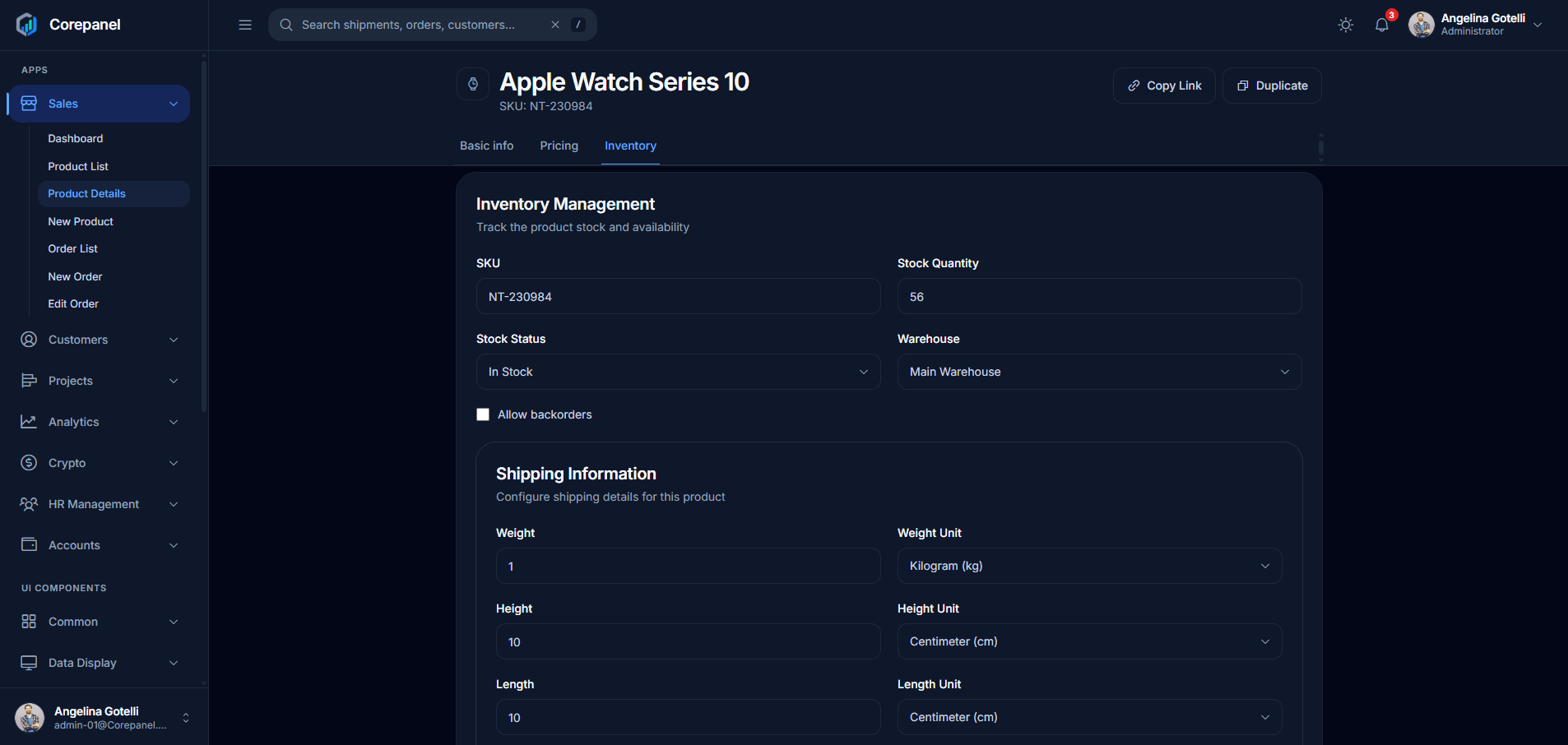
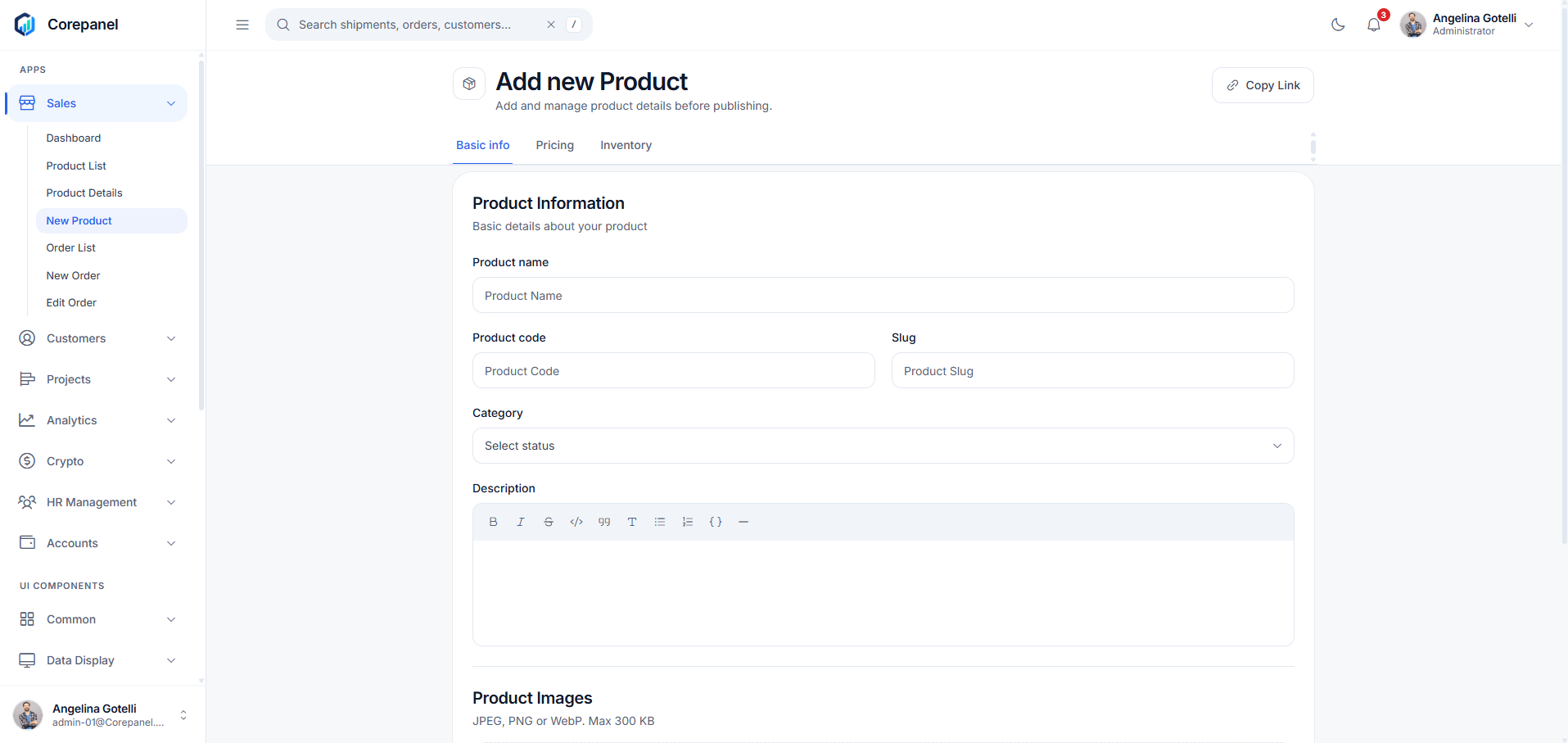
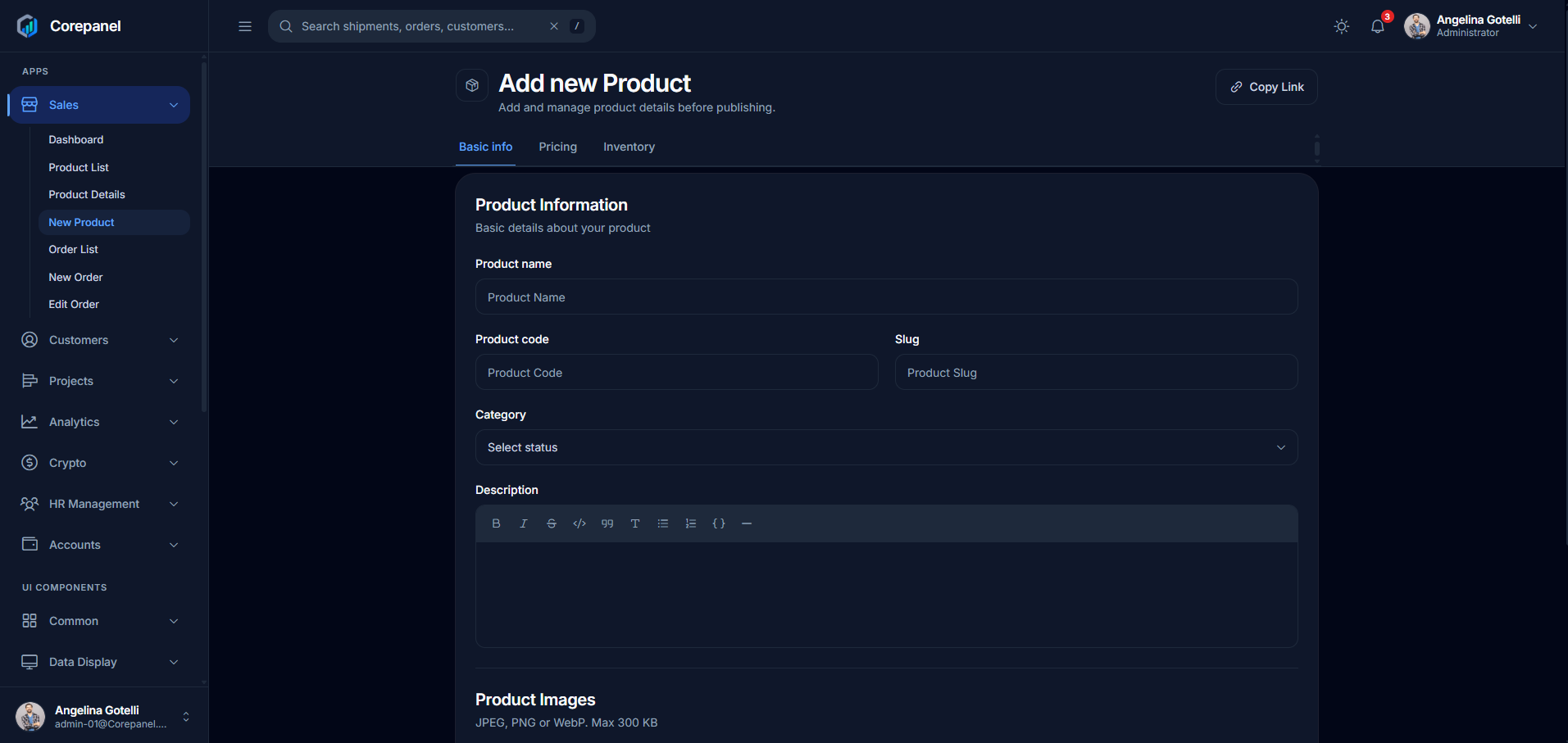
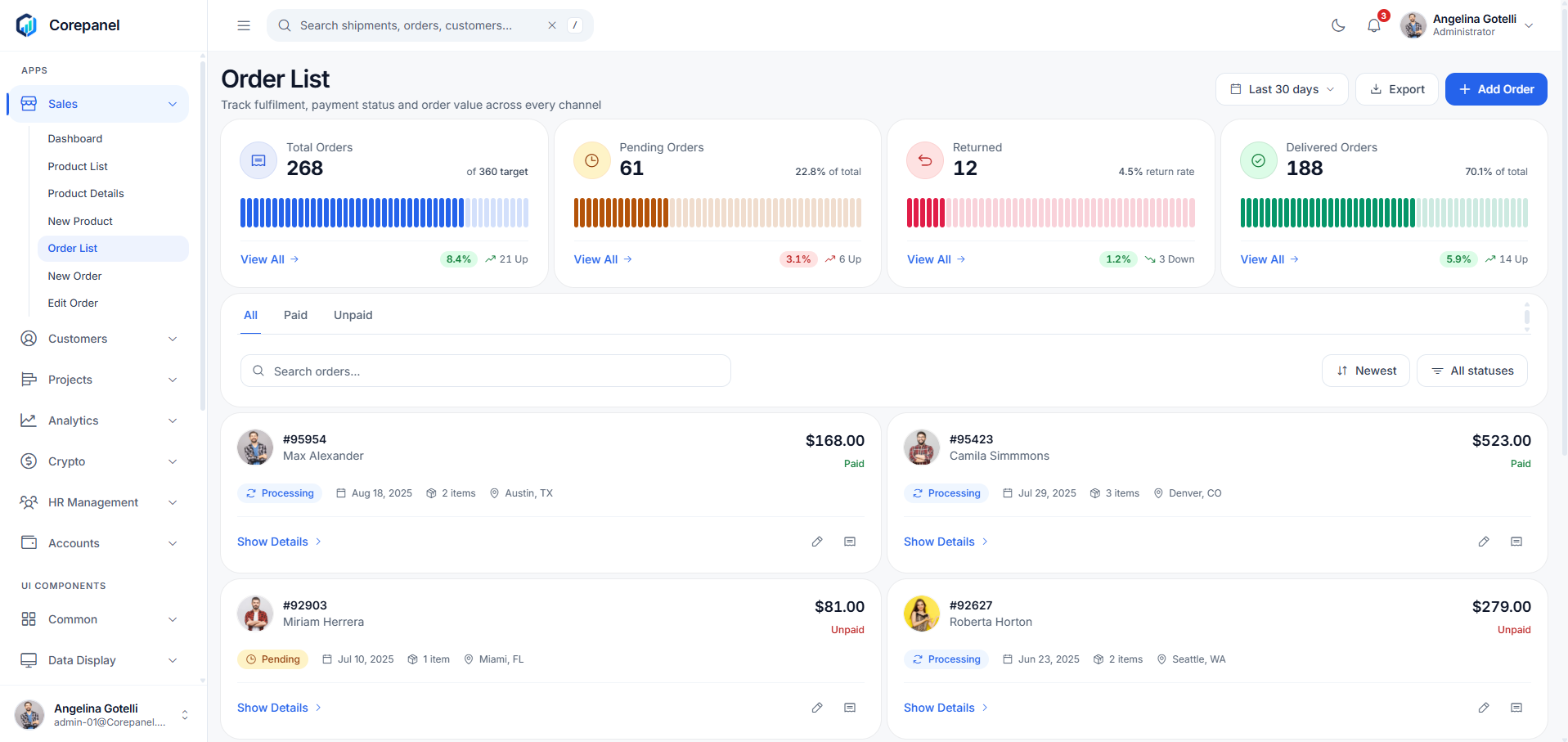
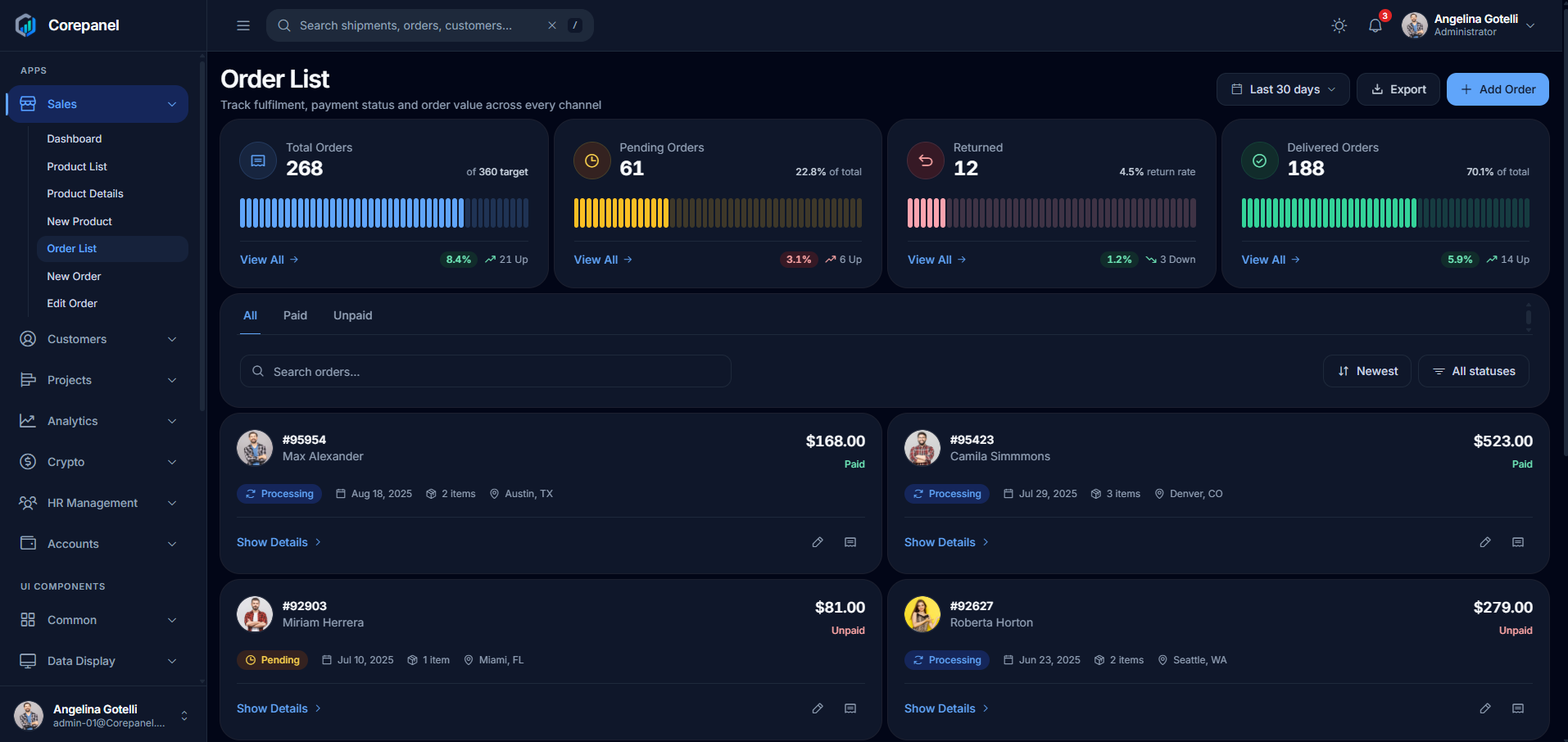
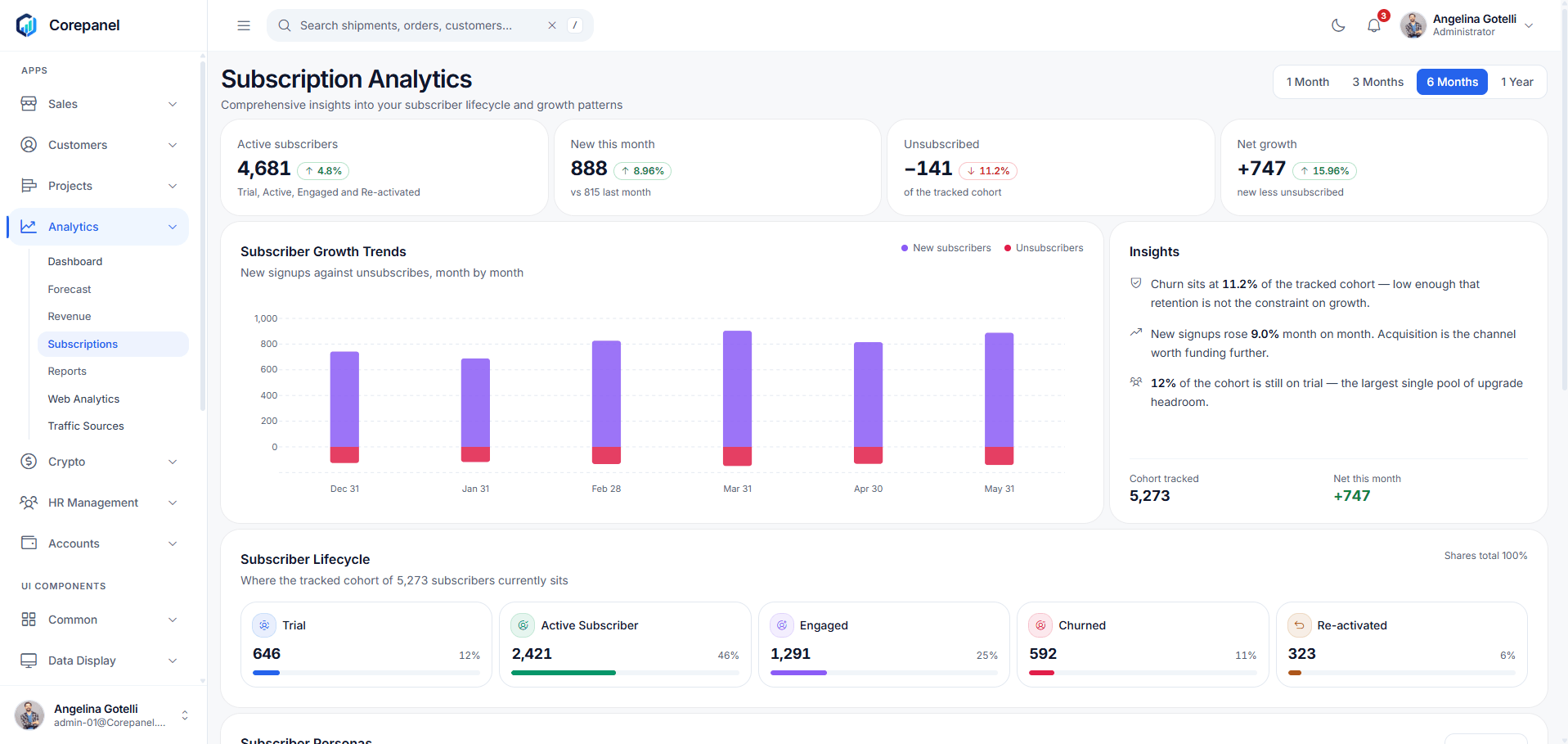
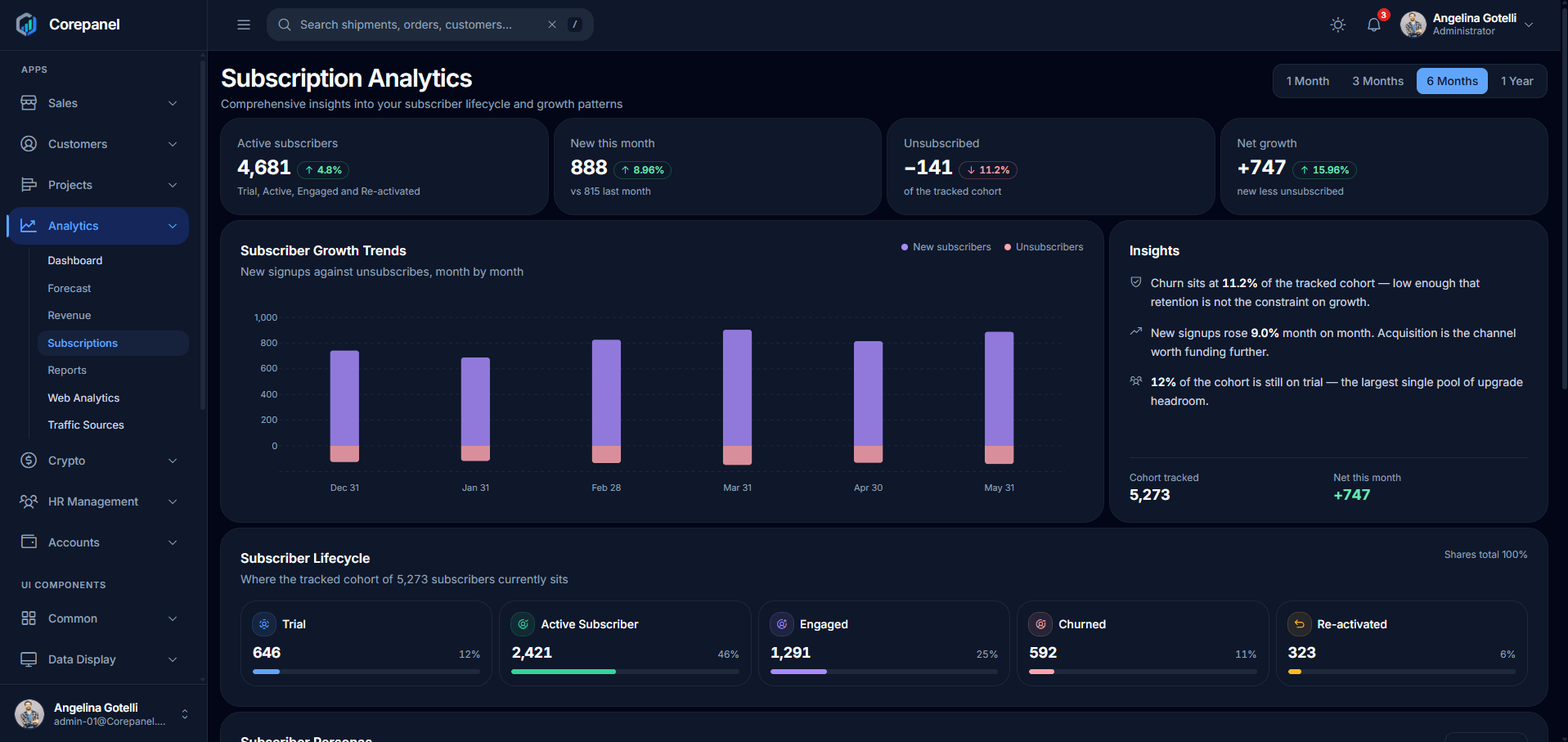
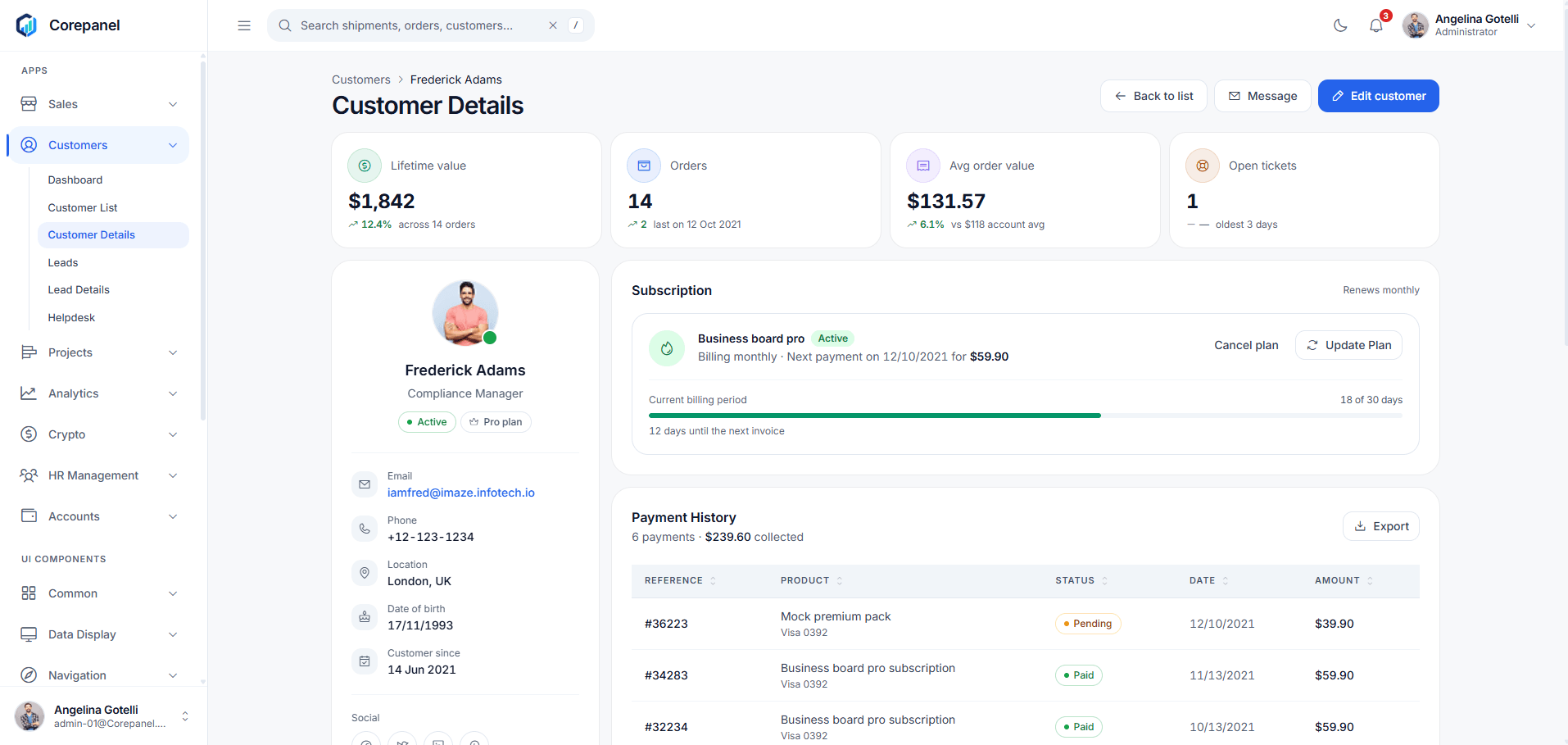
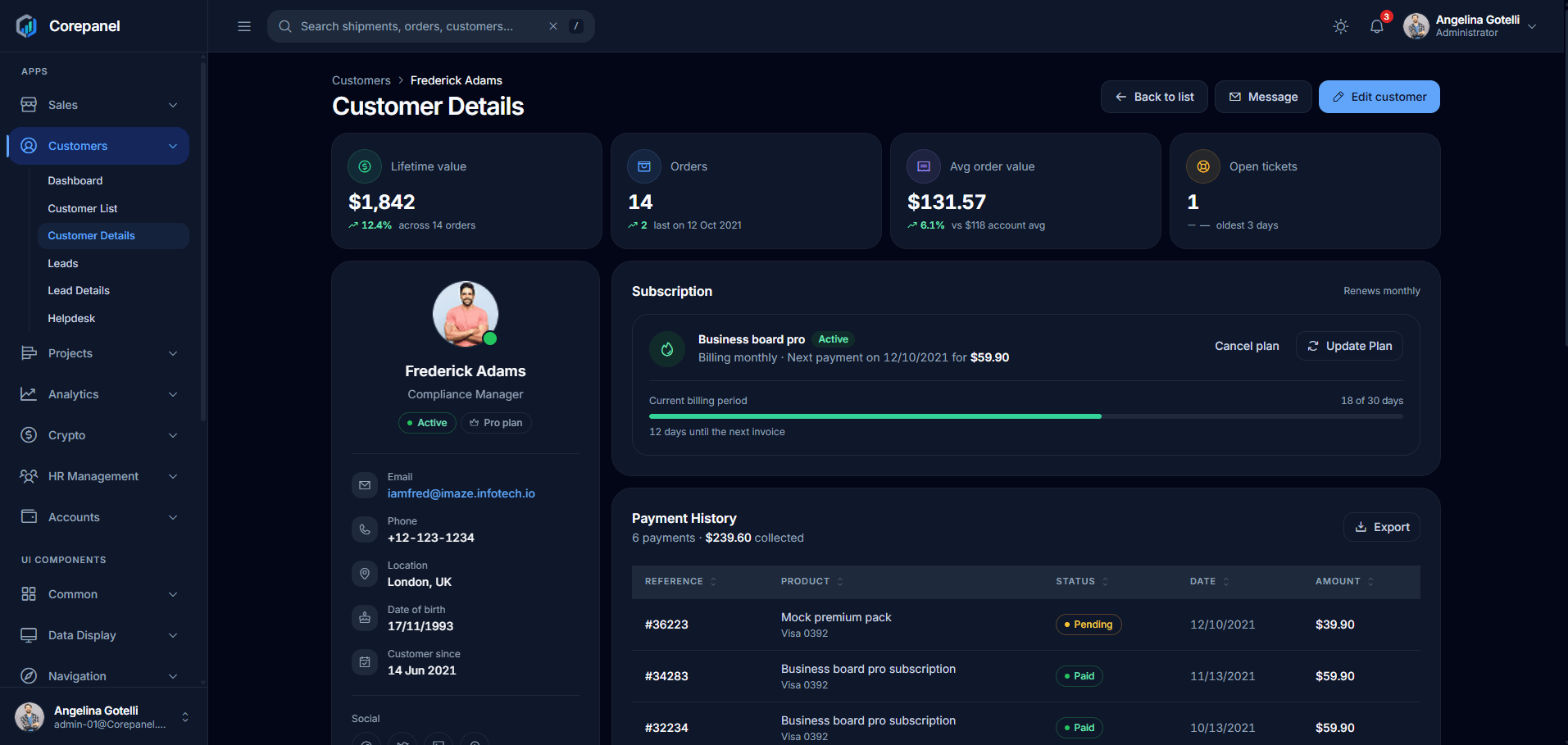
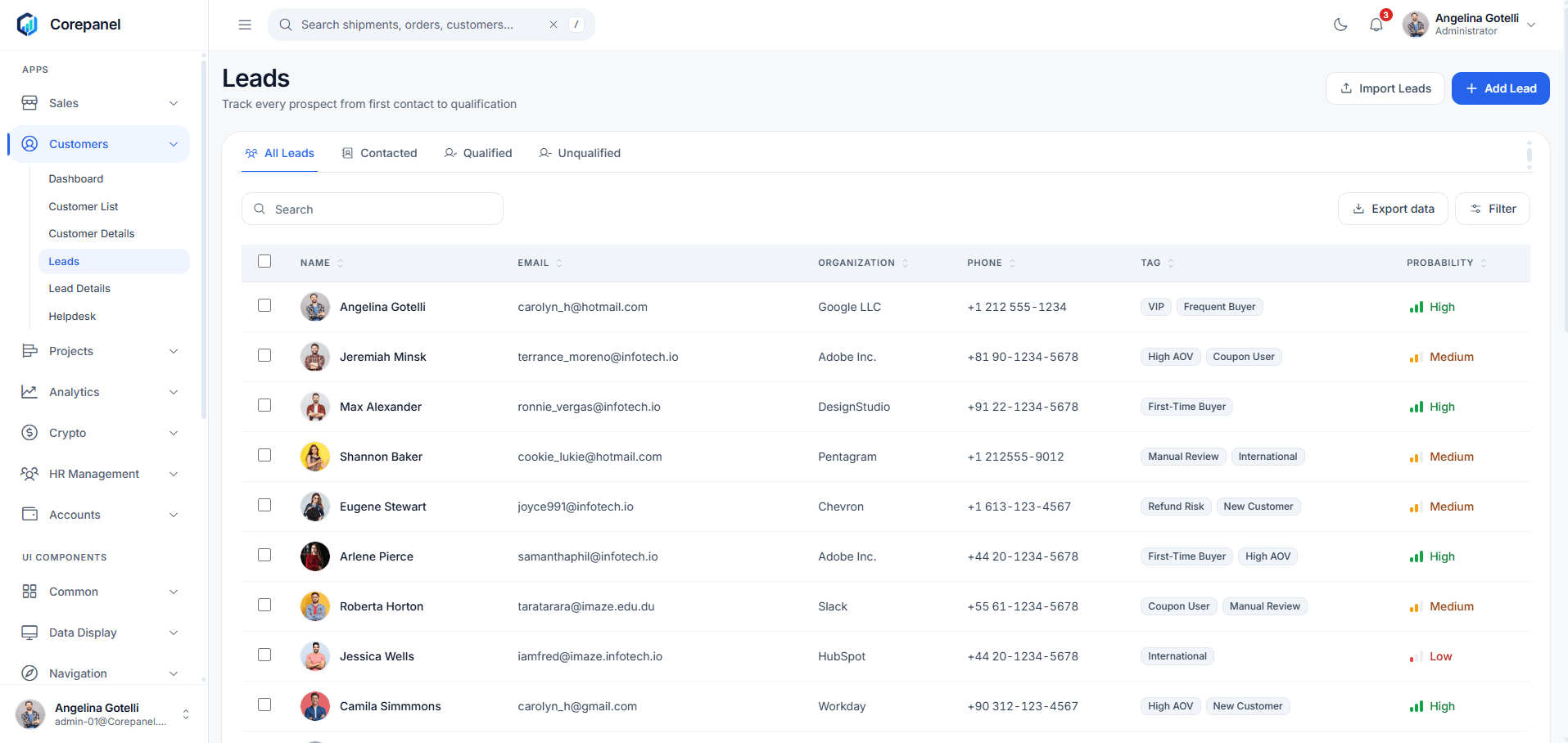
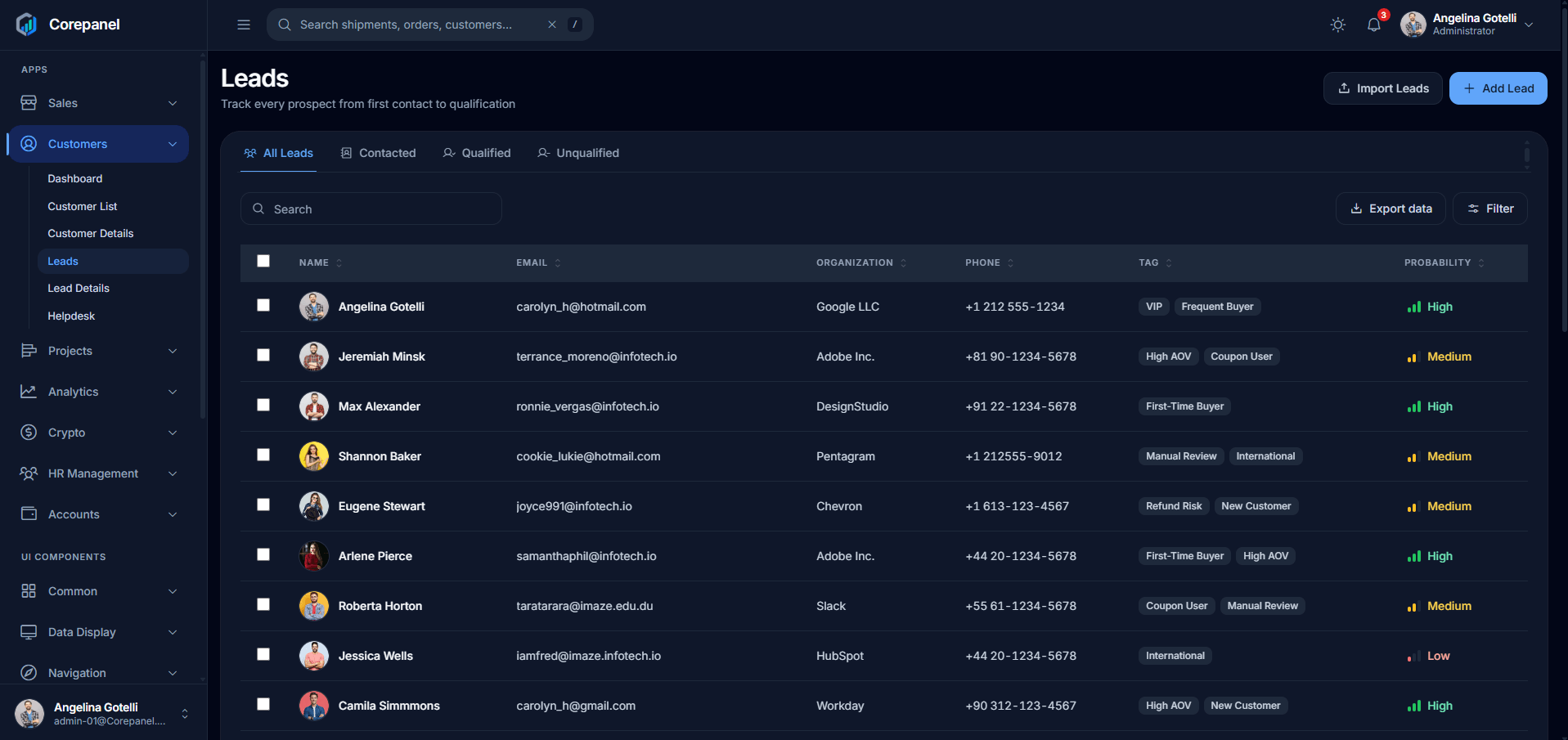
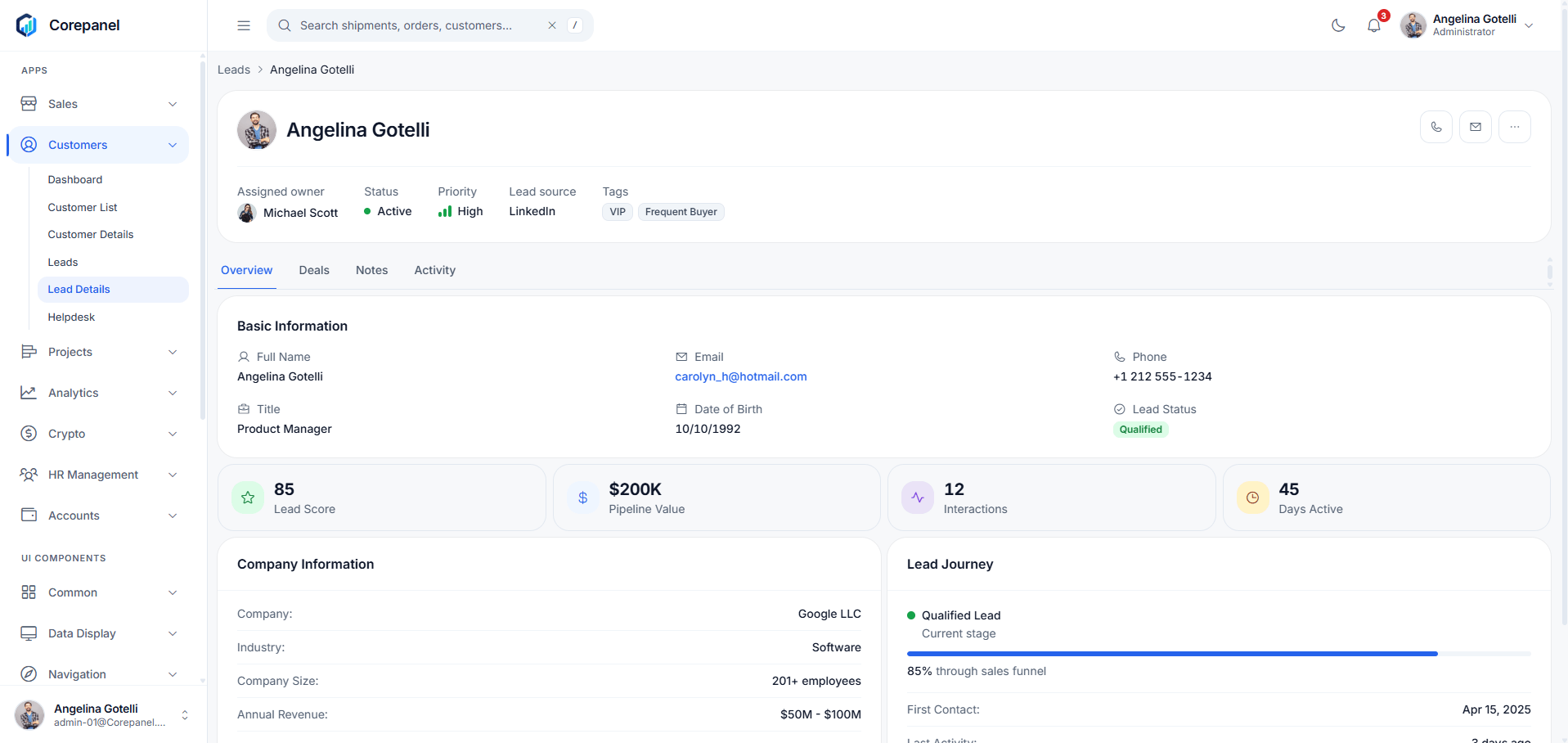
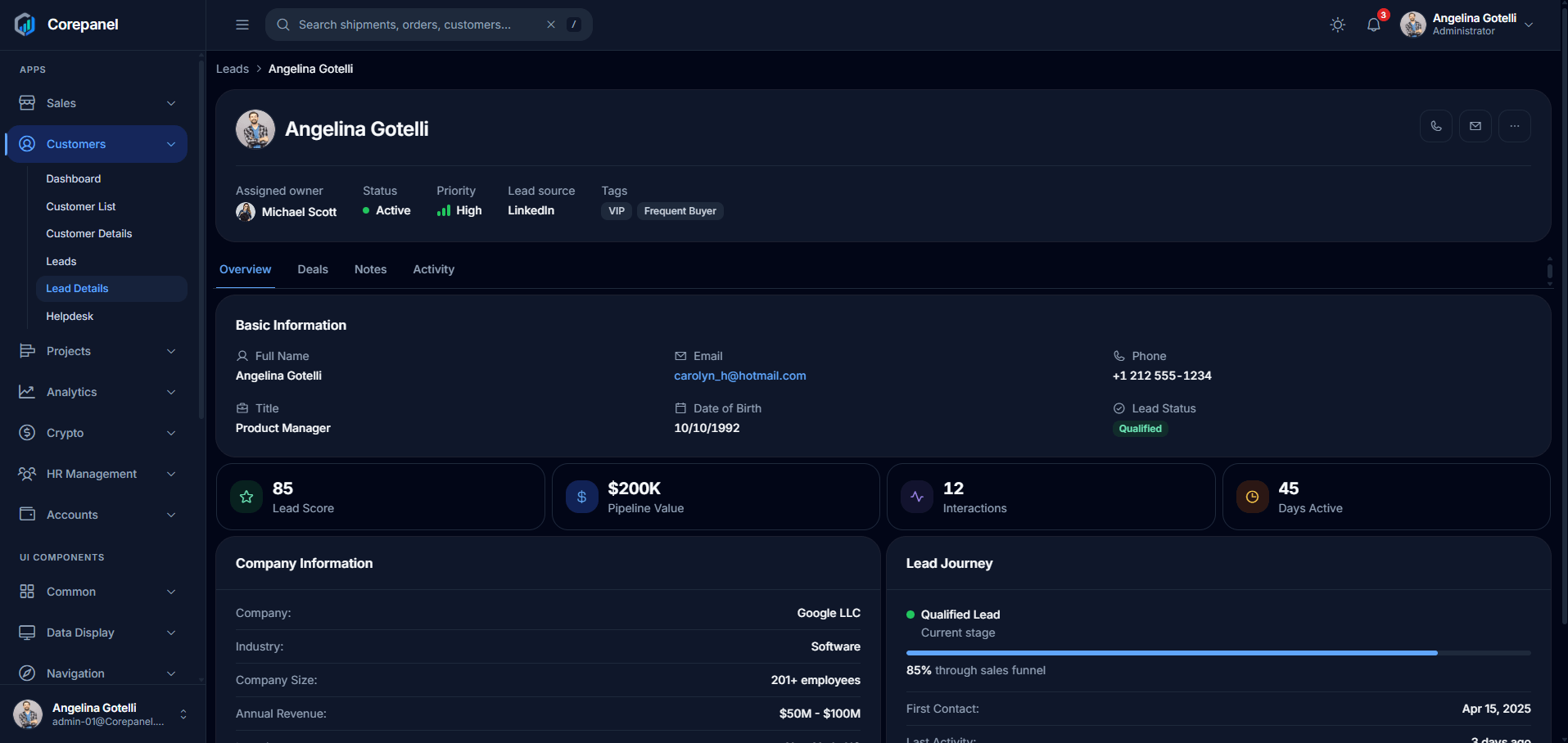
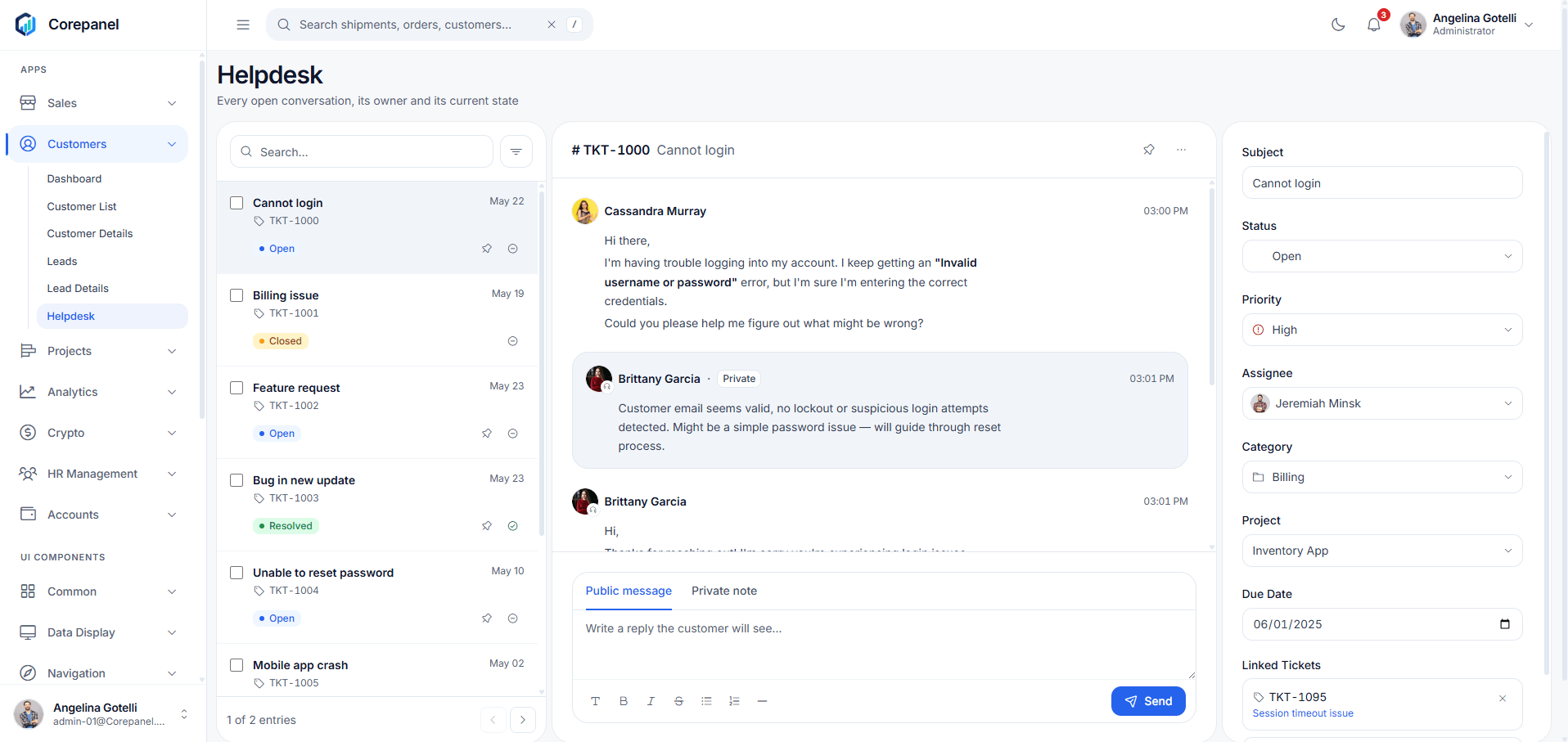
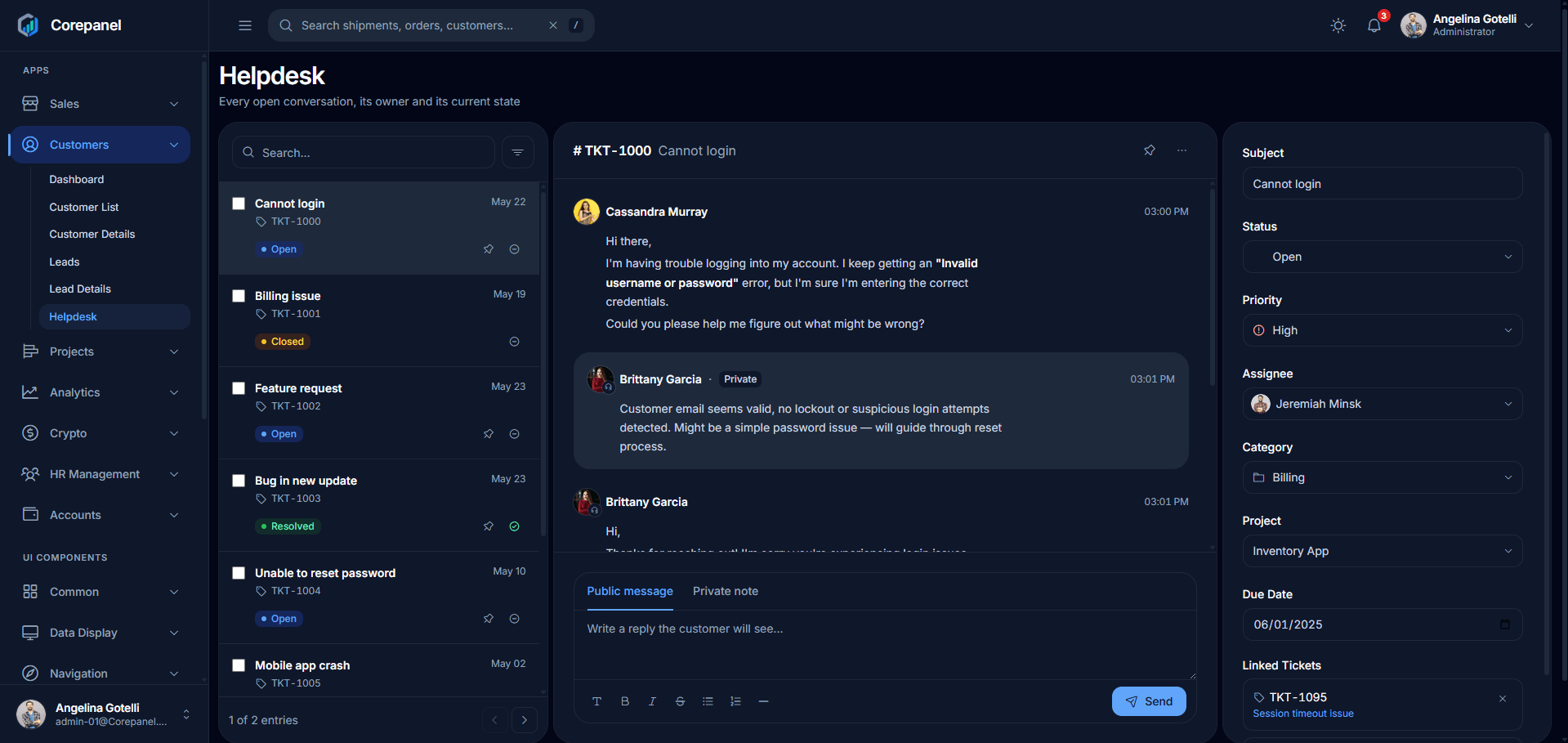
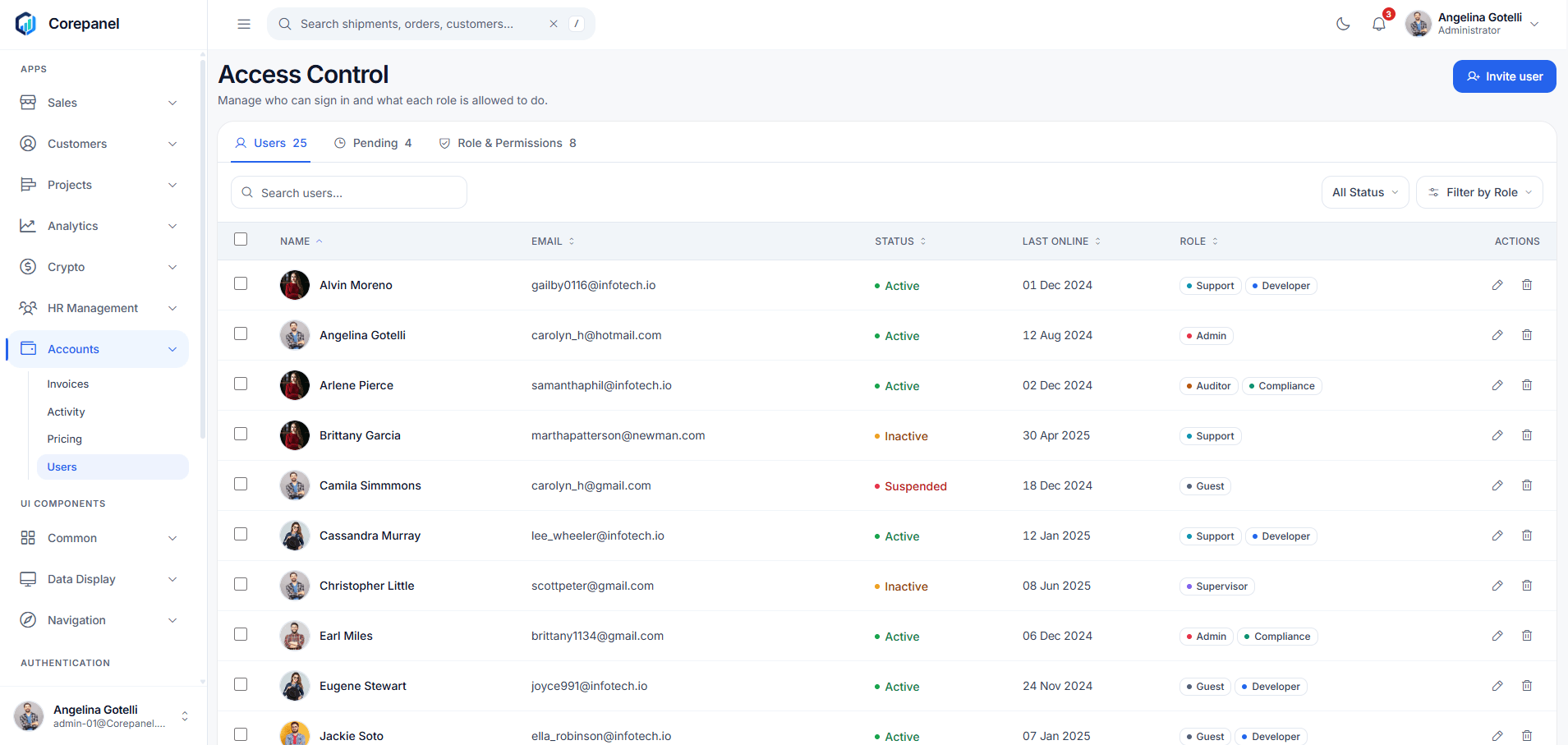
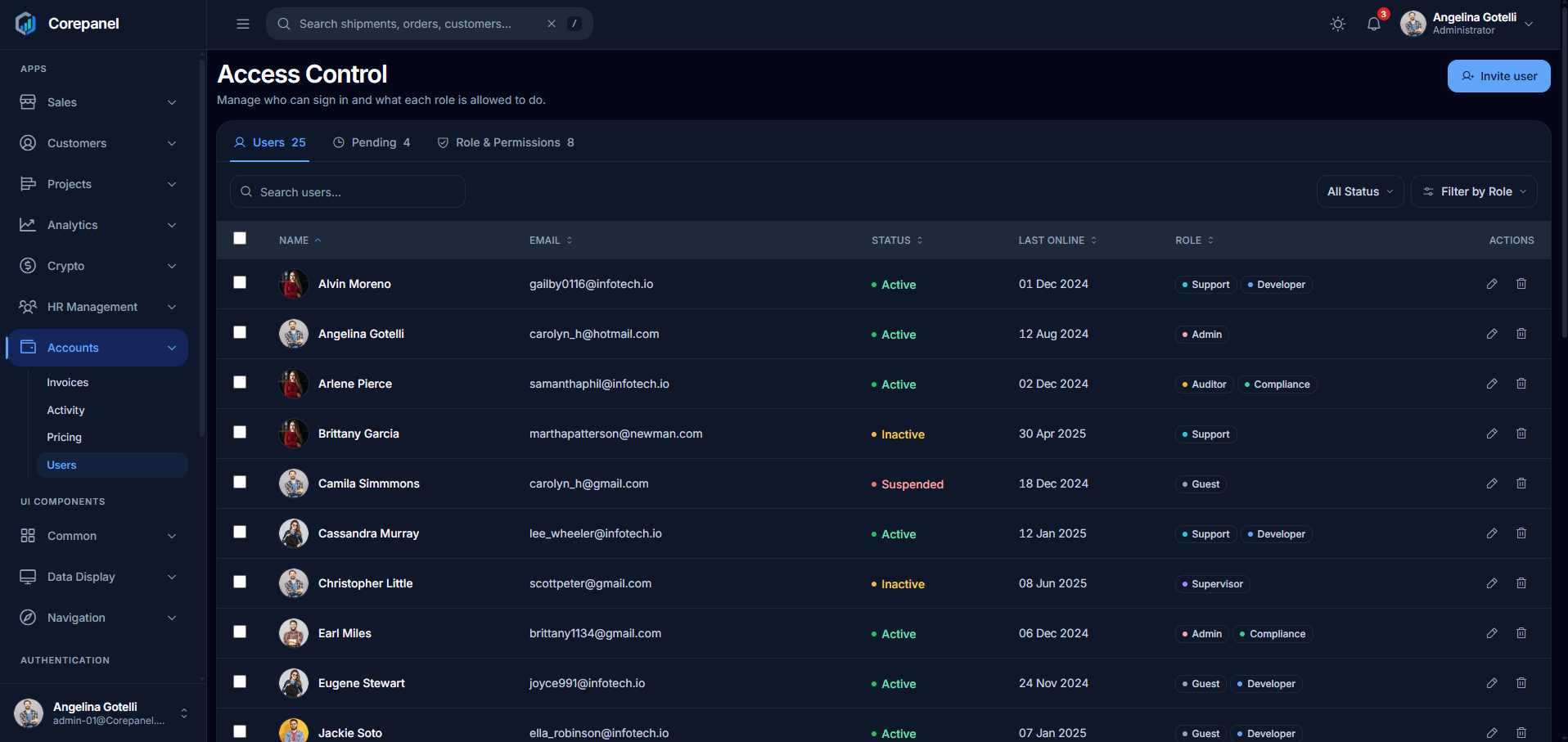
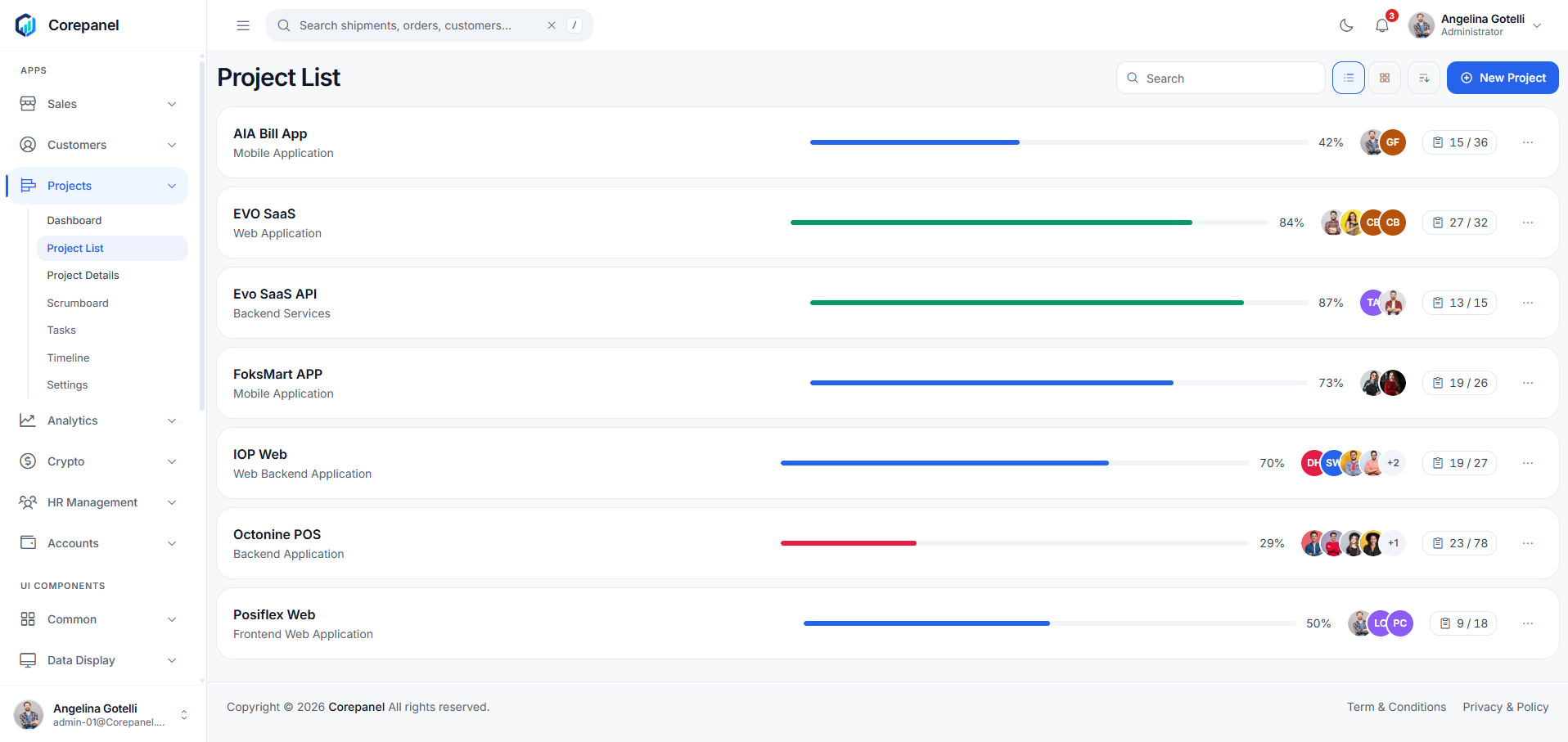
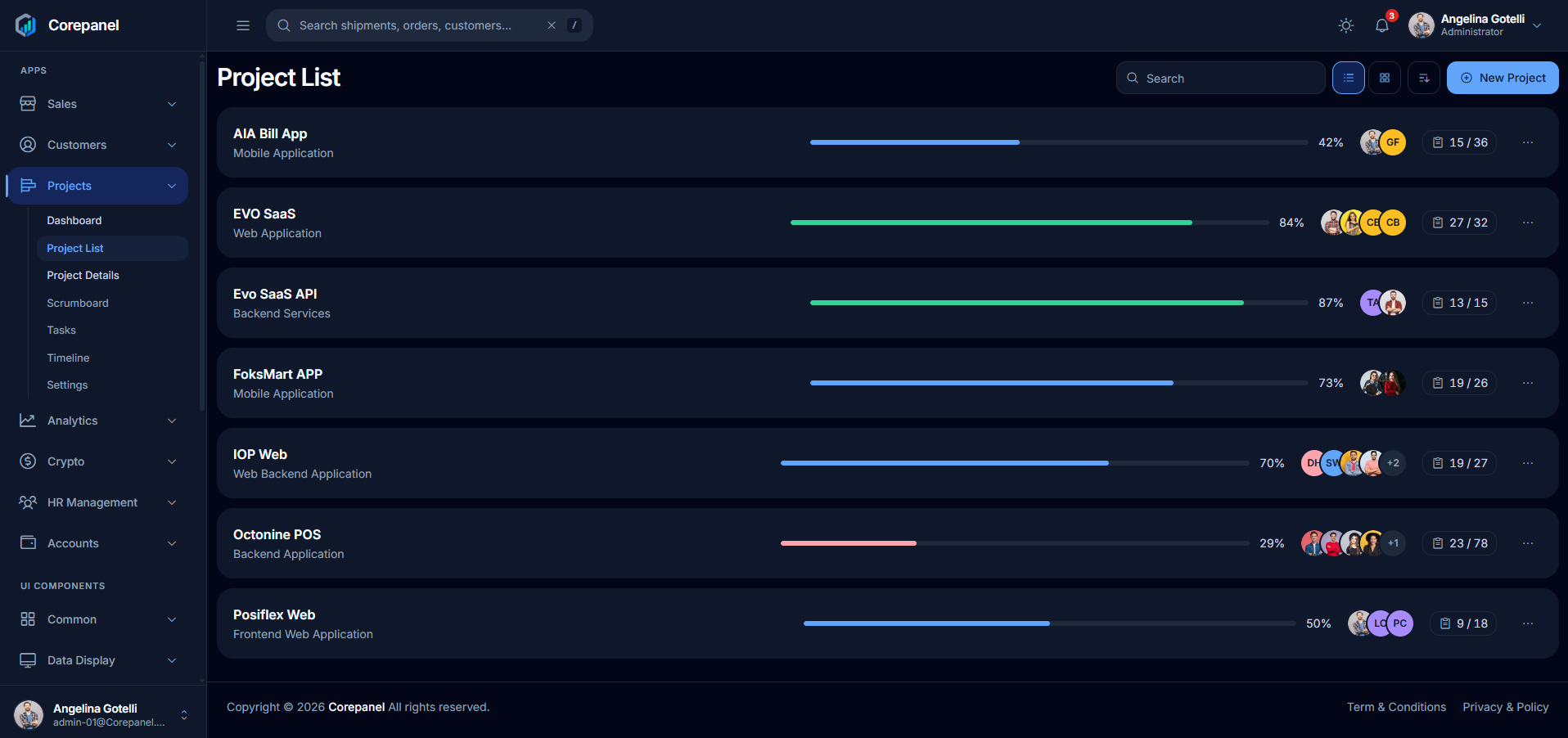
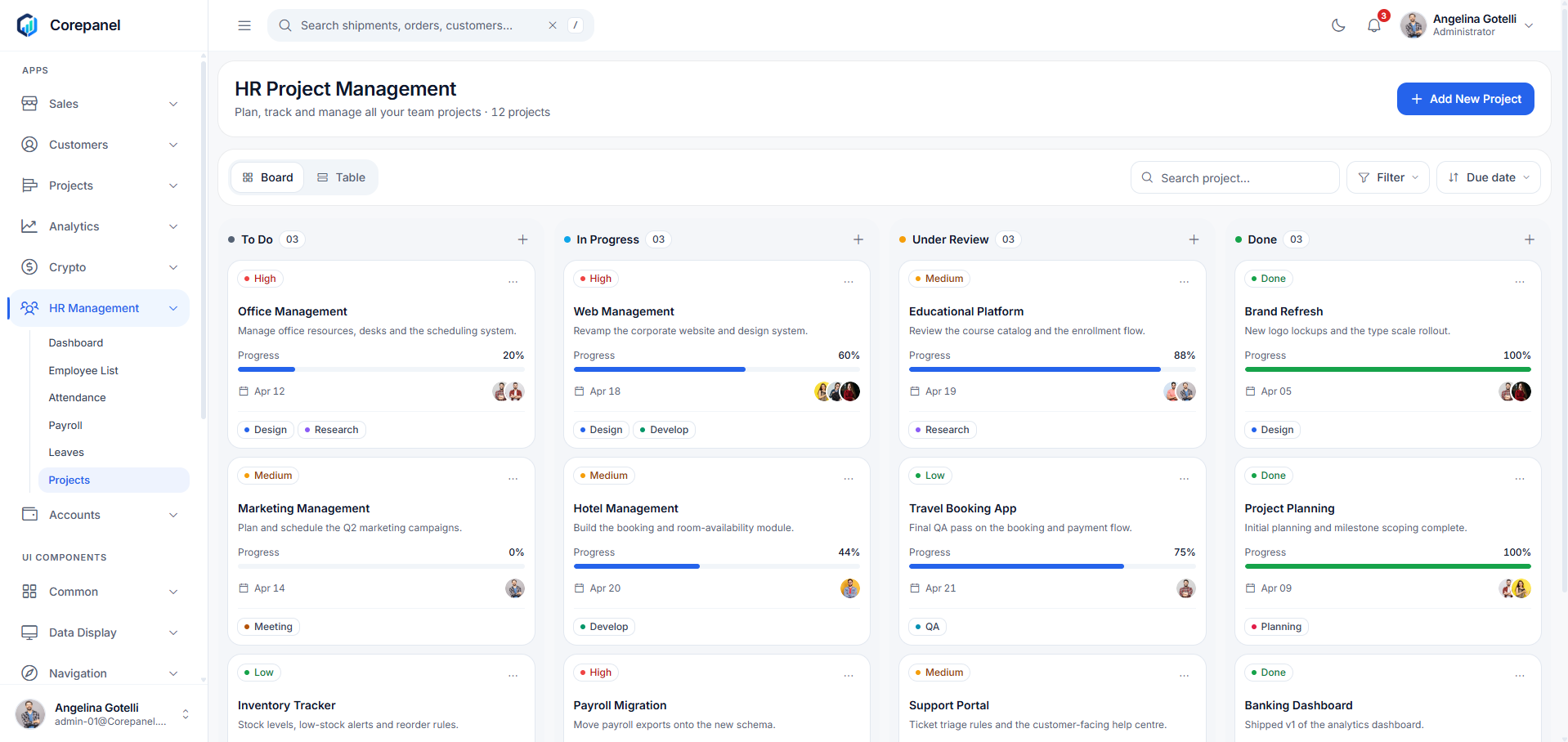
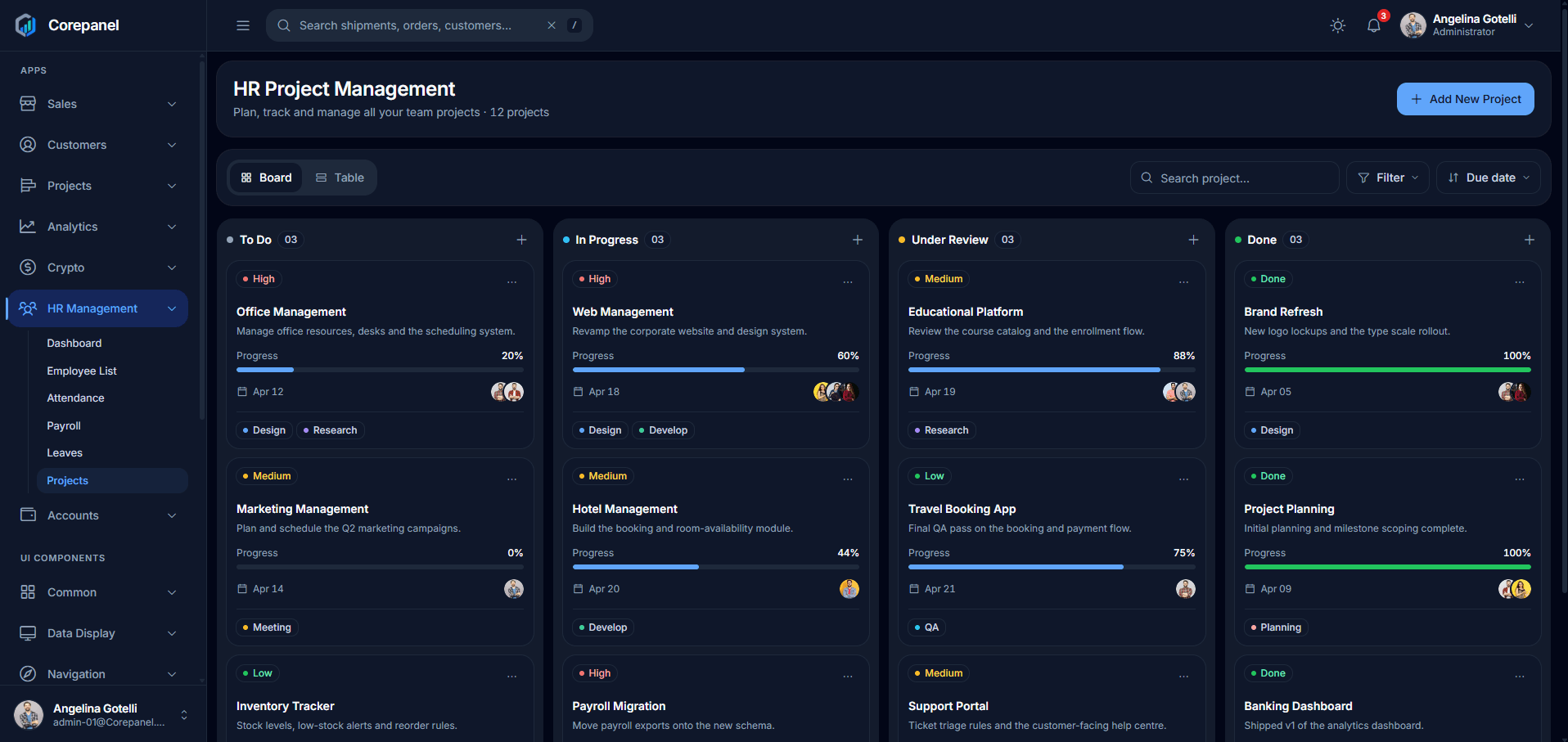
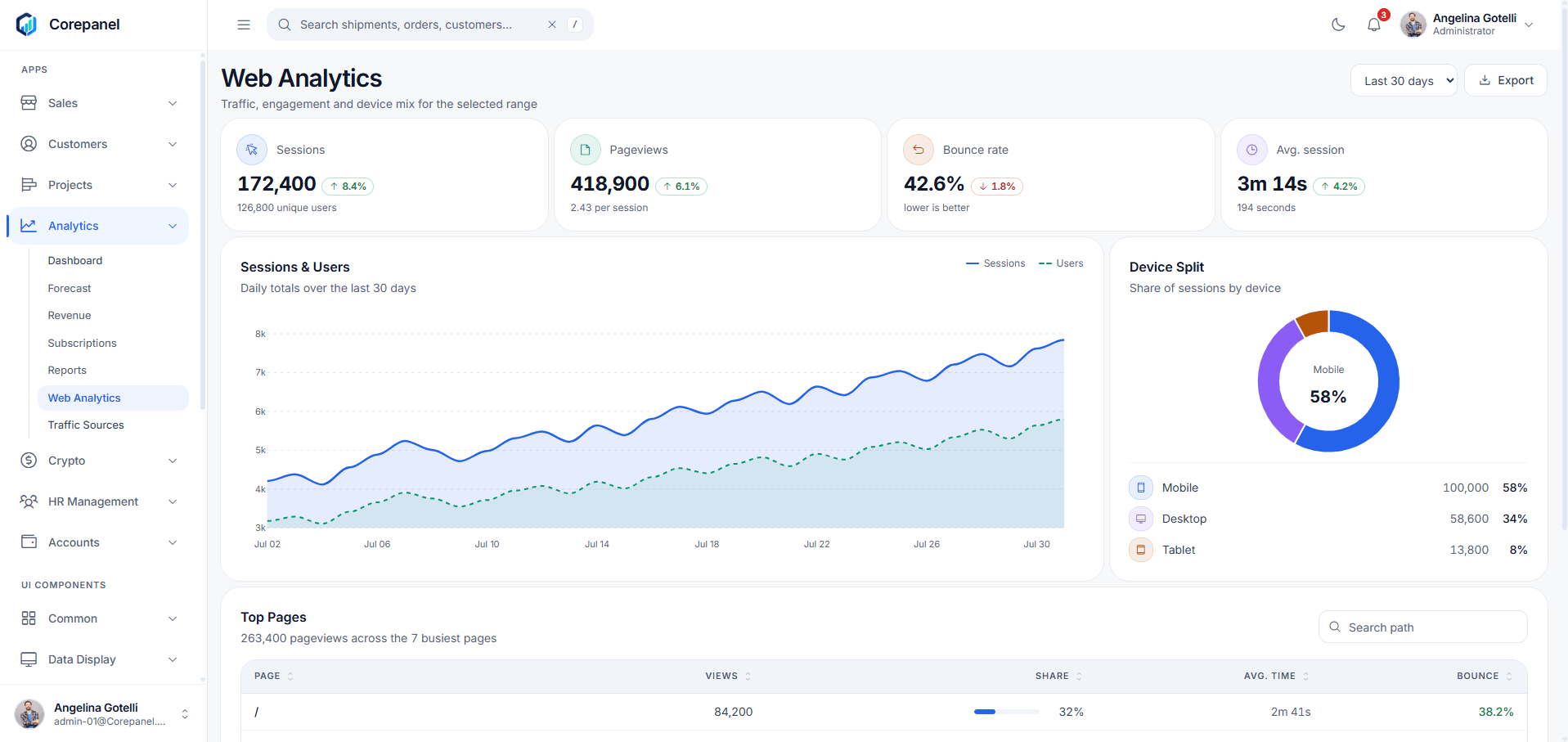
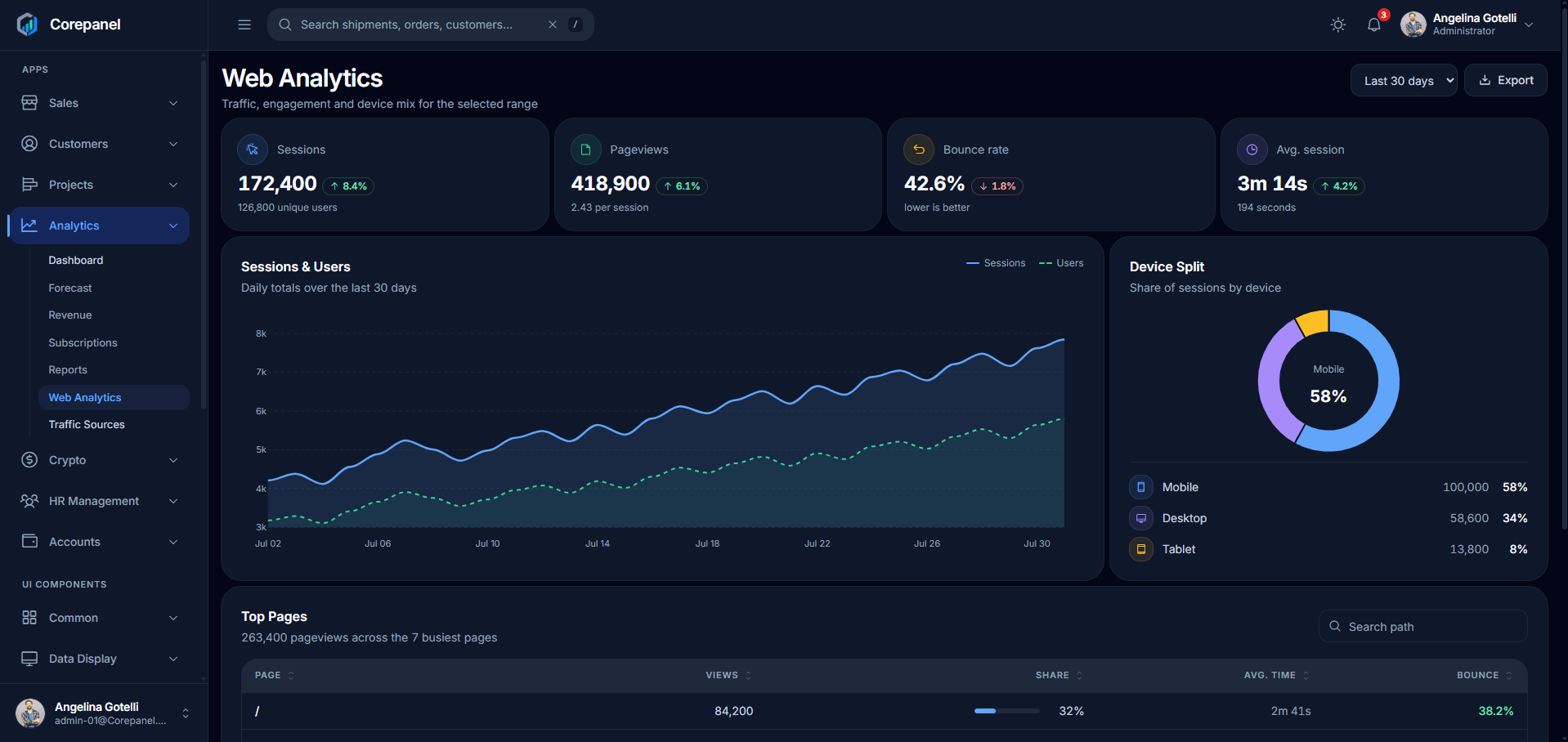
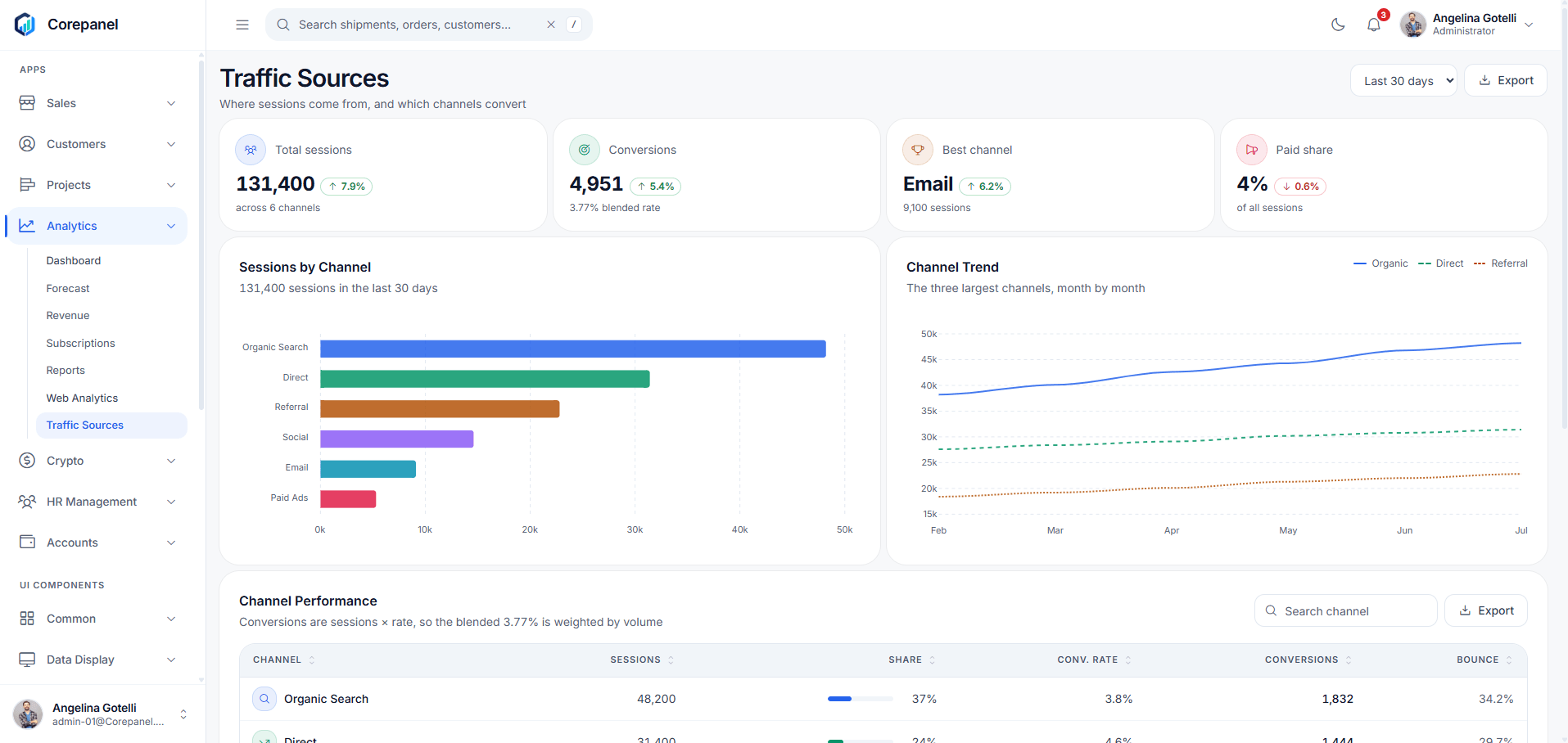
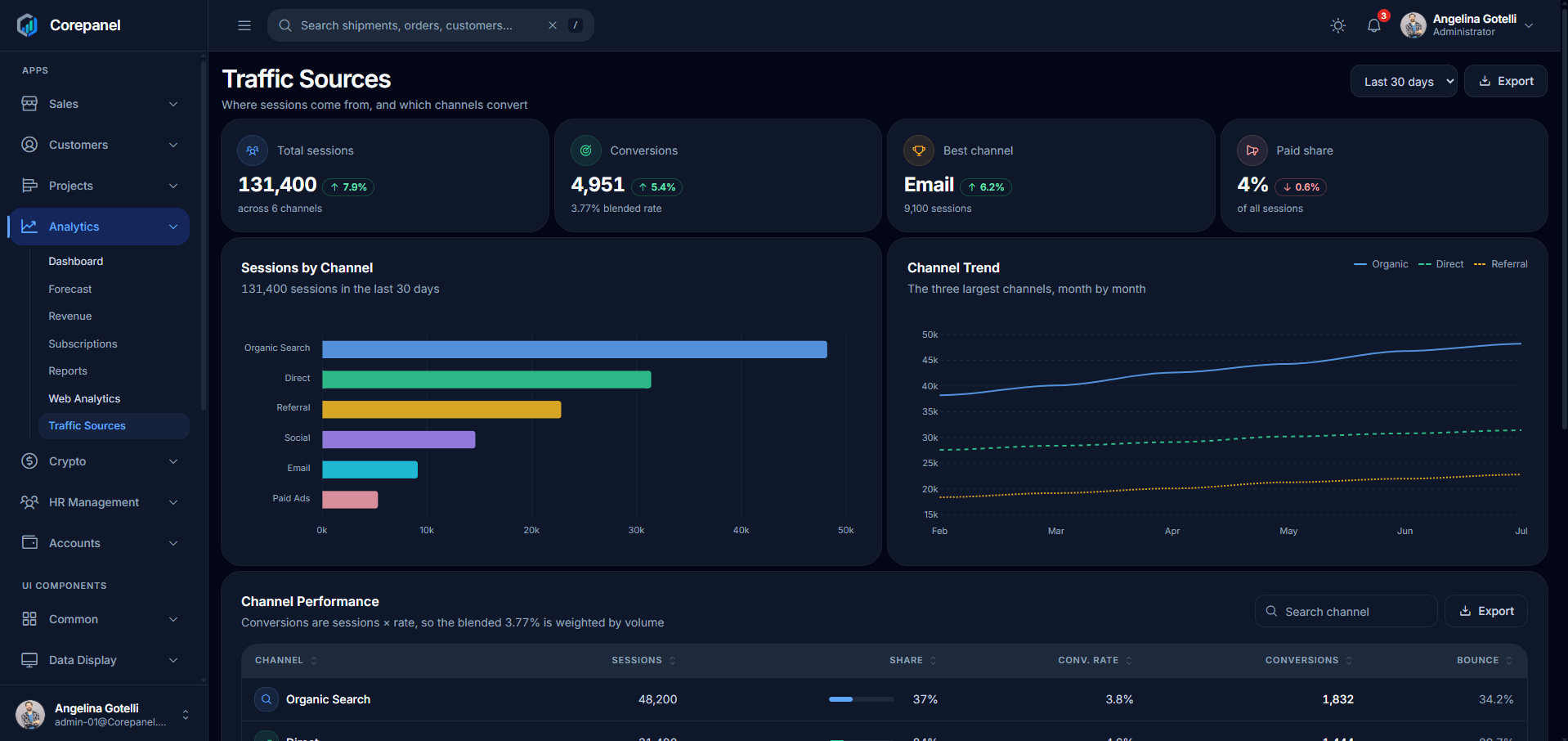
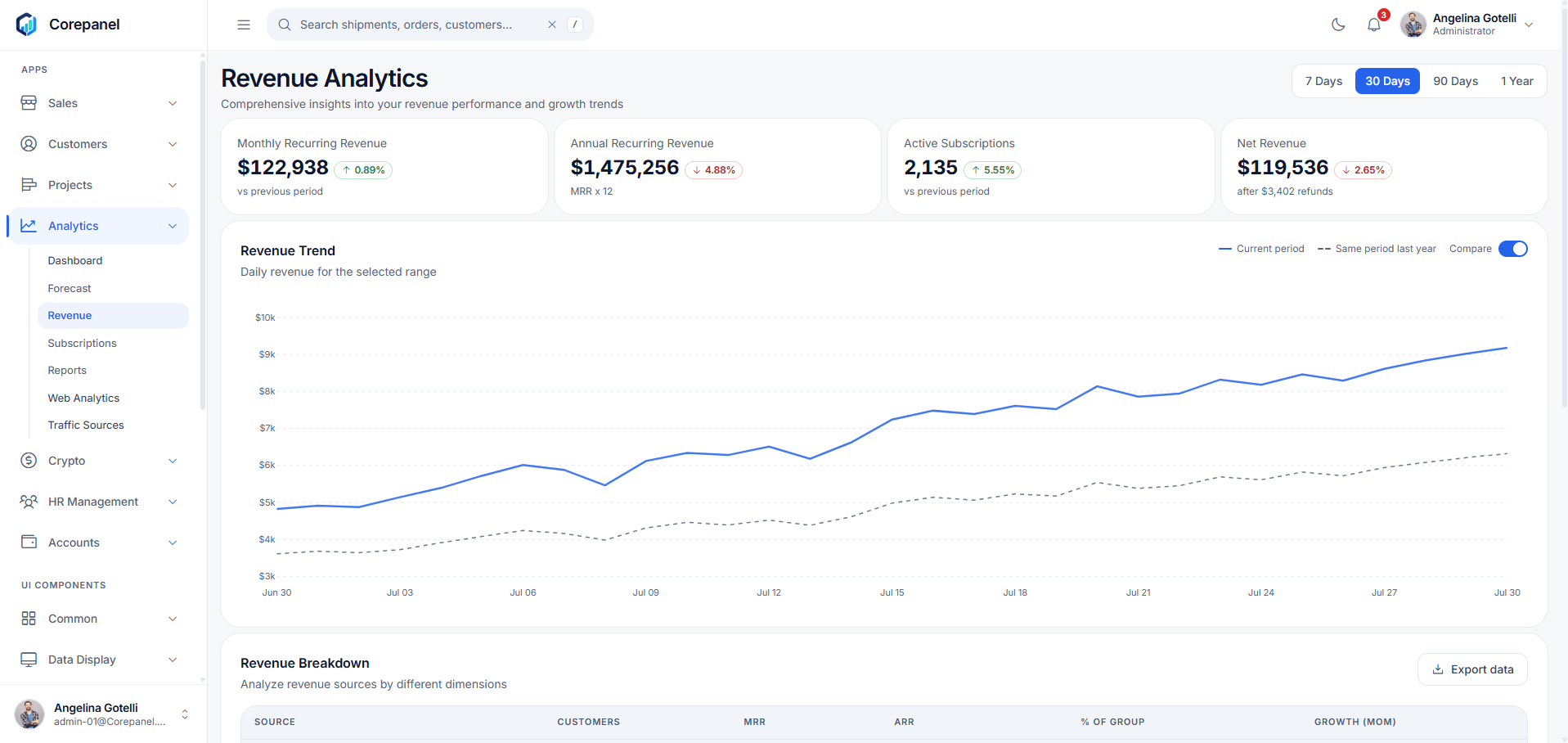
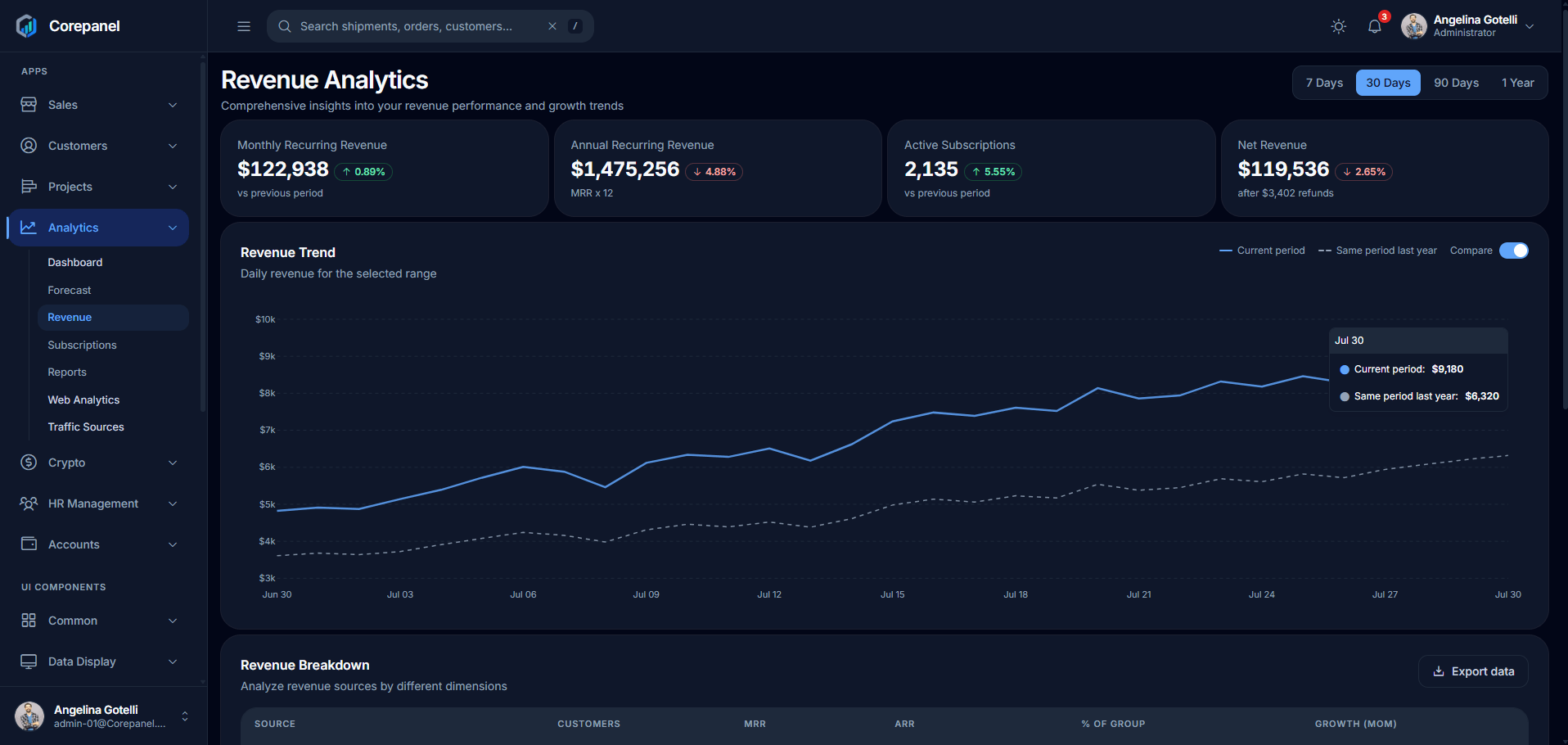
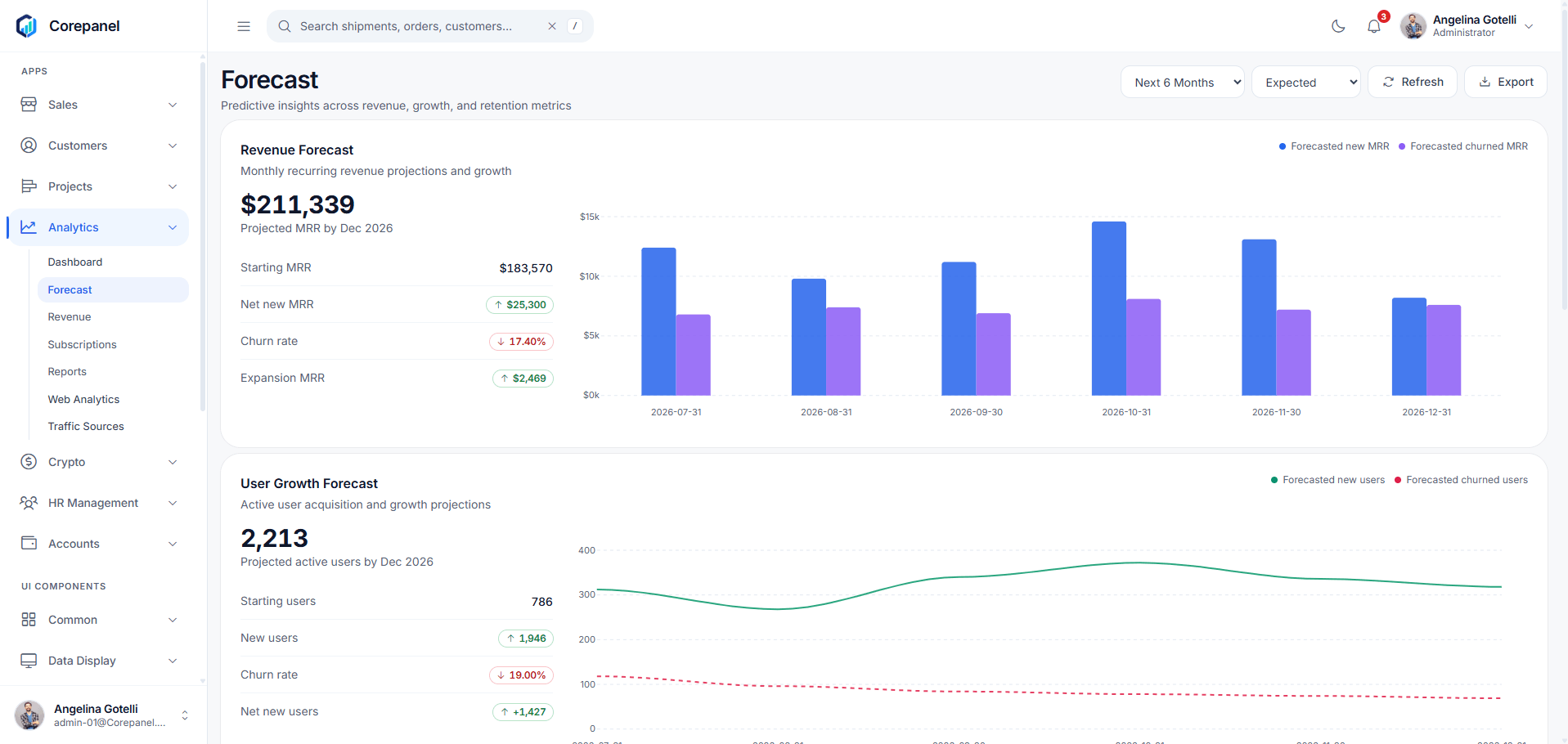
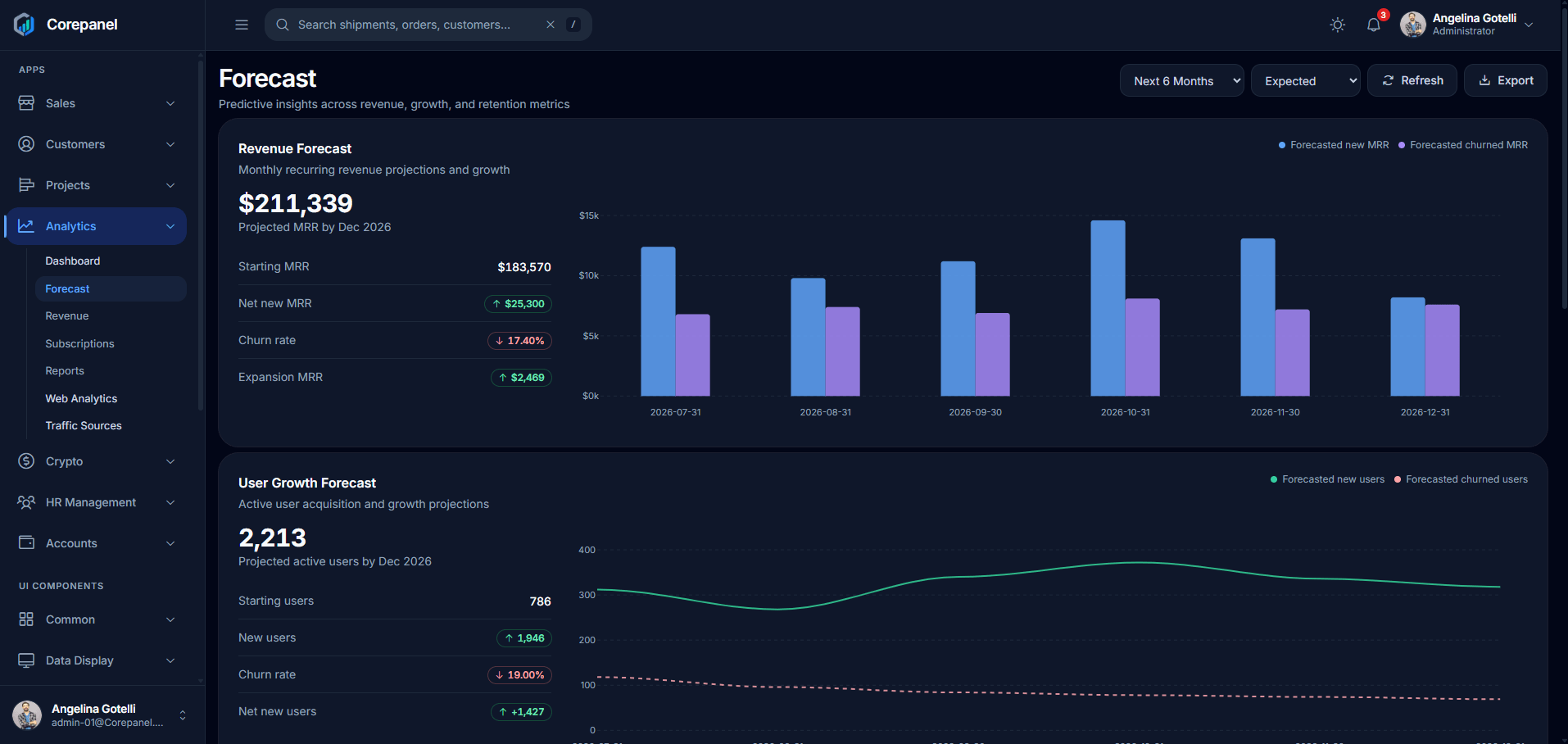
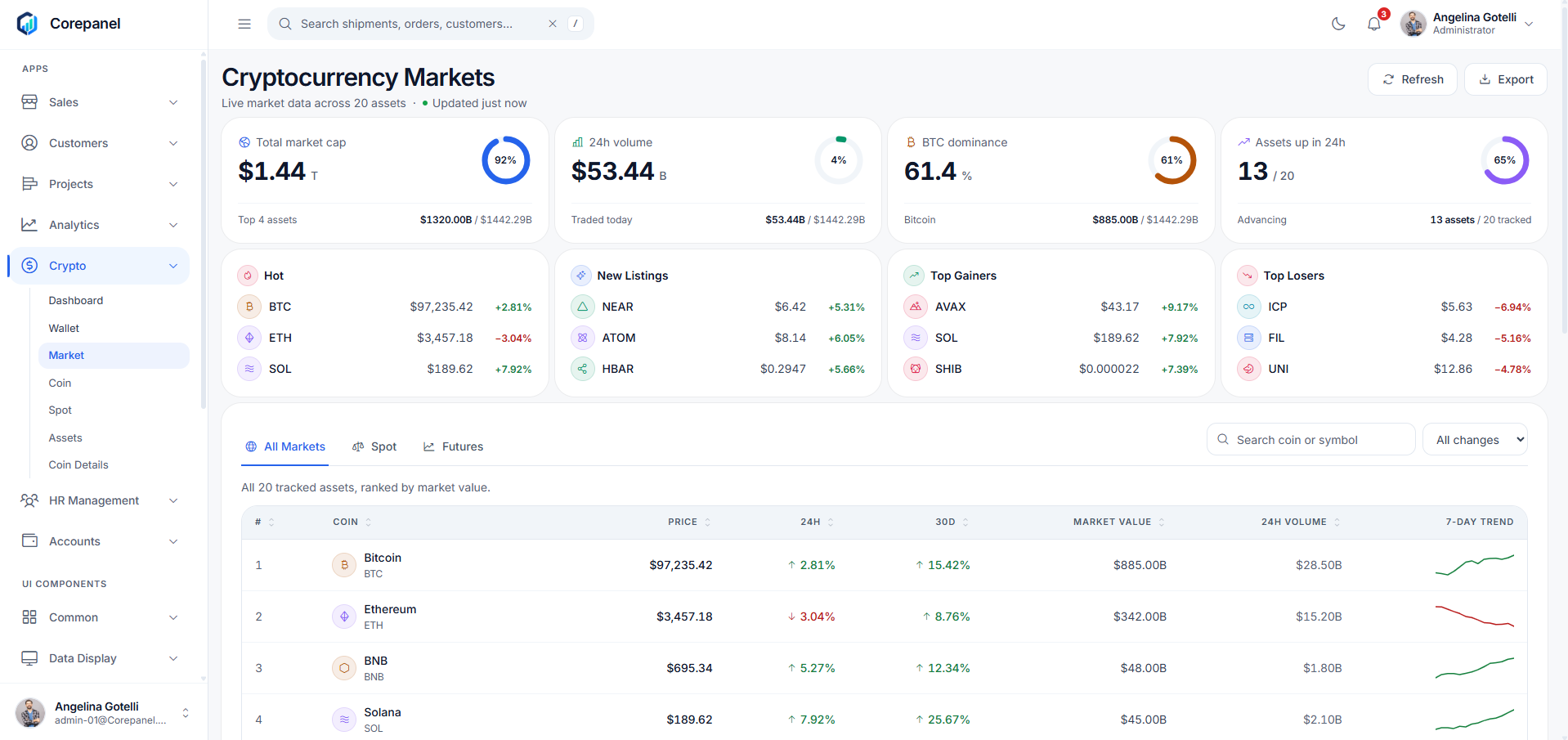
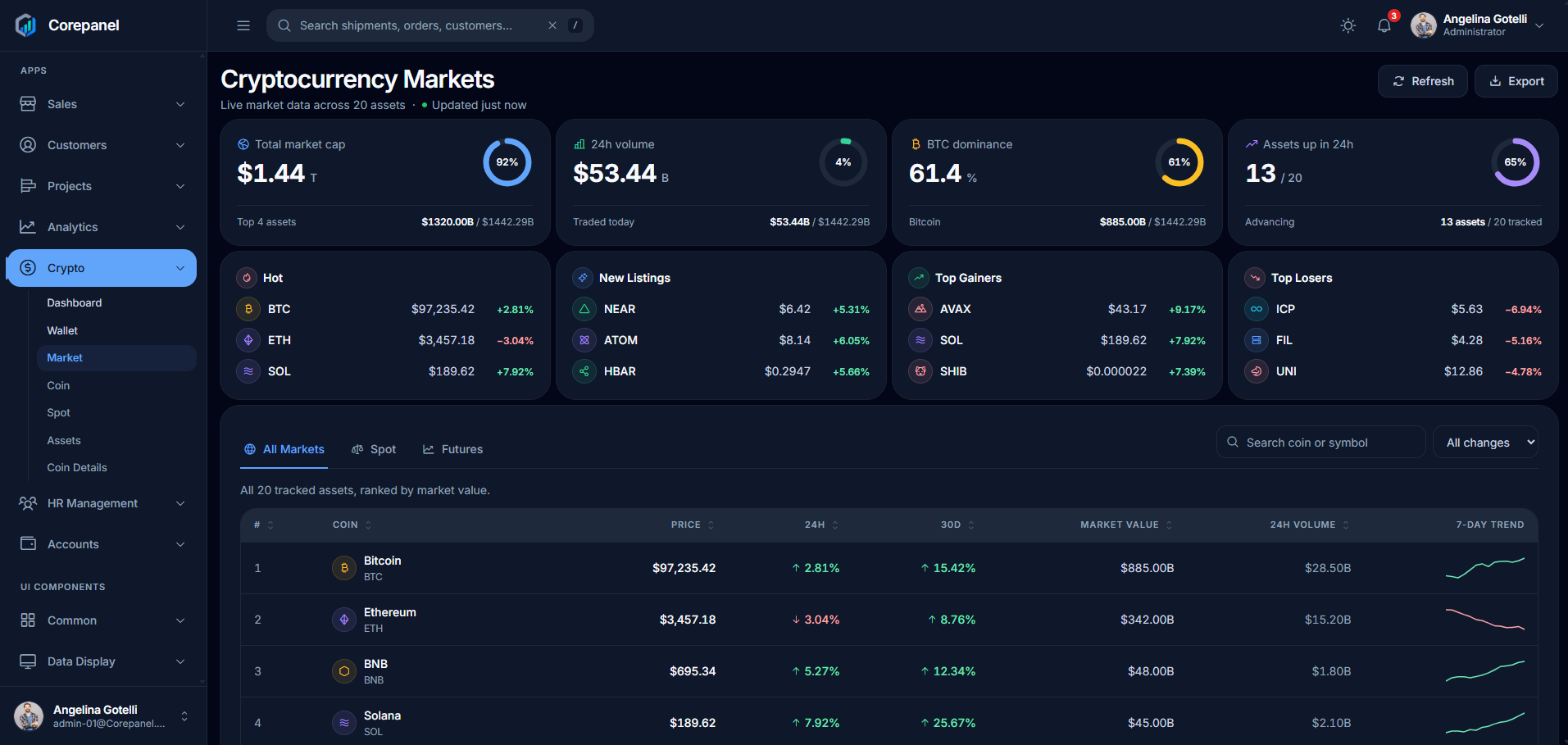
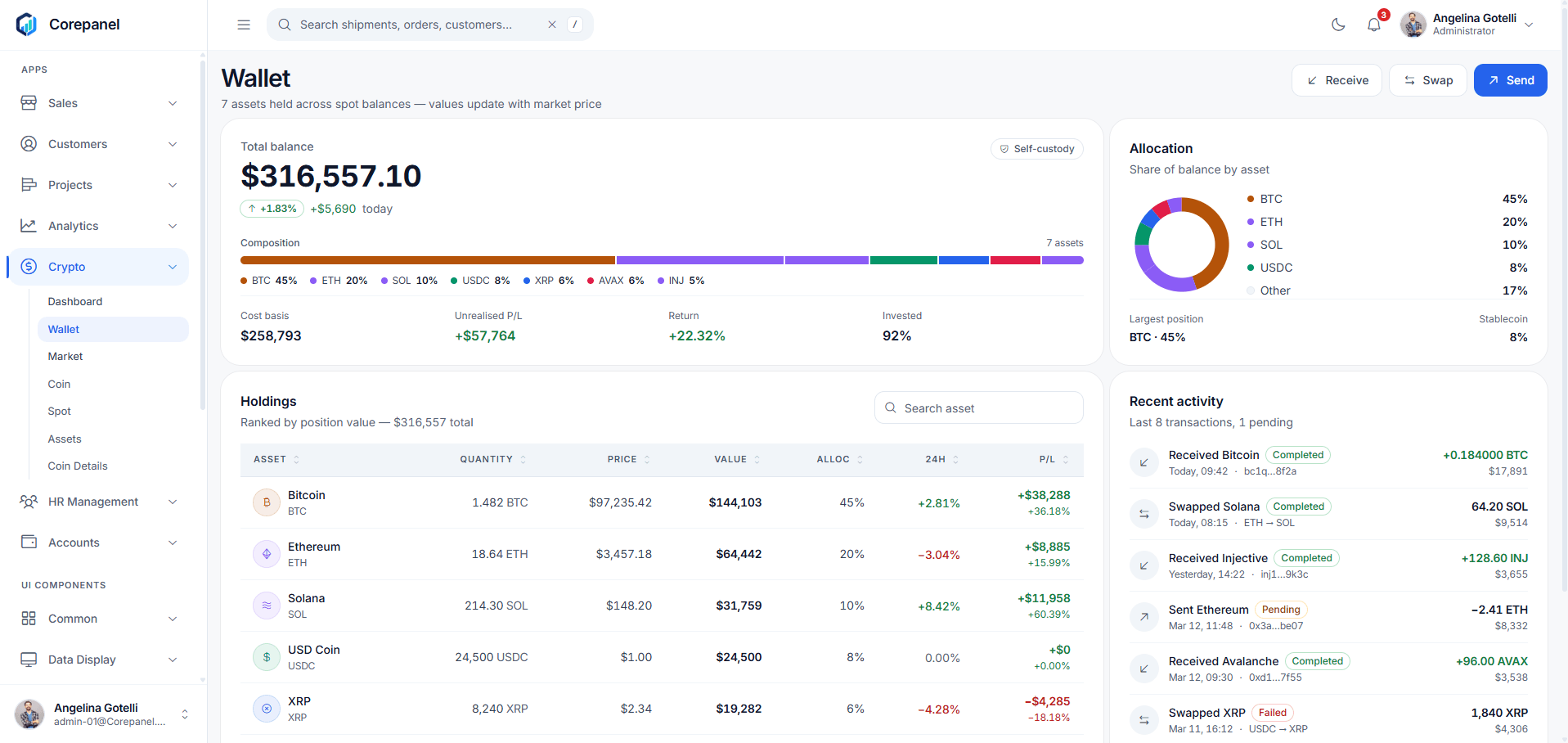
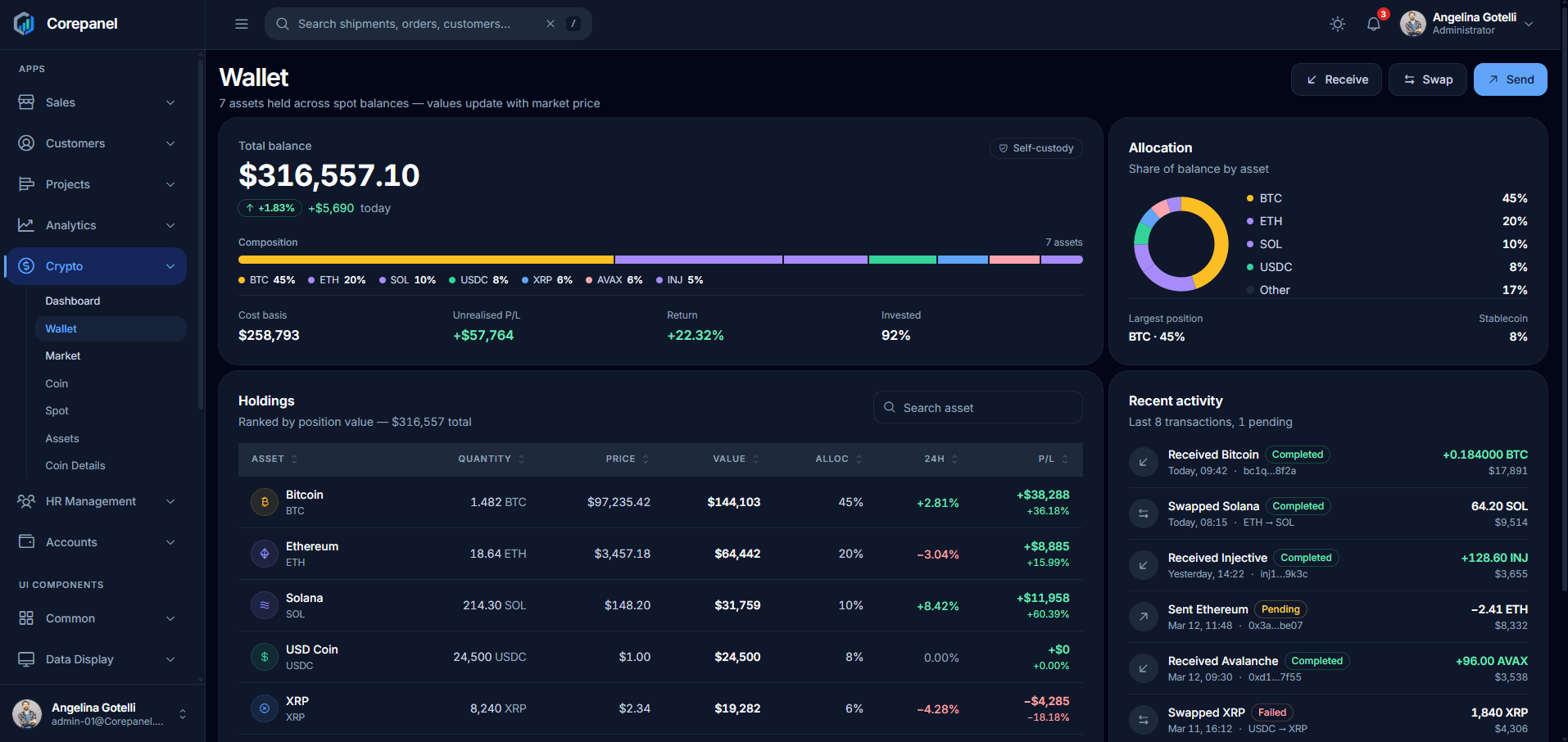
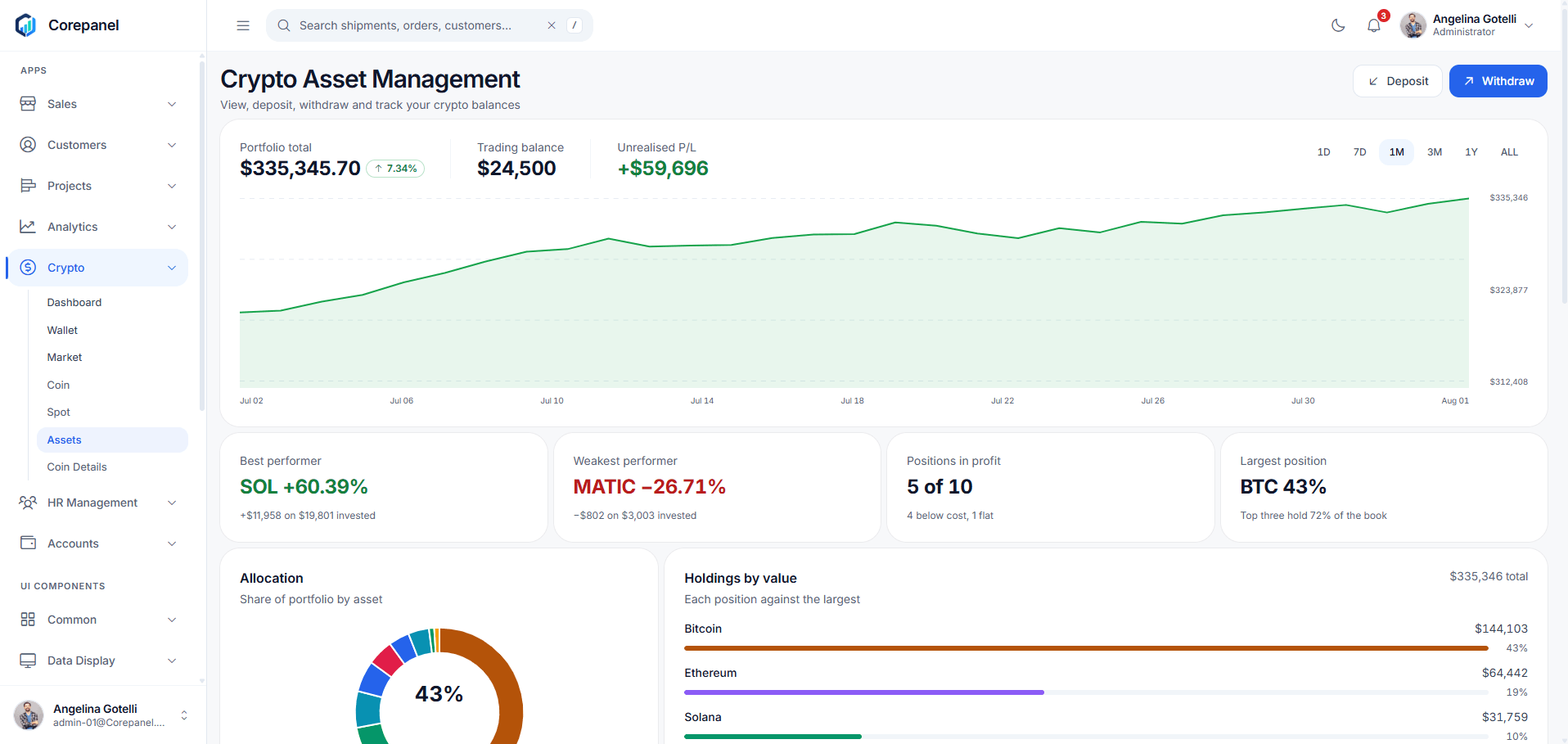
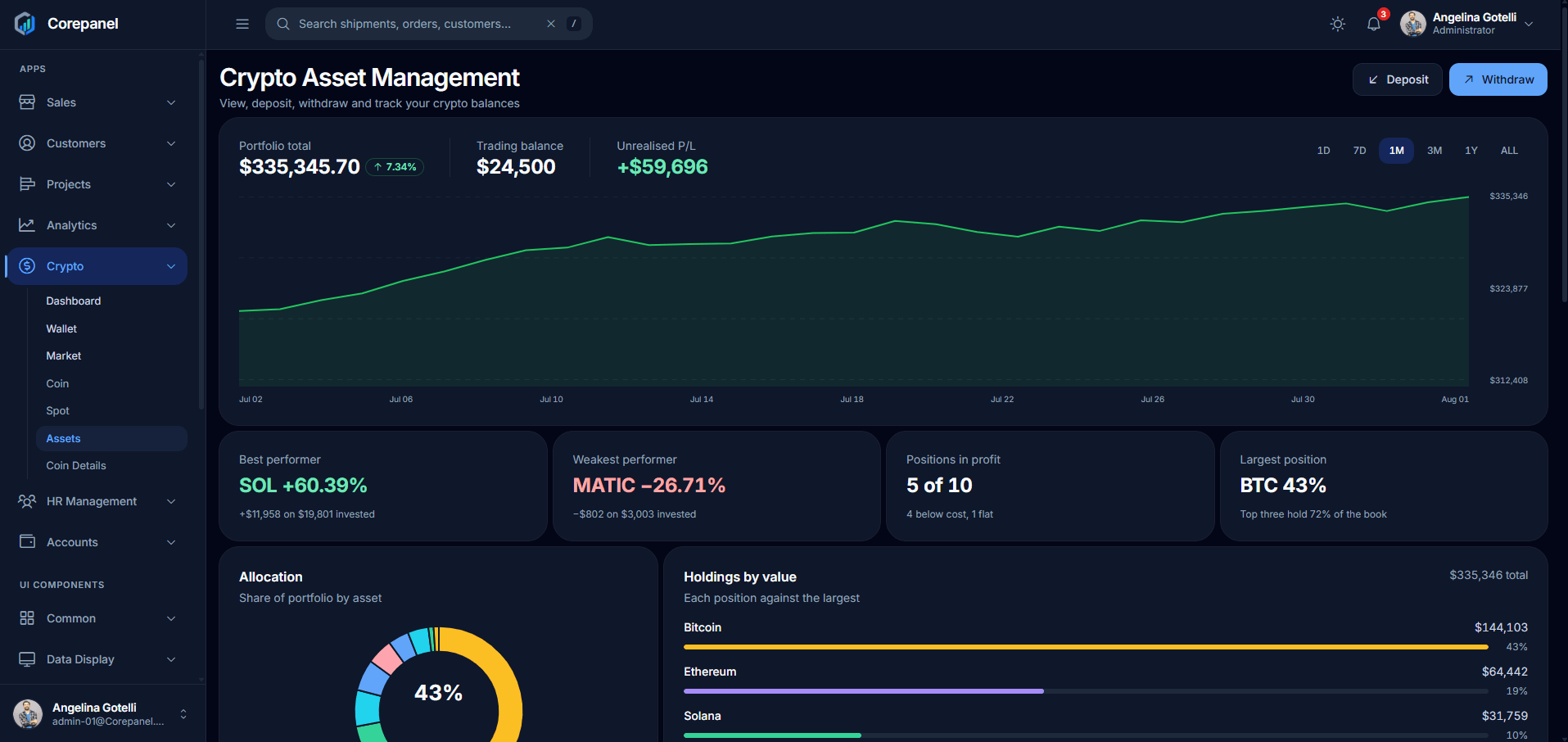
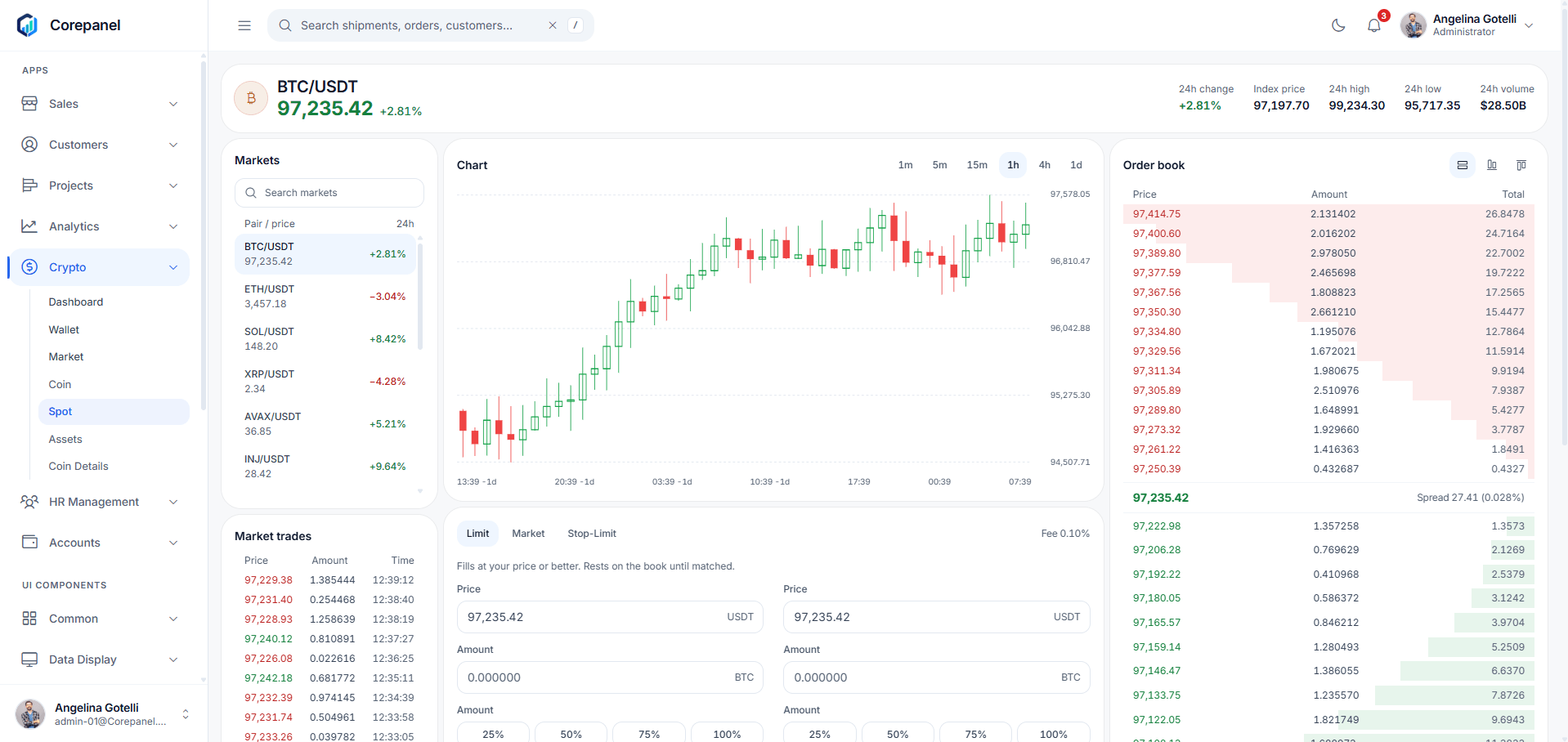
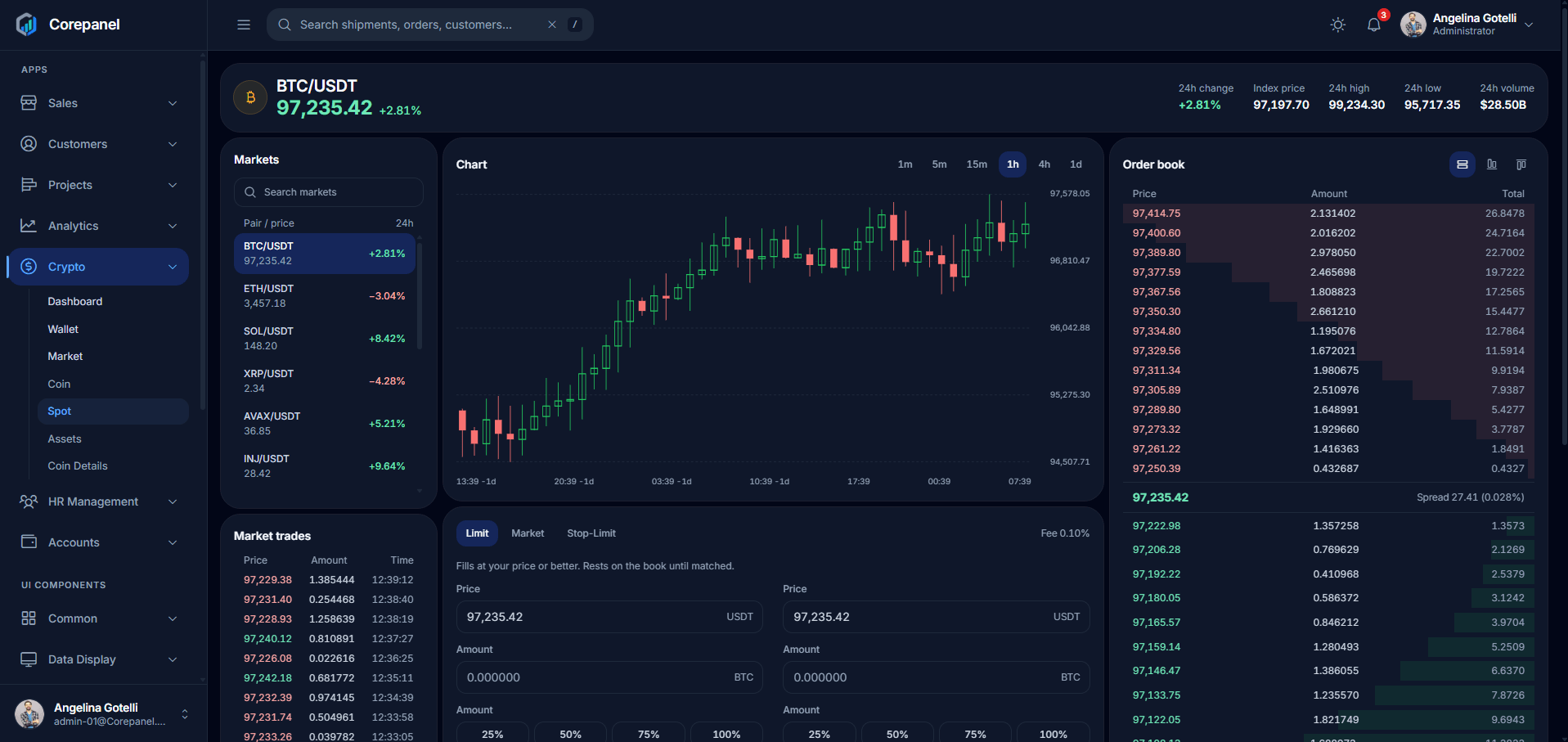
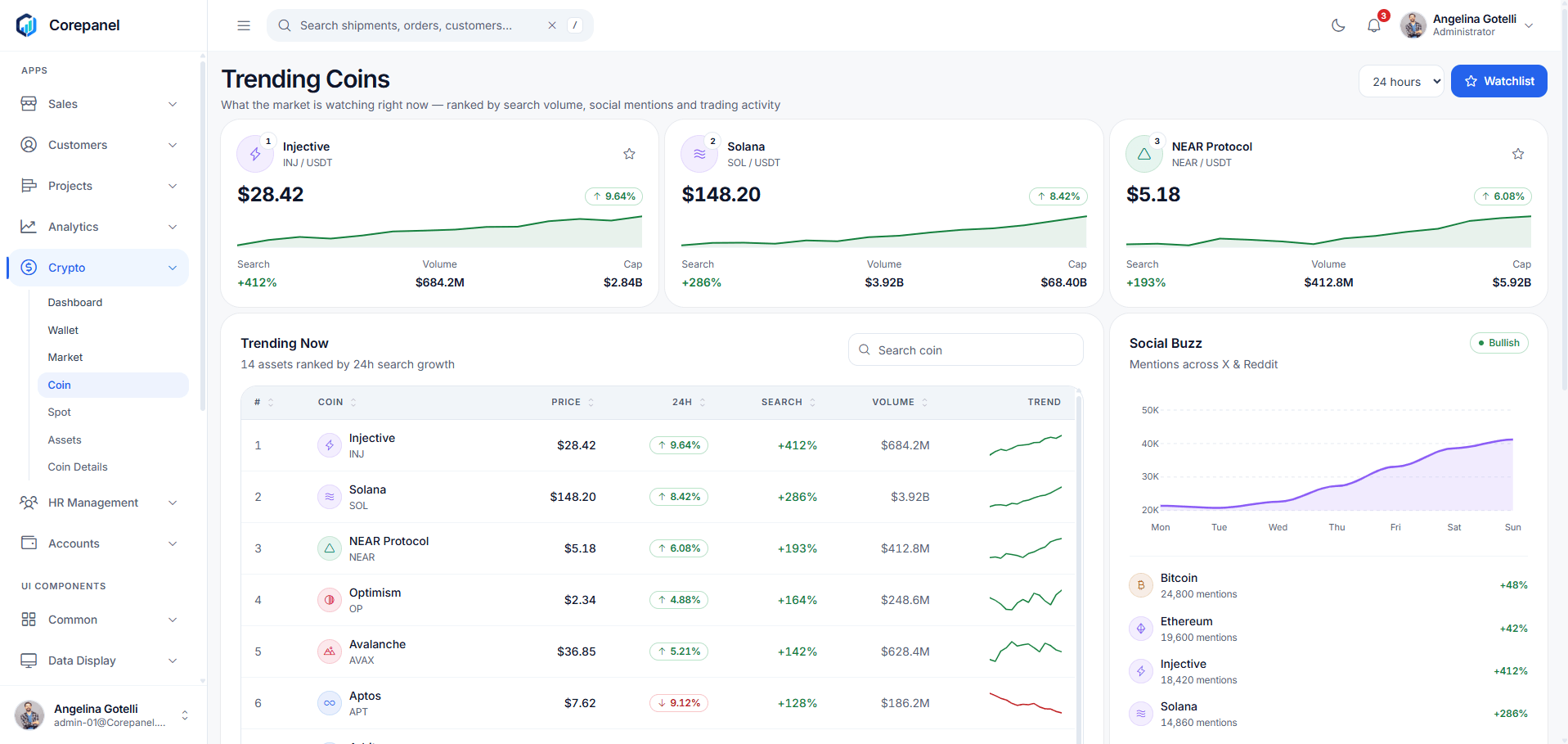
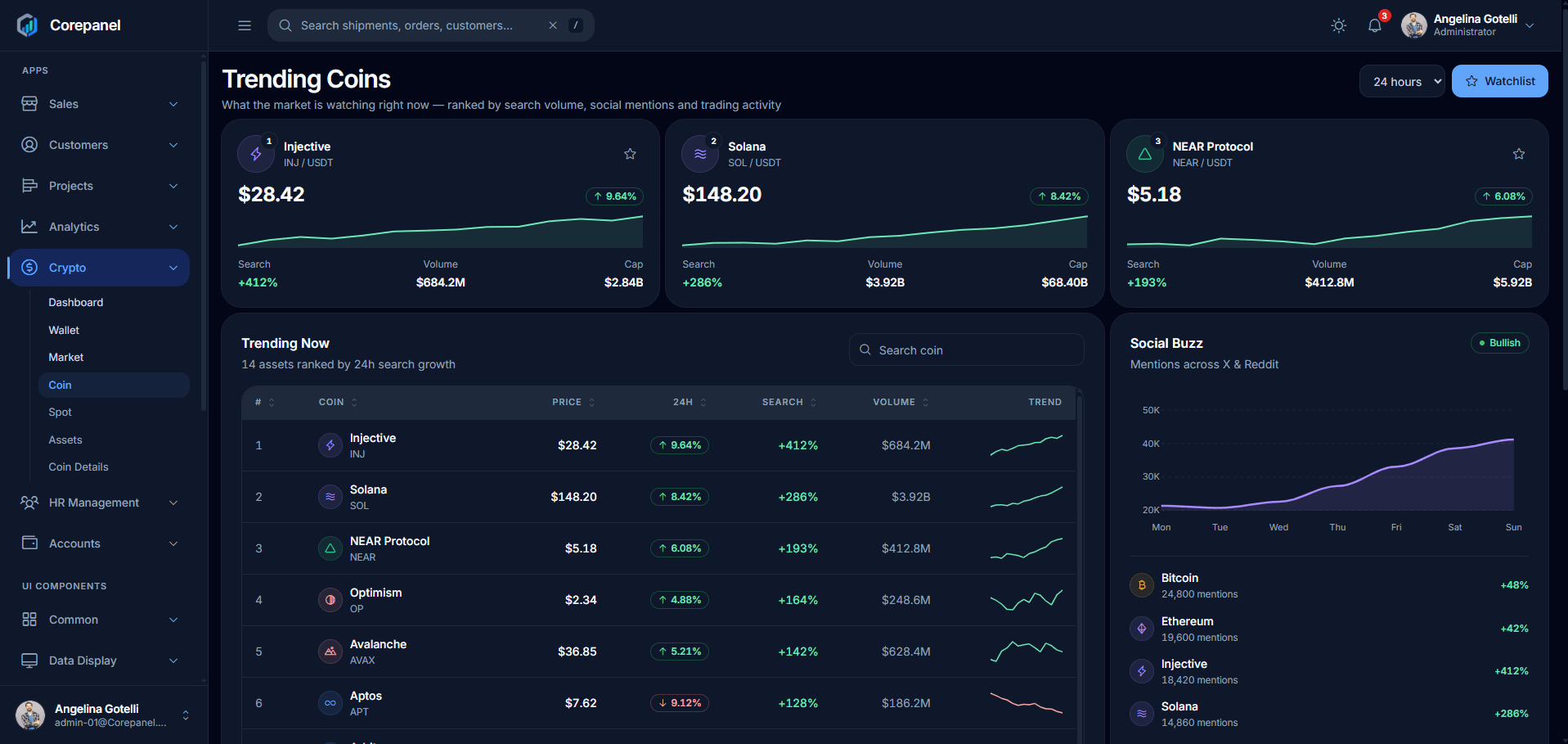
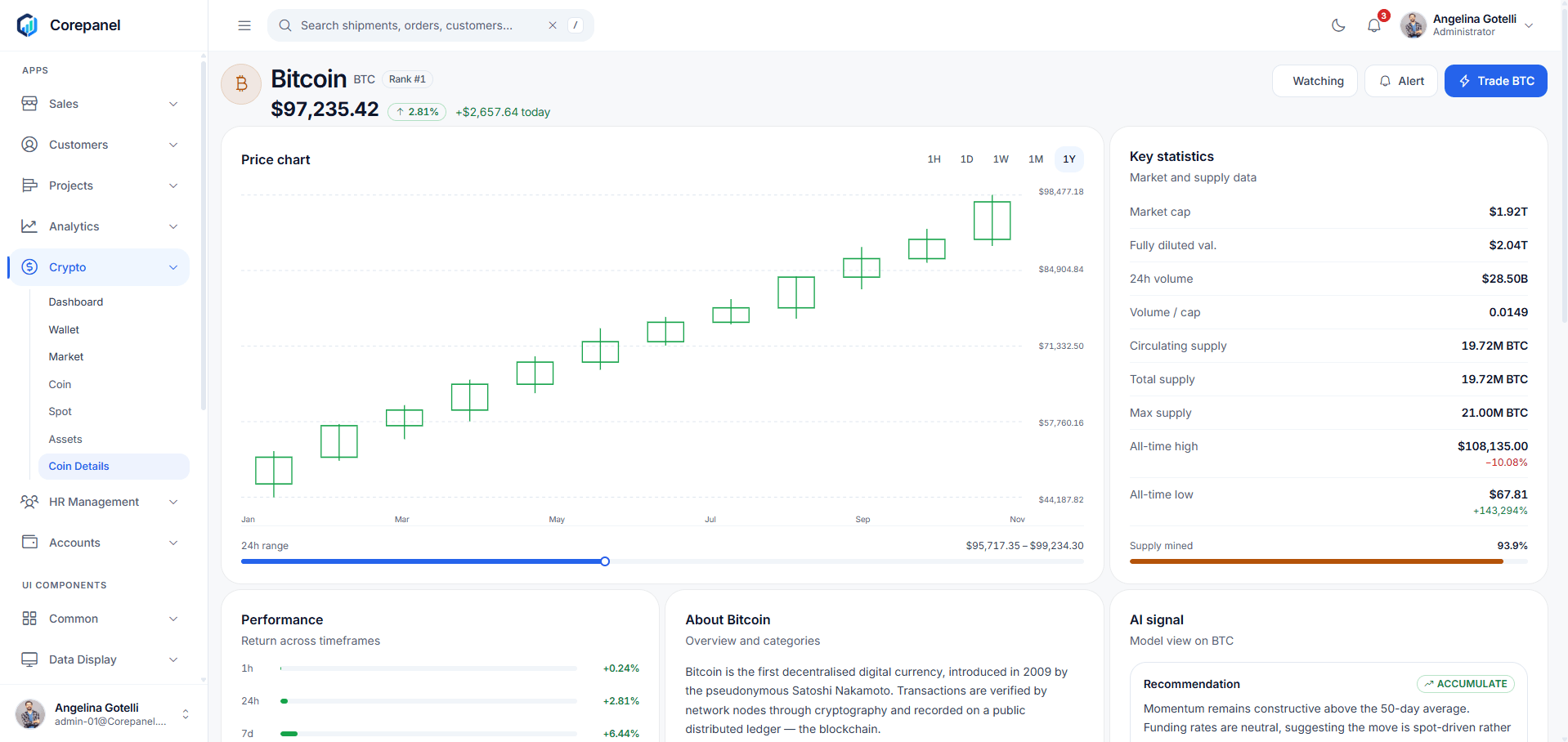
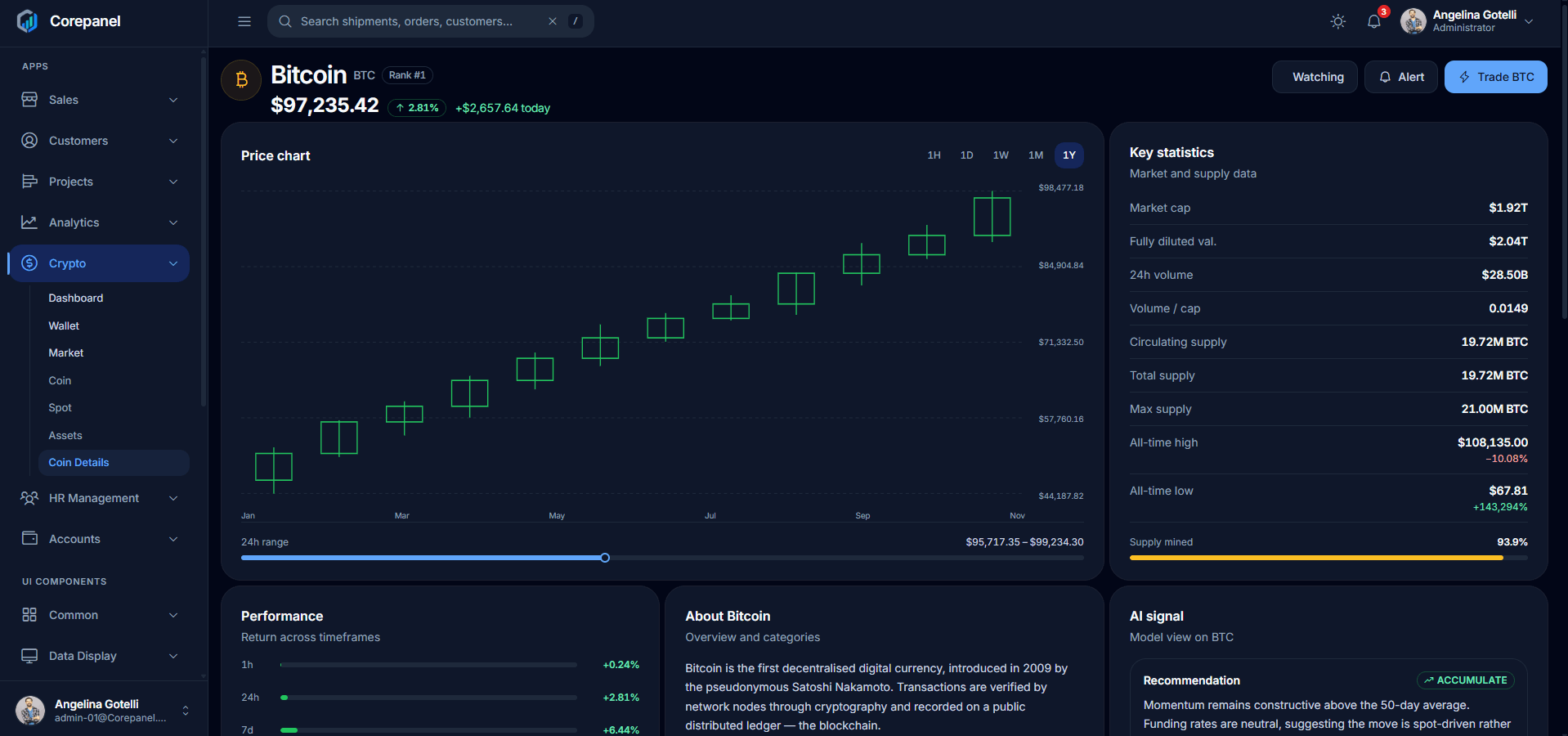
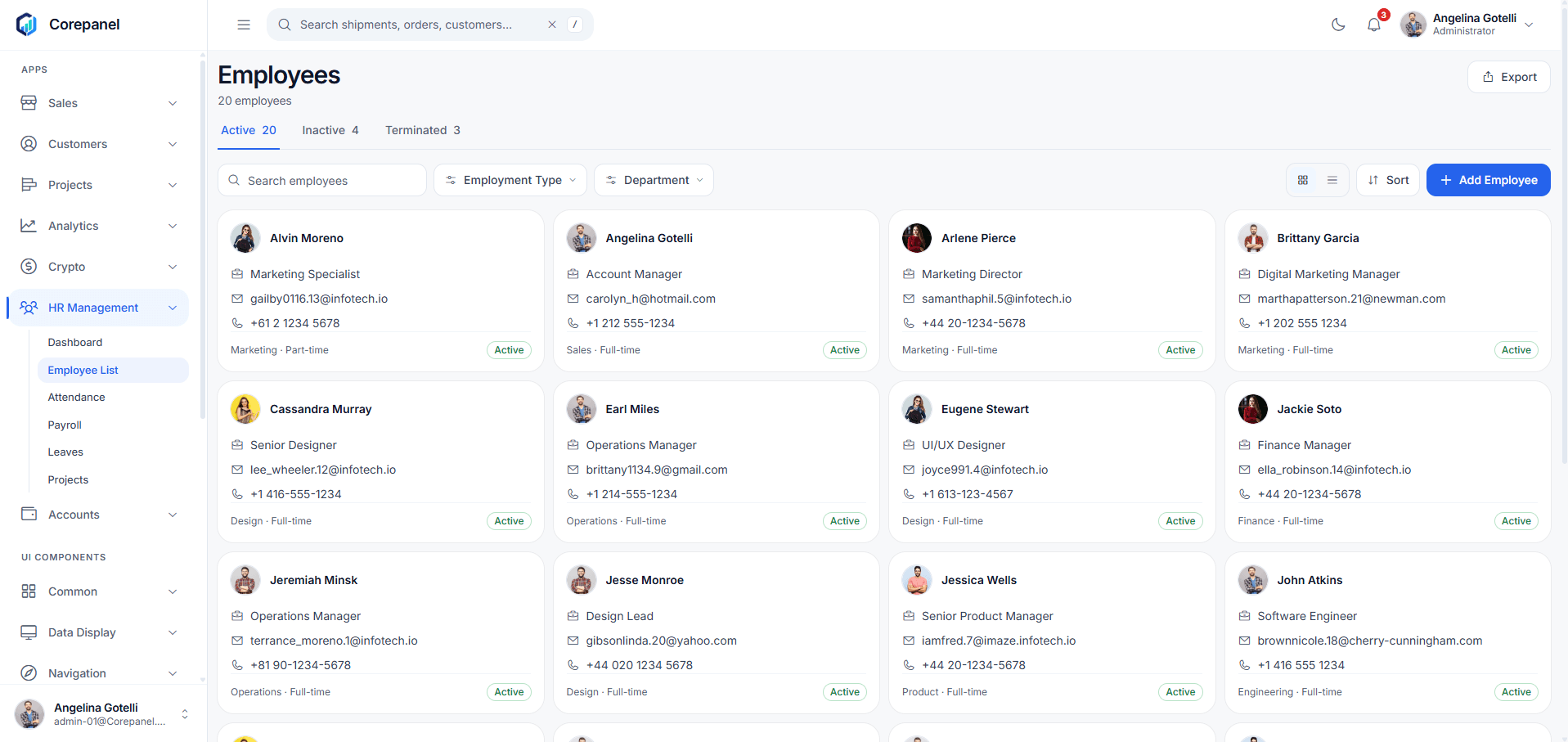
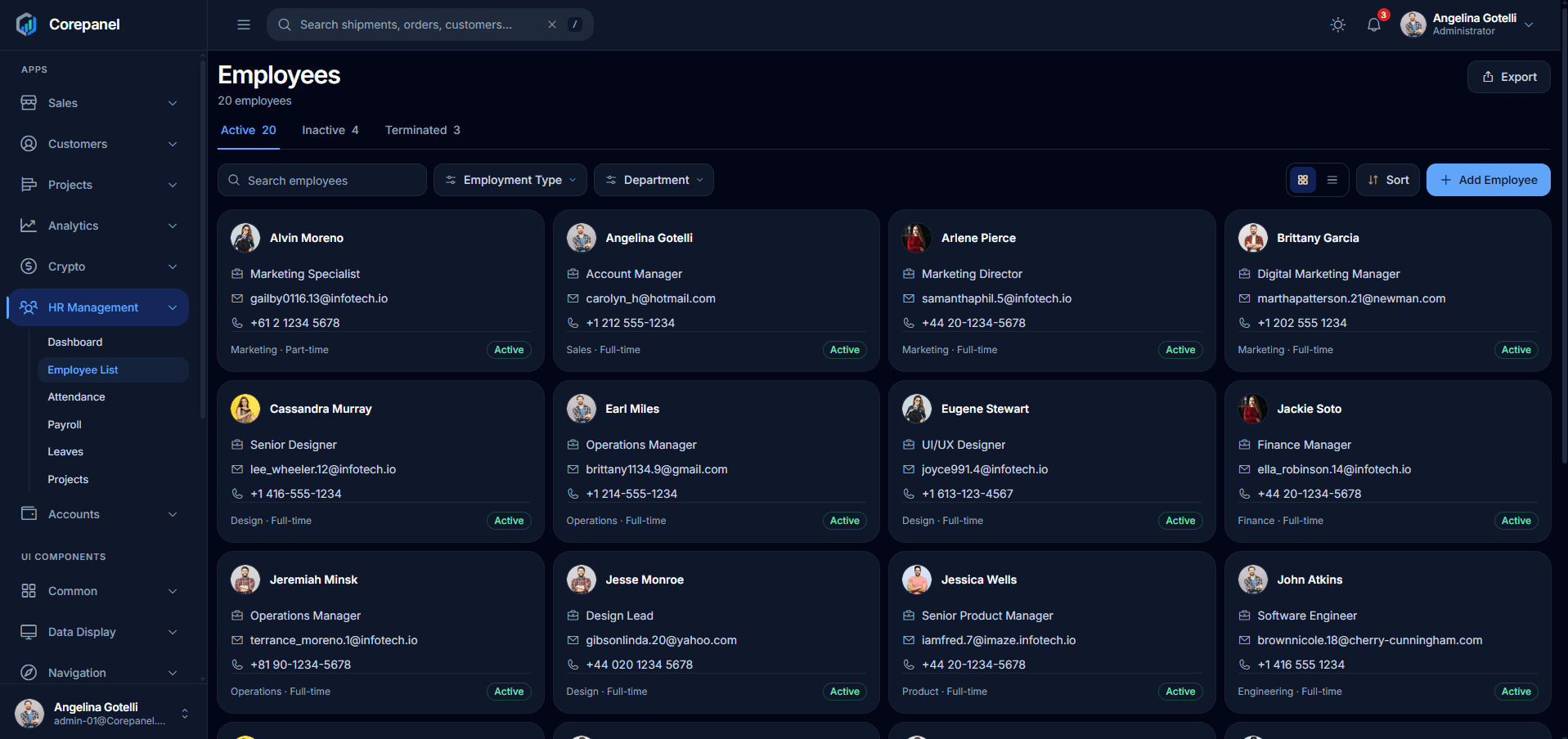
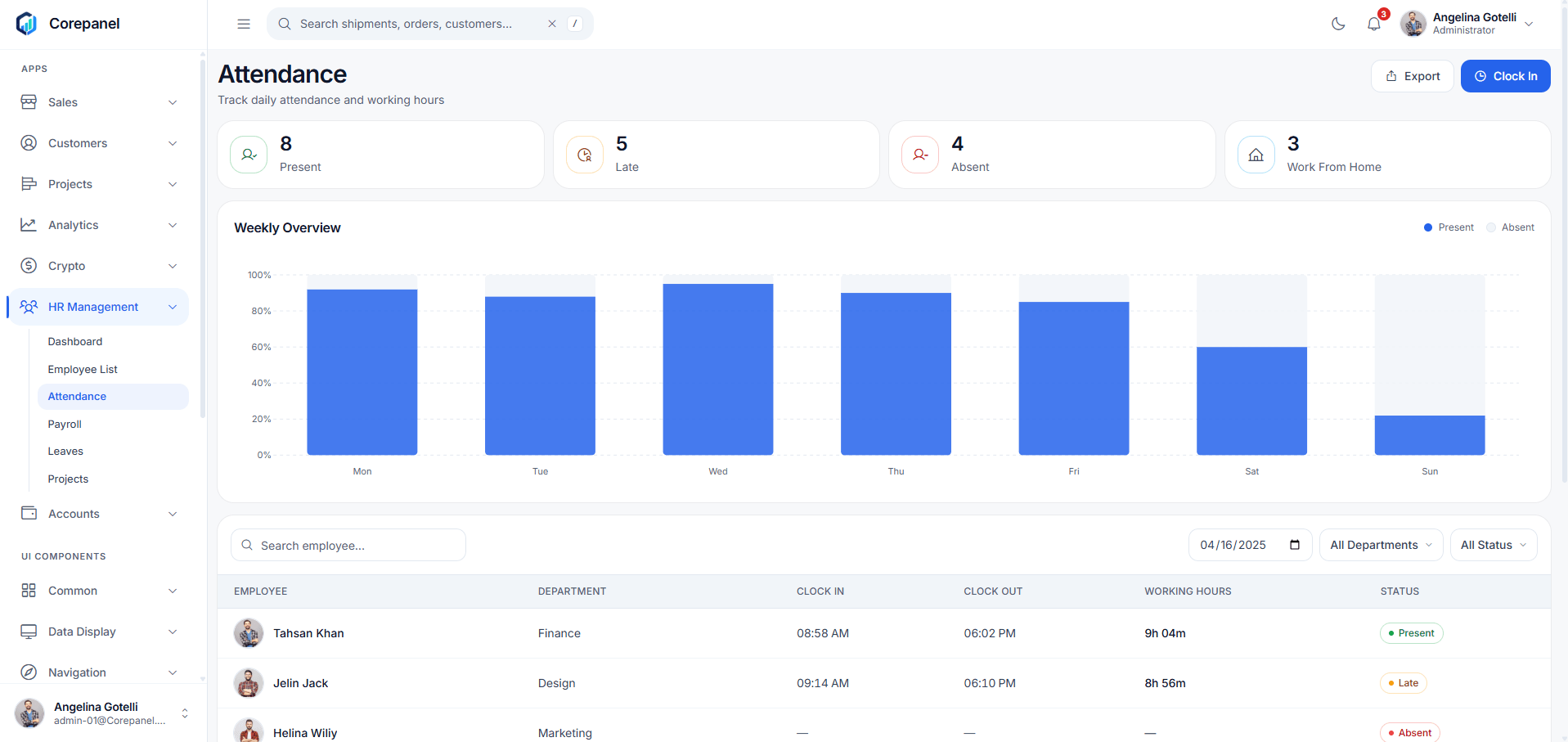
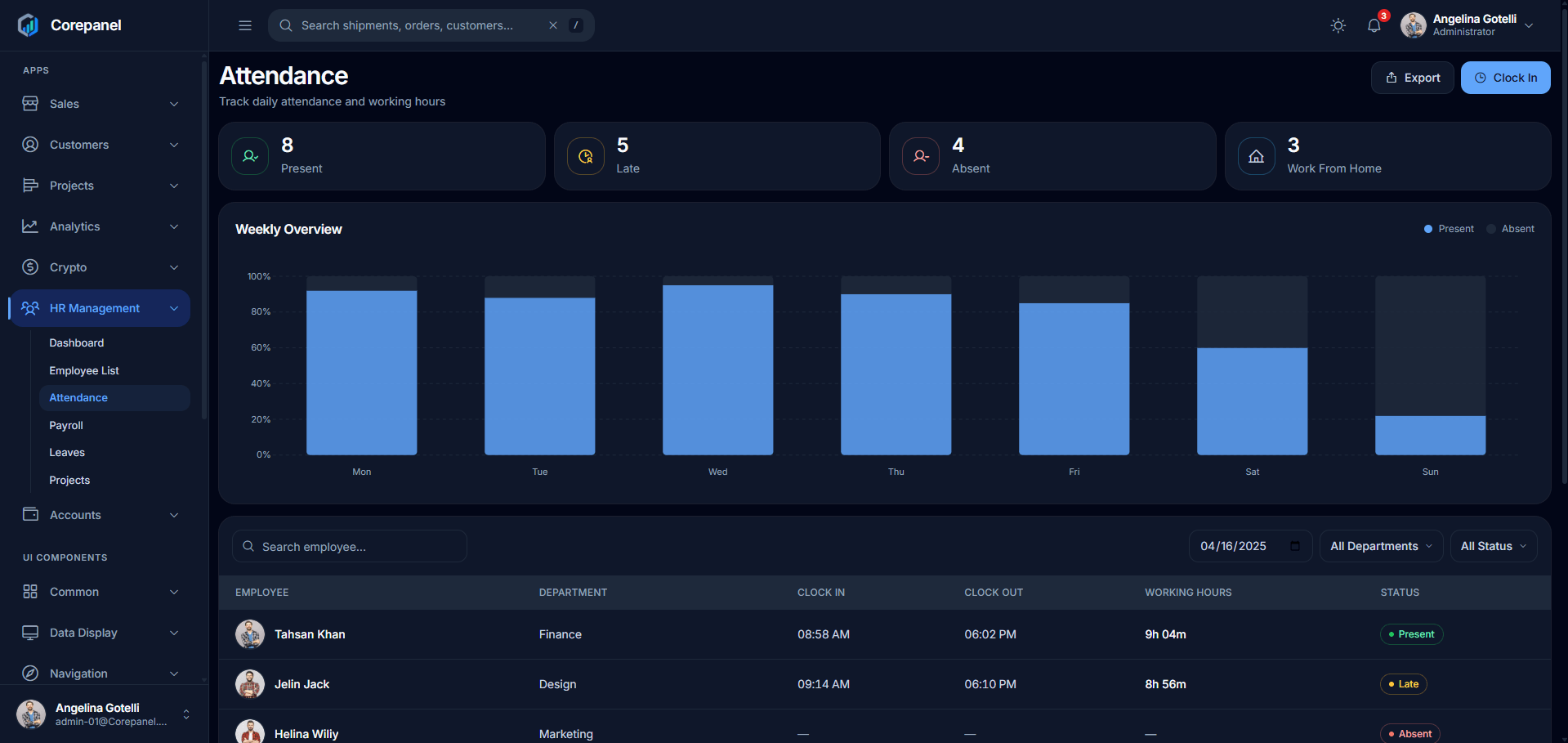
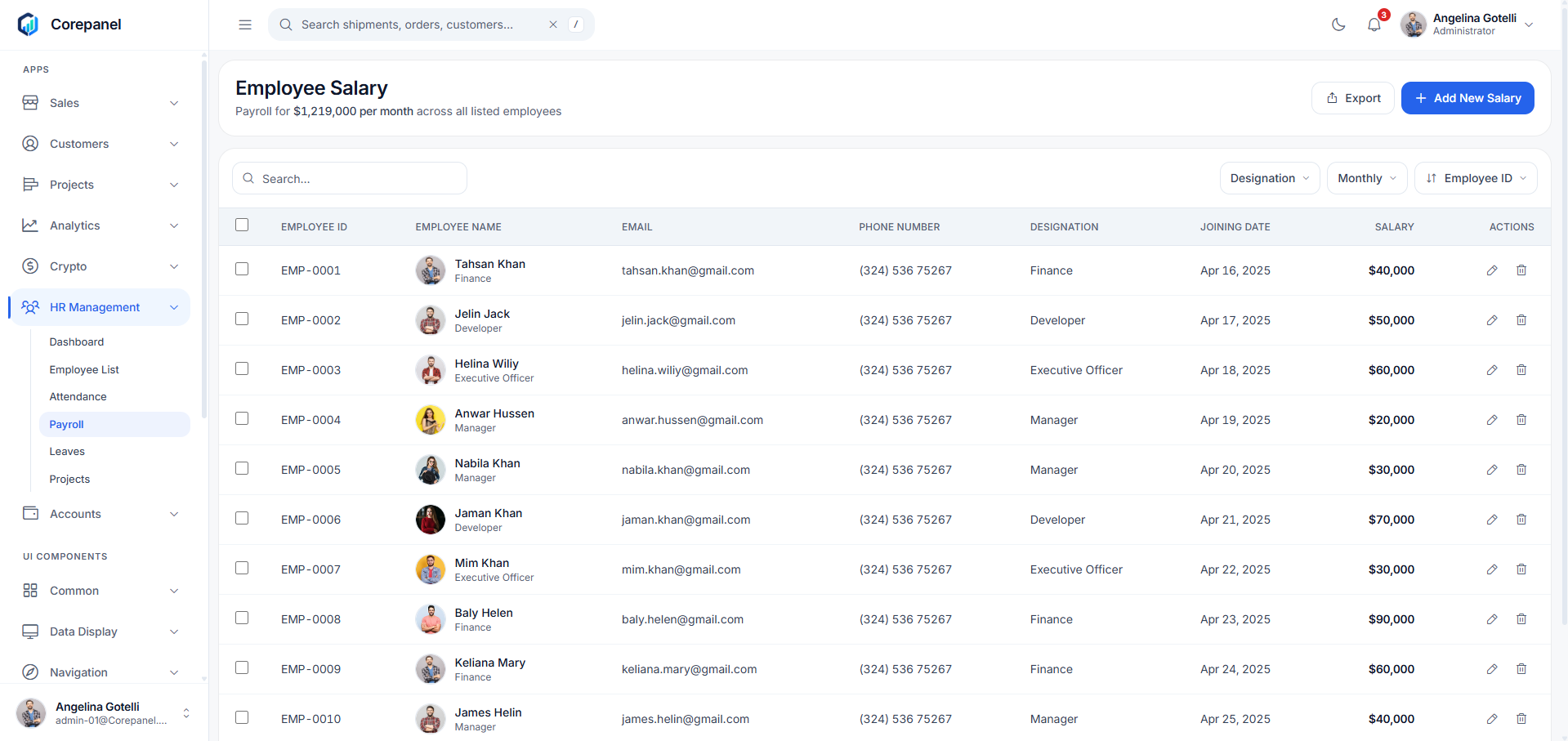
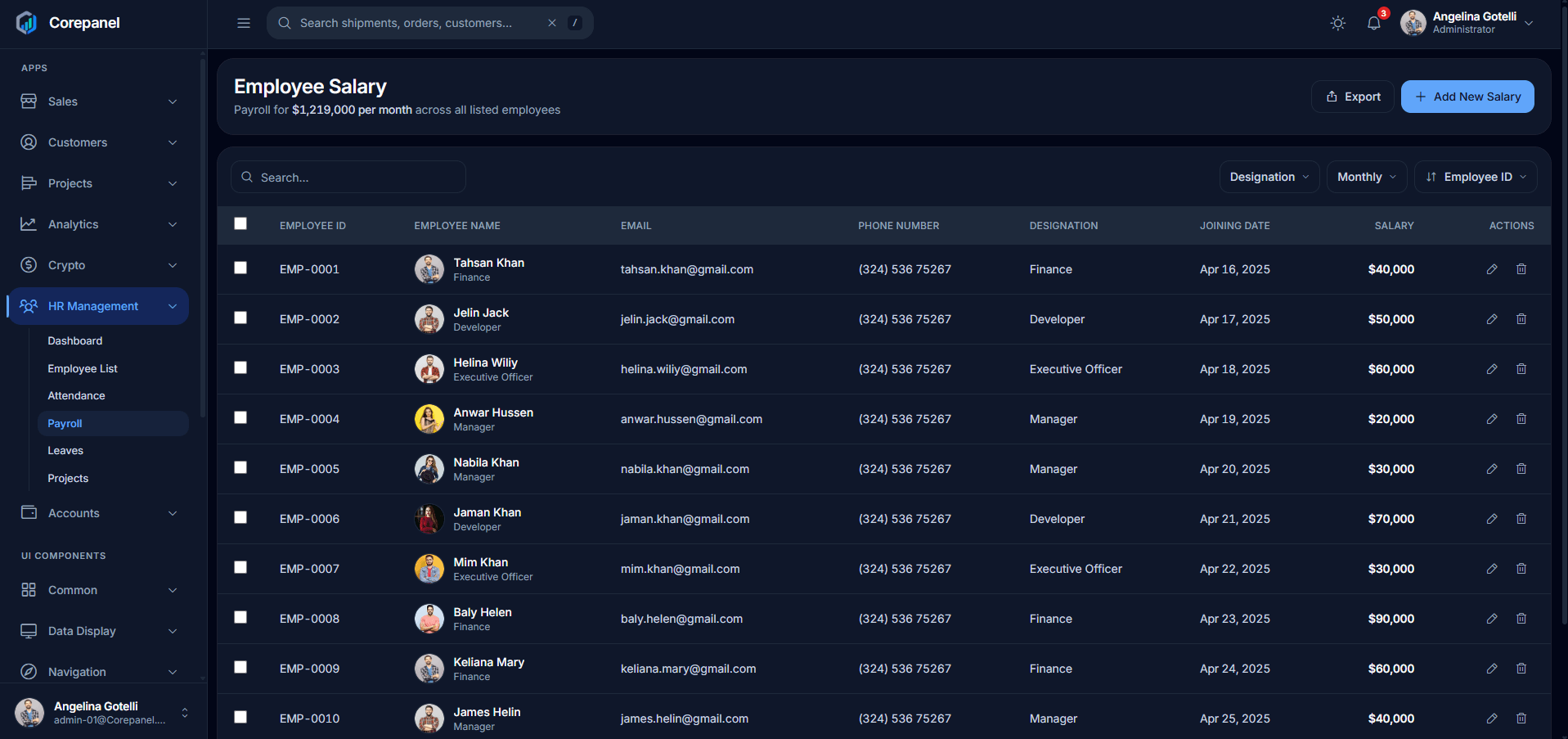
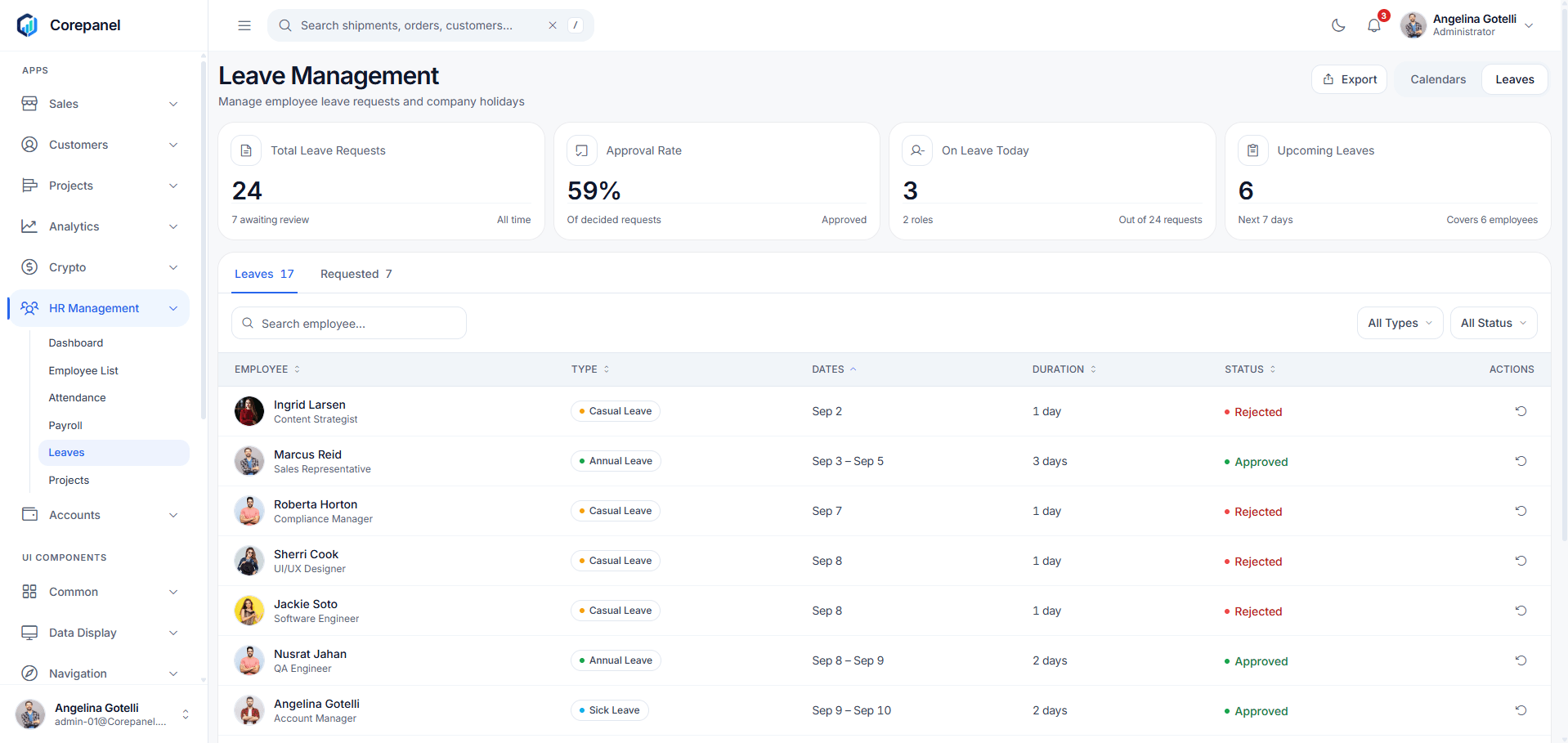
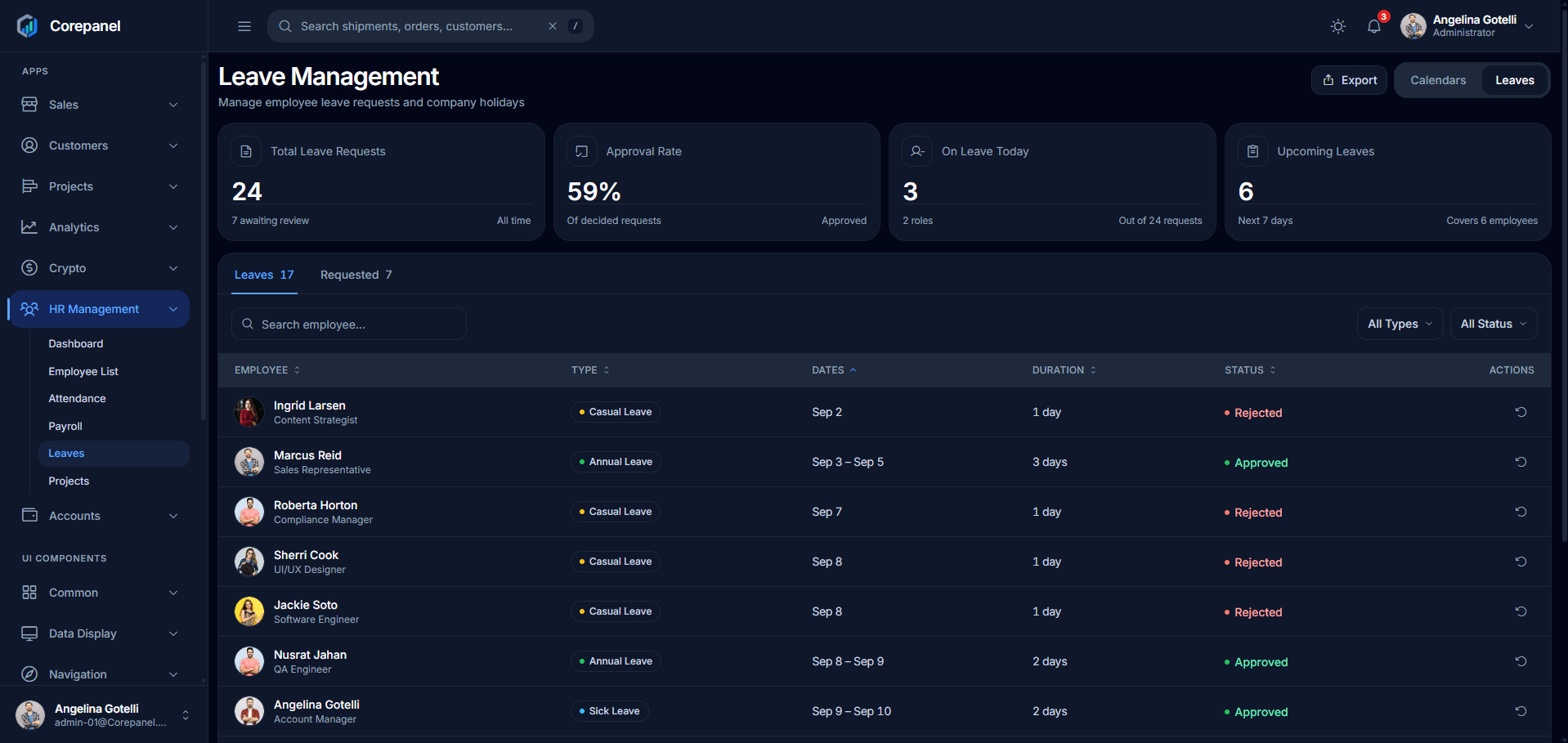
55 screens, each shipped in both themes. Every card links to the live page.
Dashboards
Sales
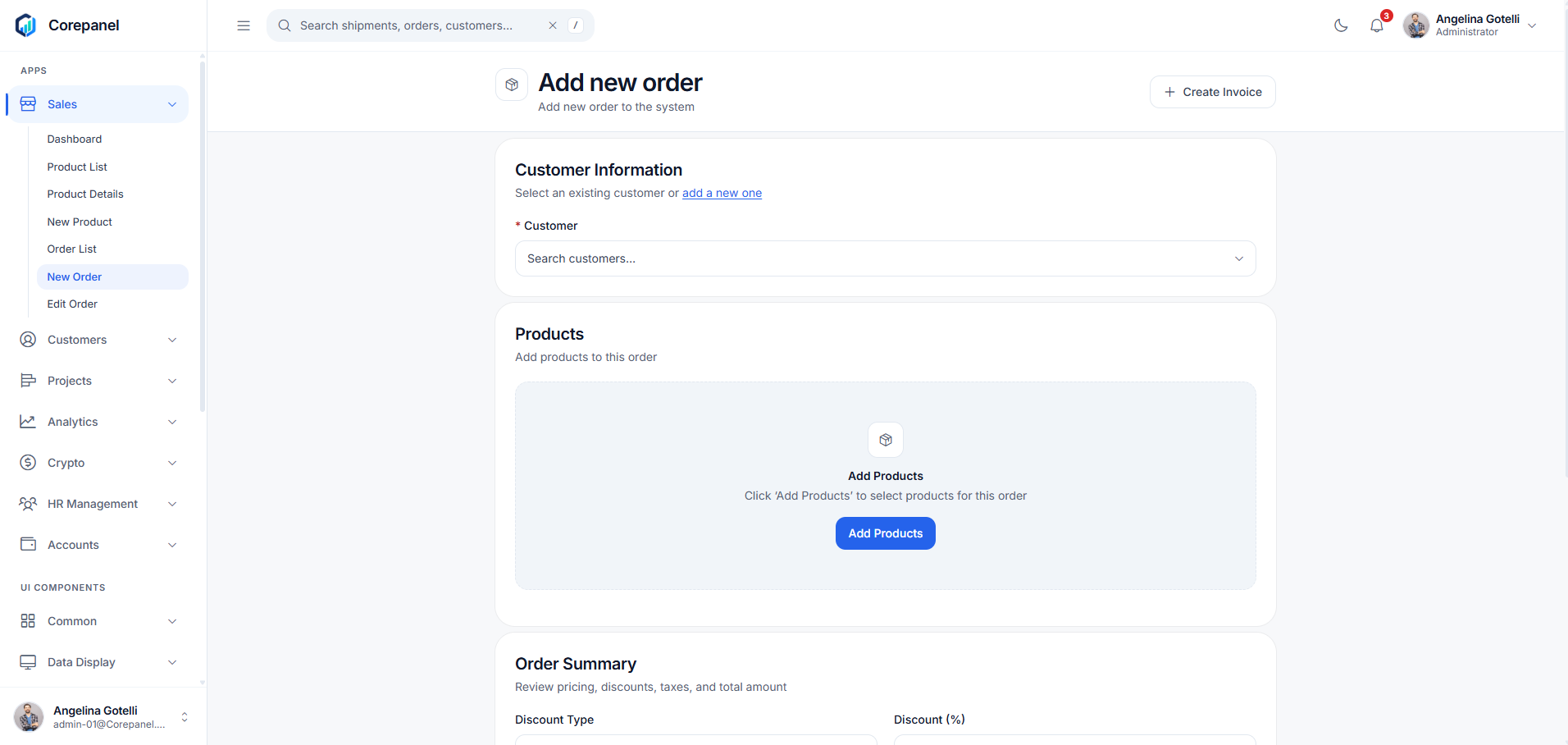
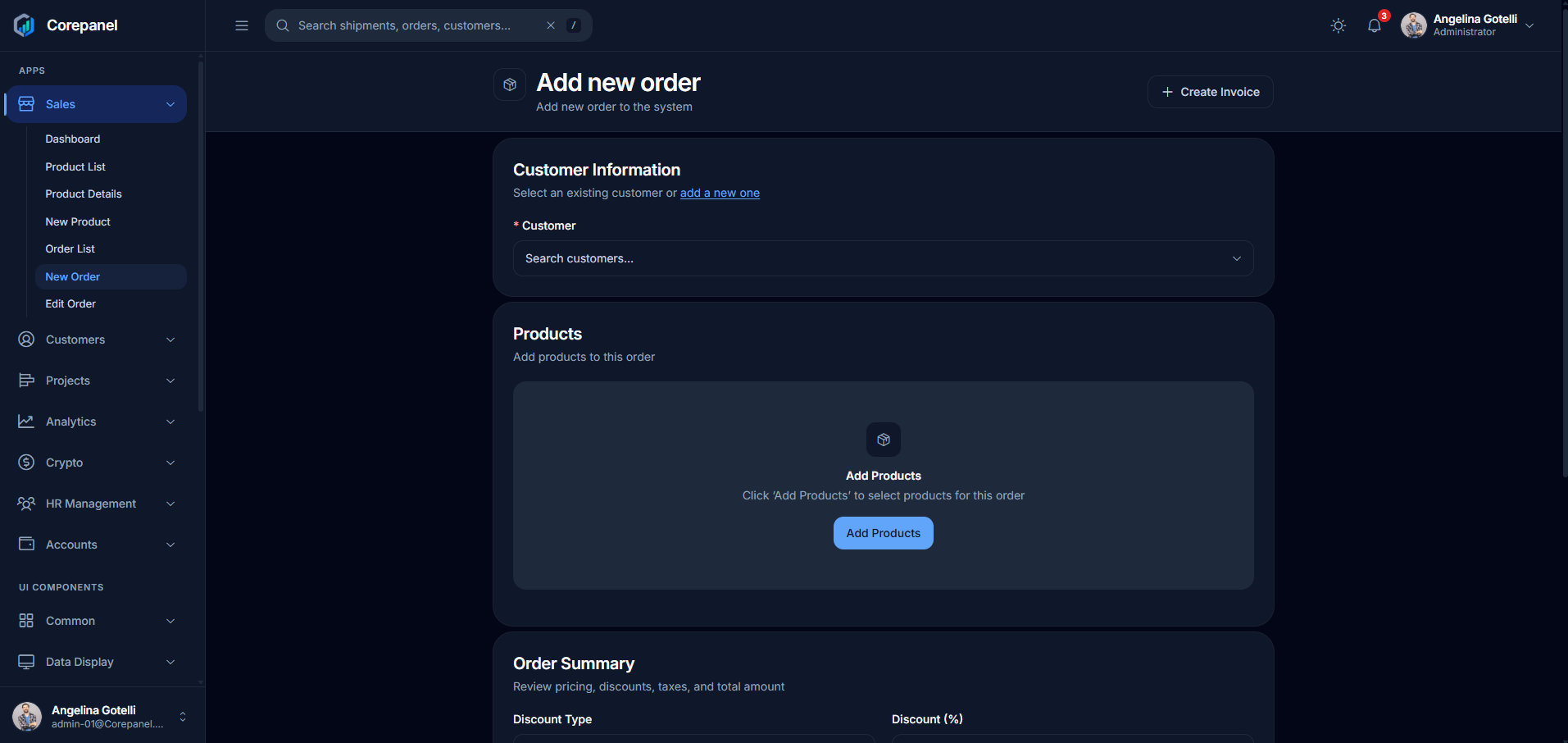
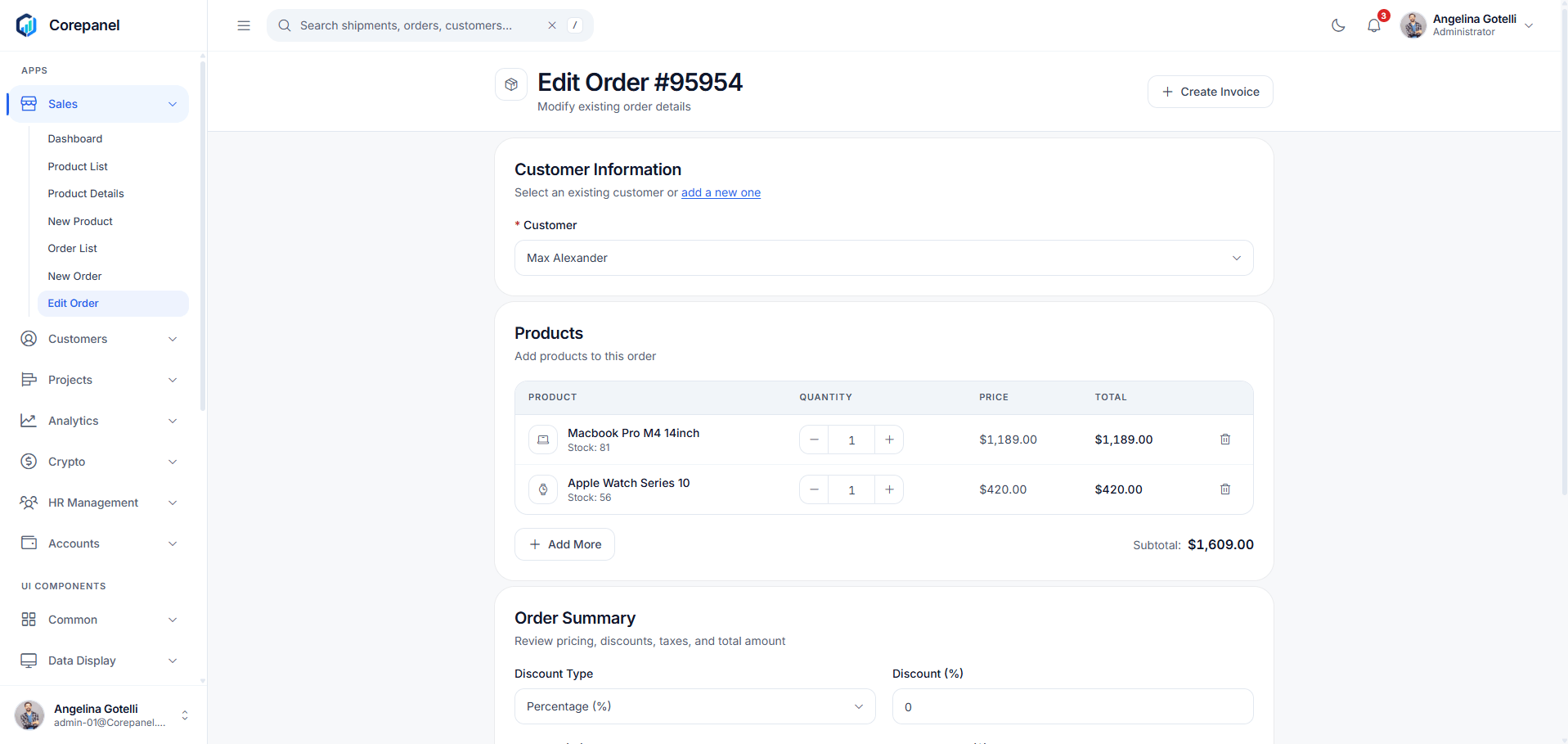
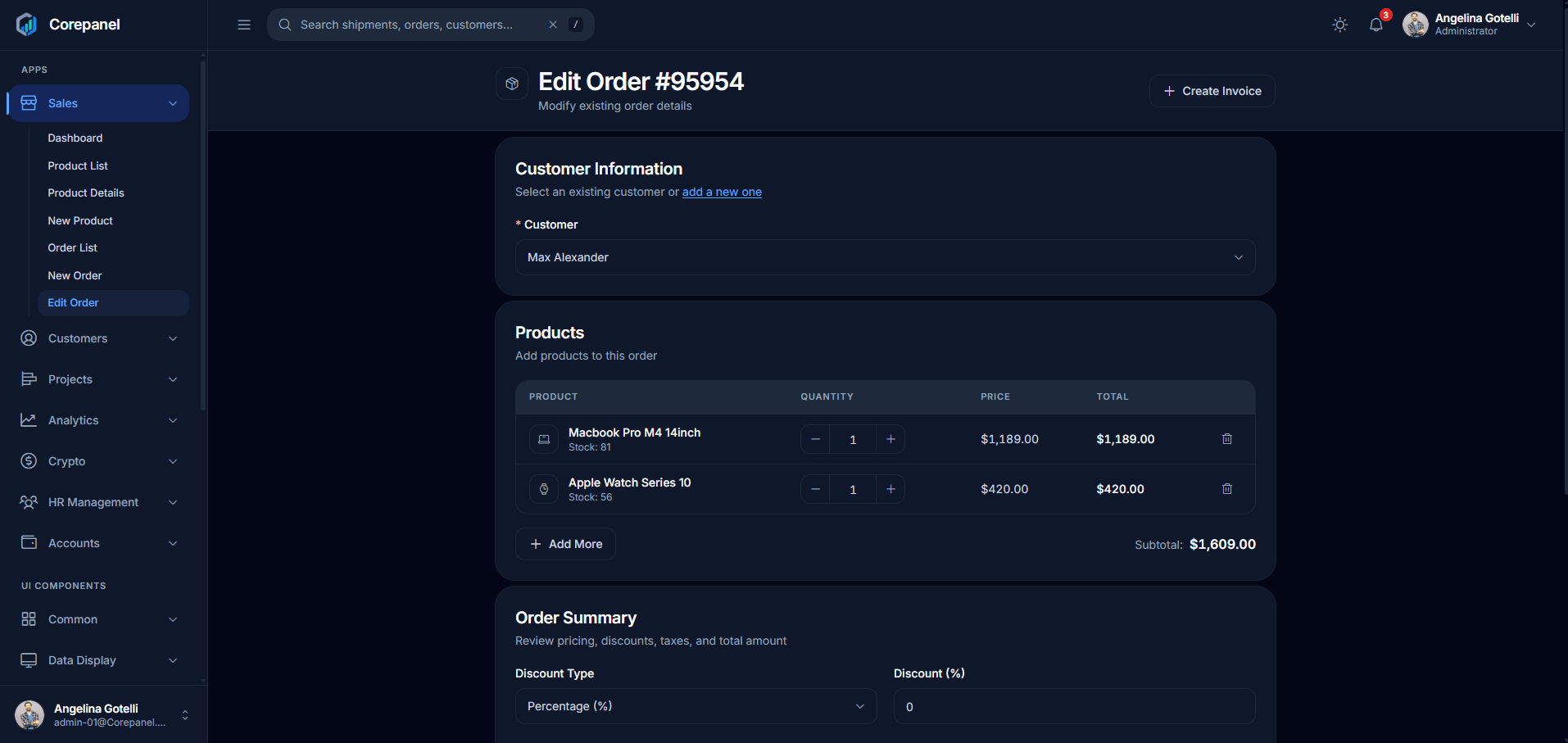
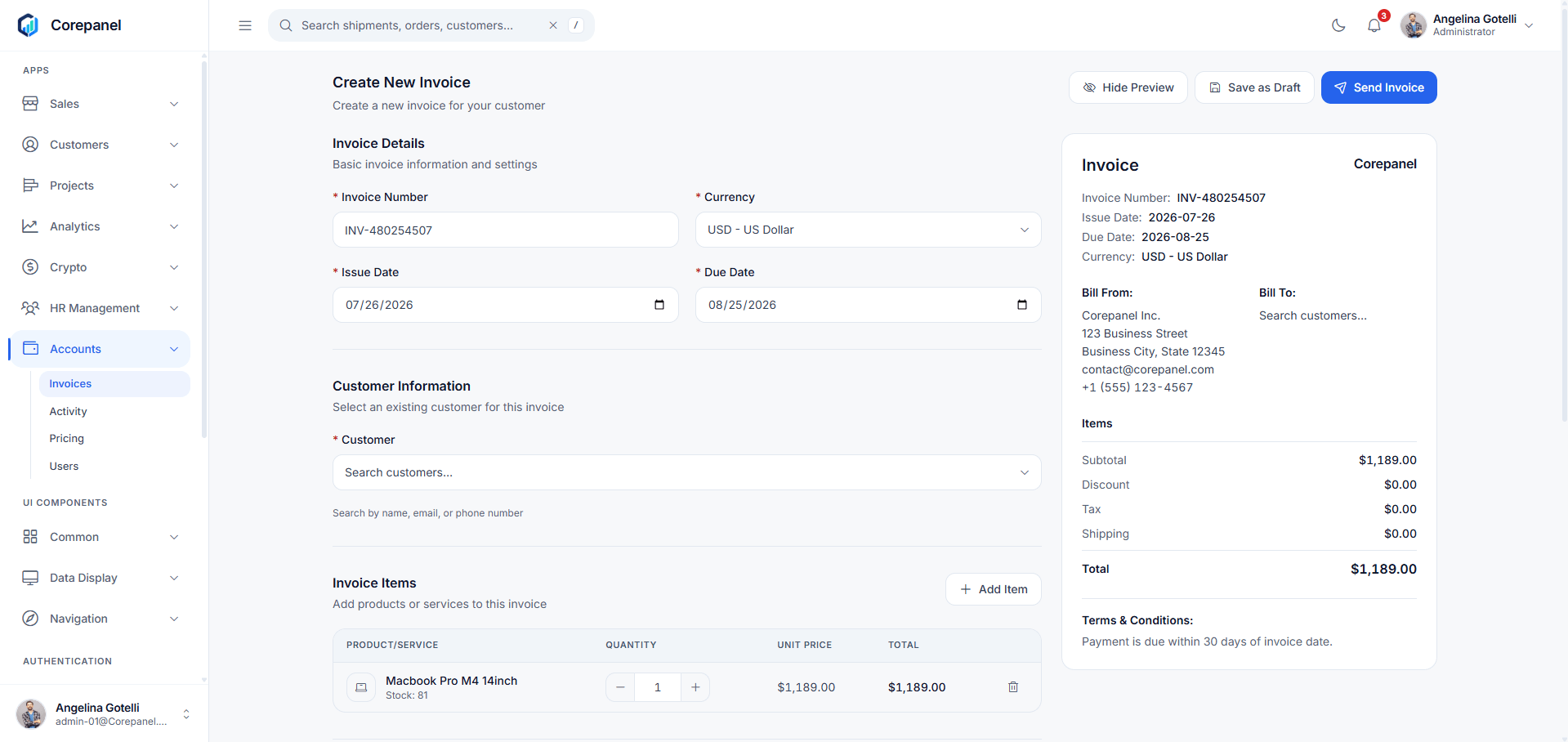
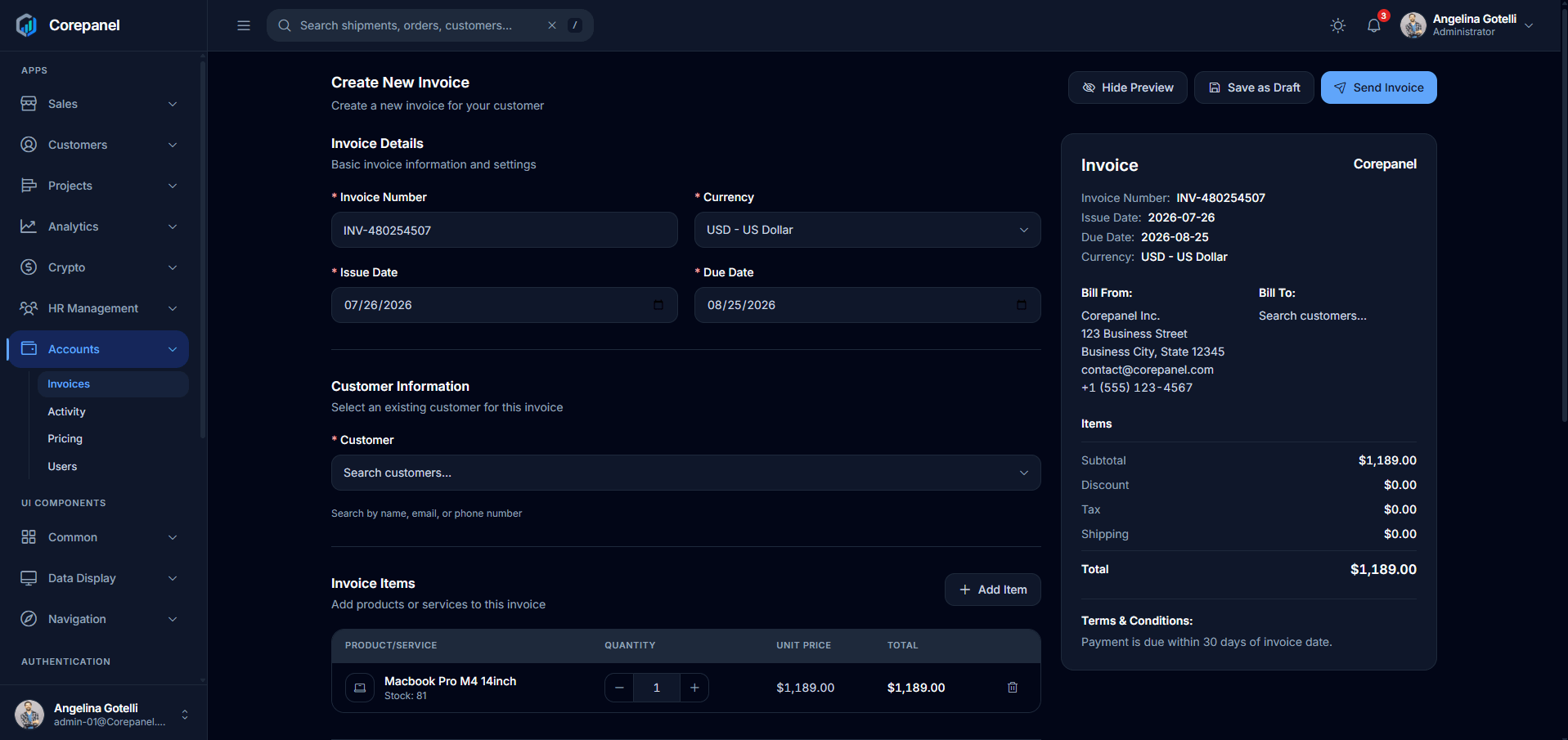
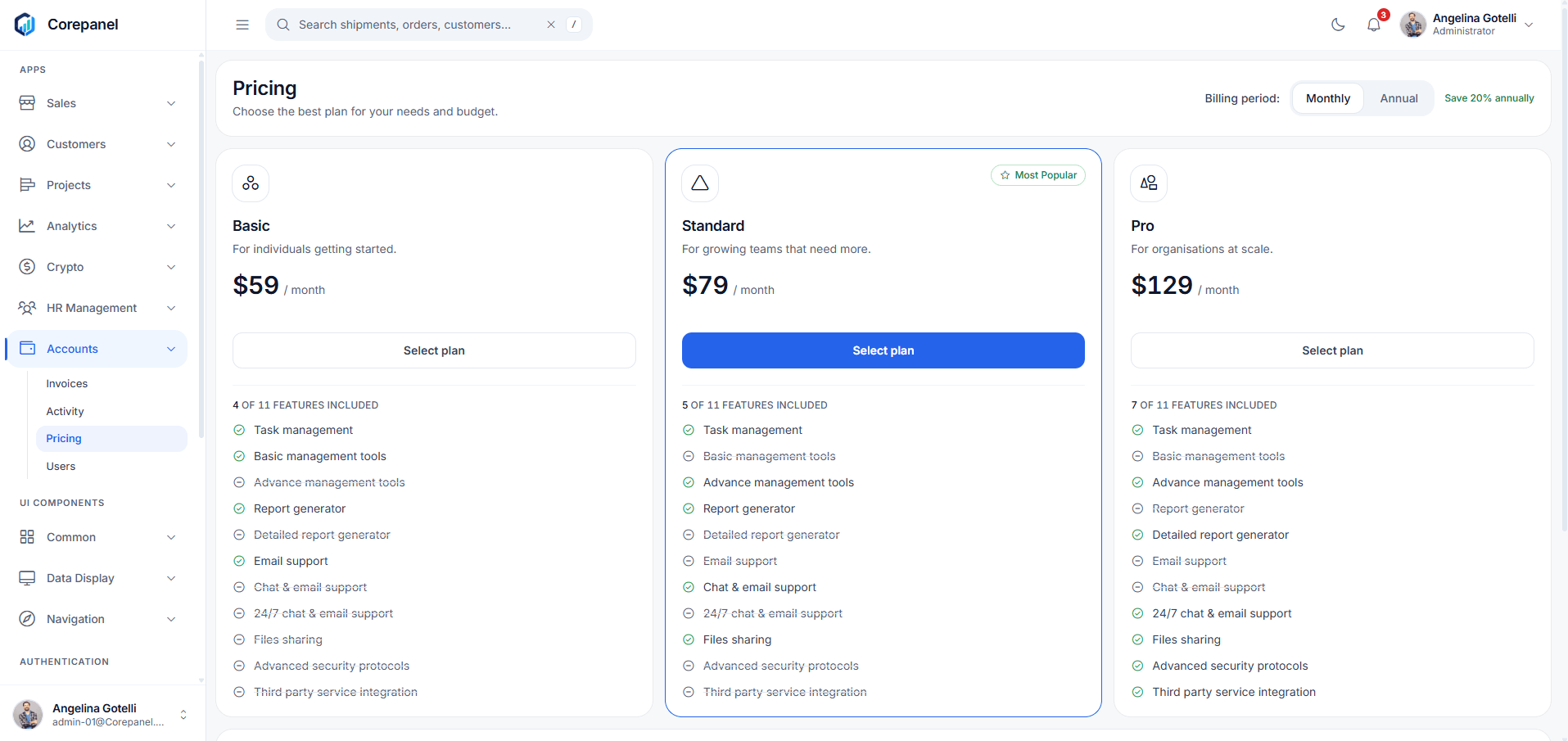
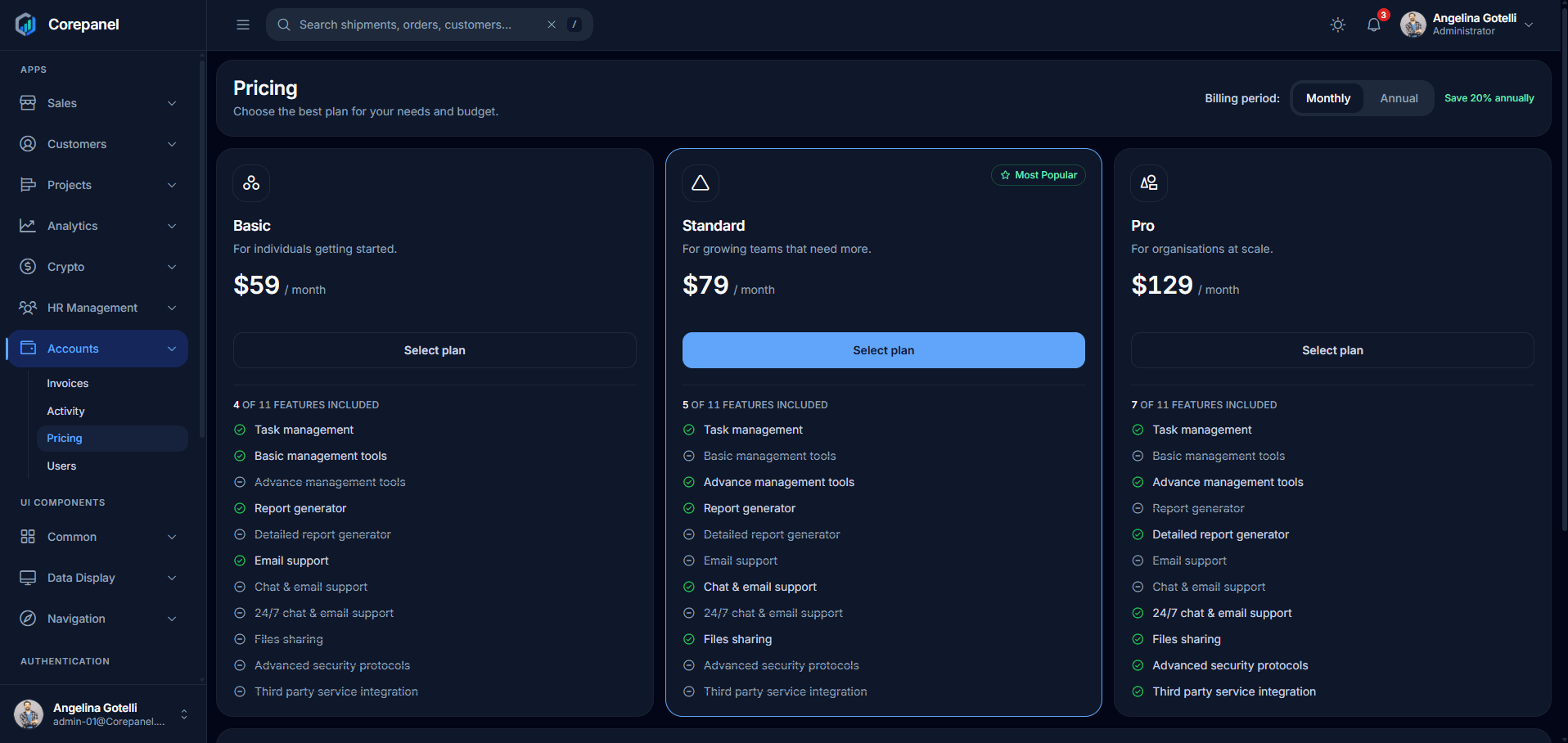
Customers
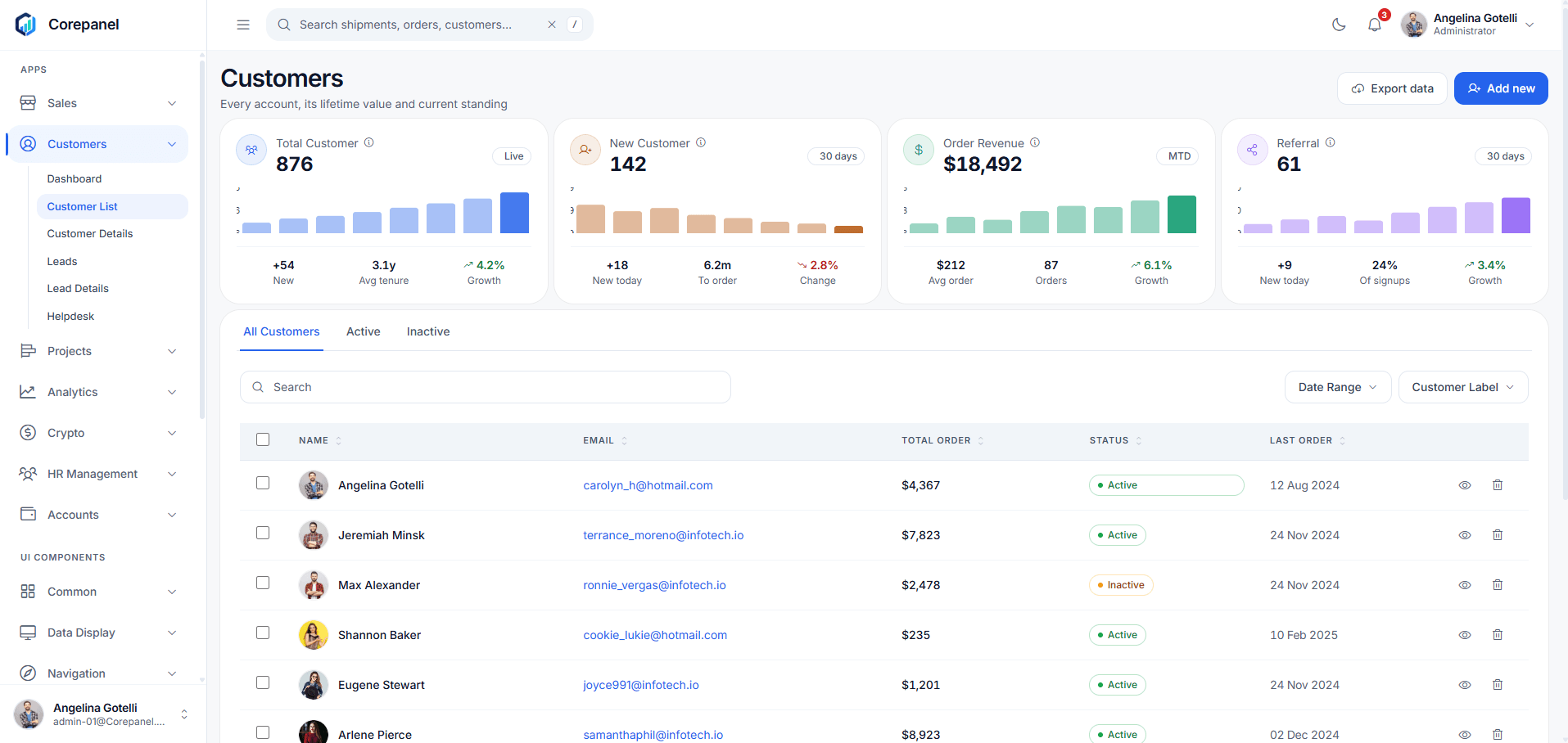
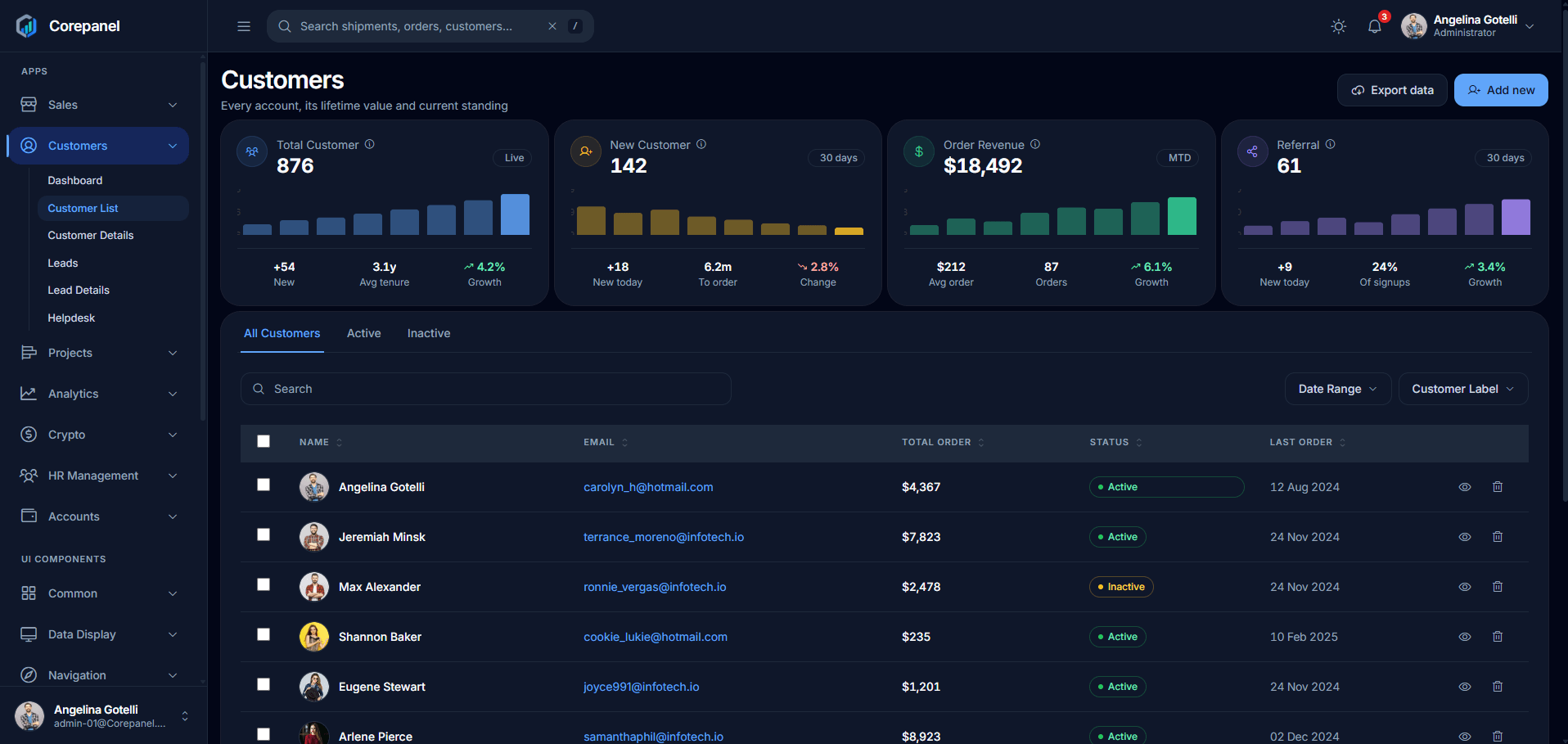
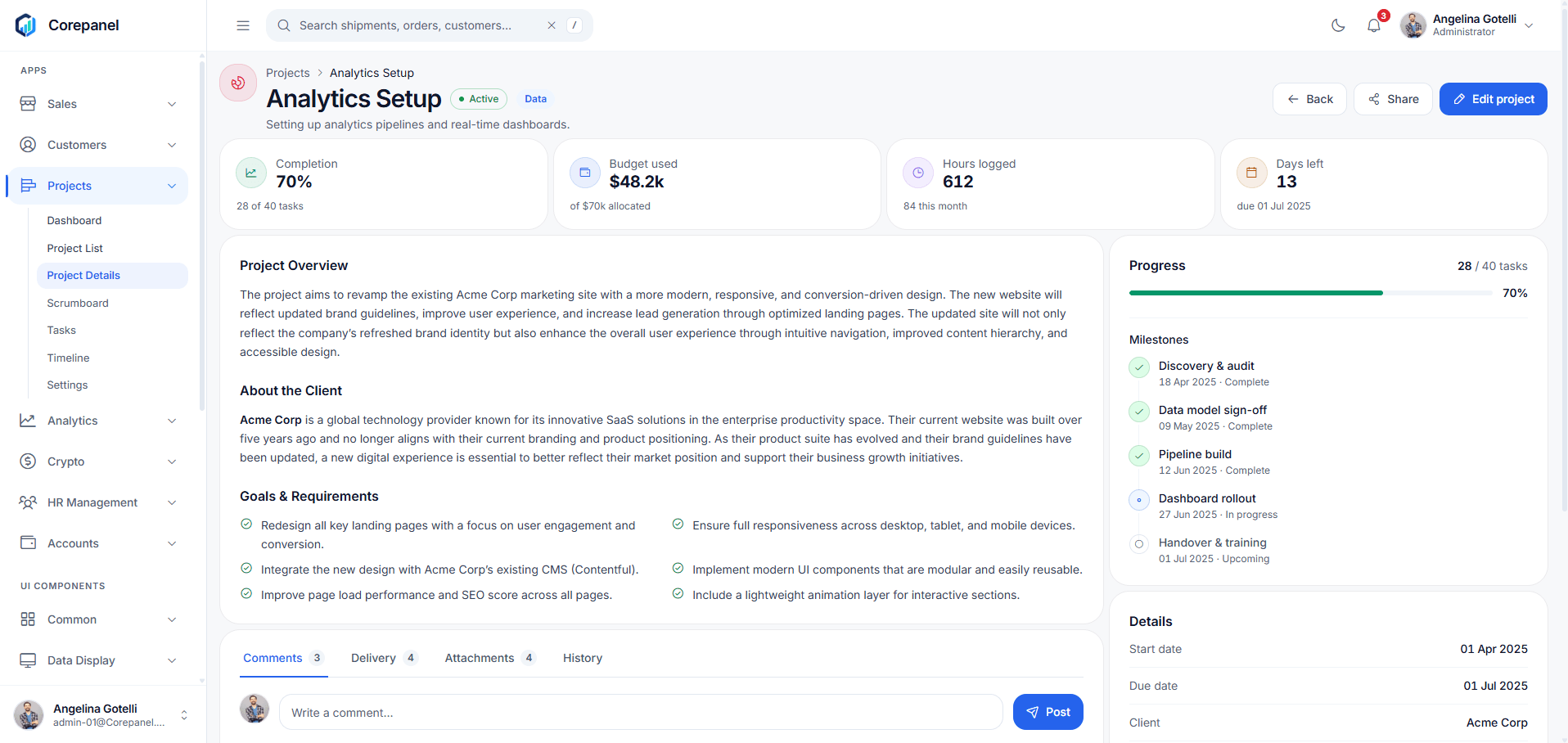
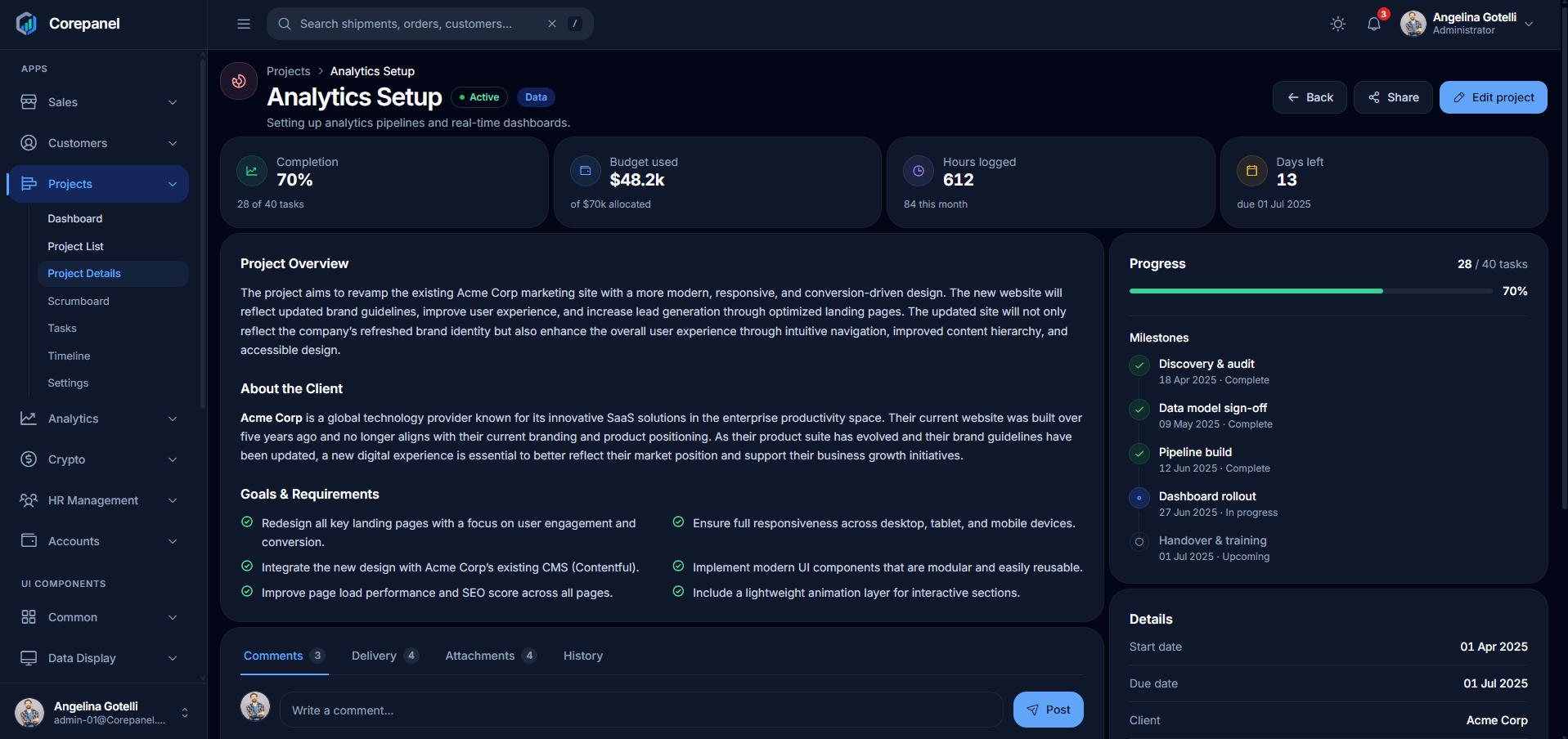
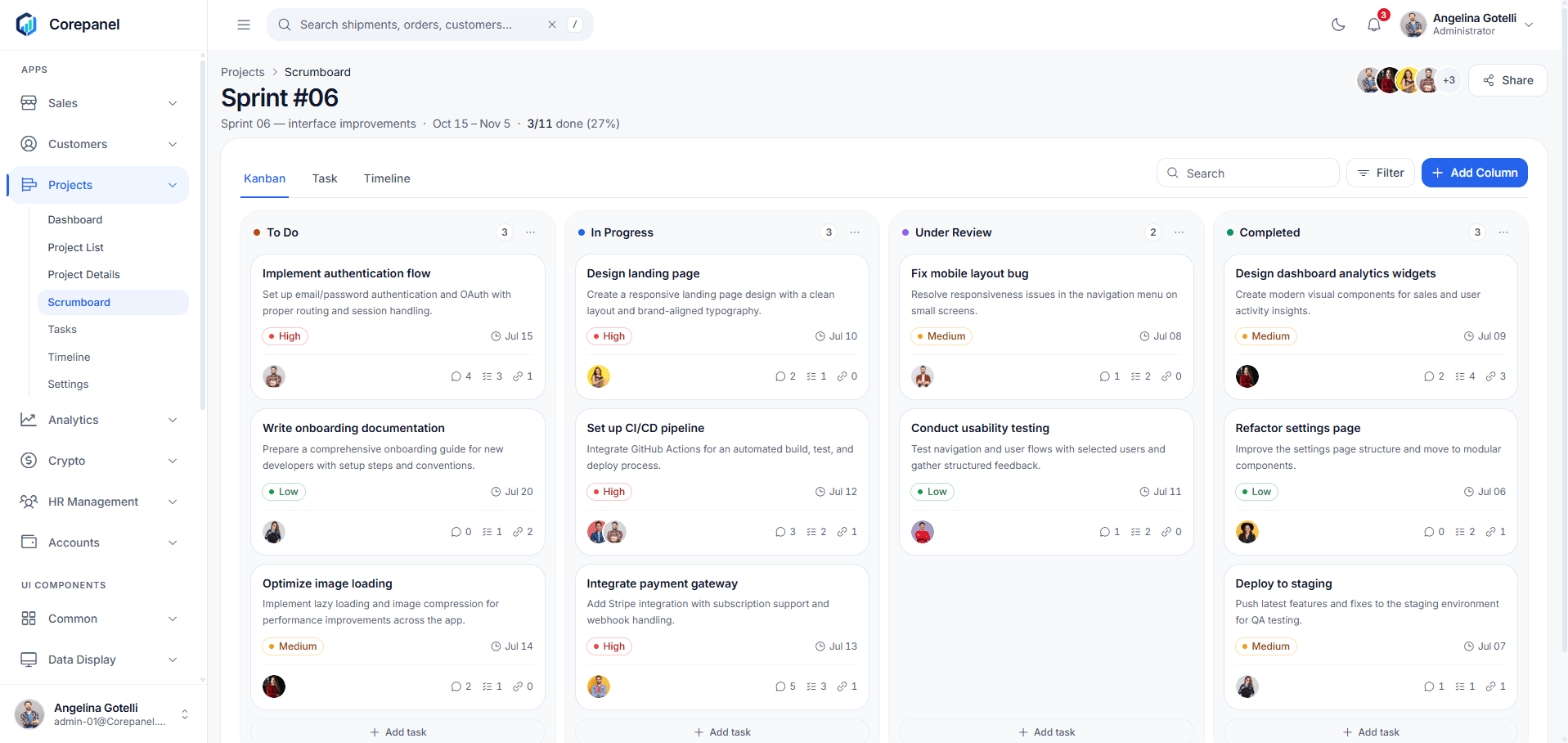
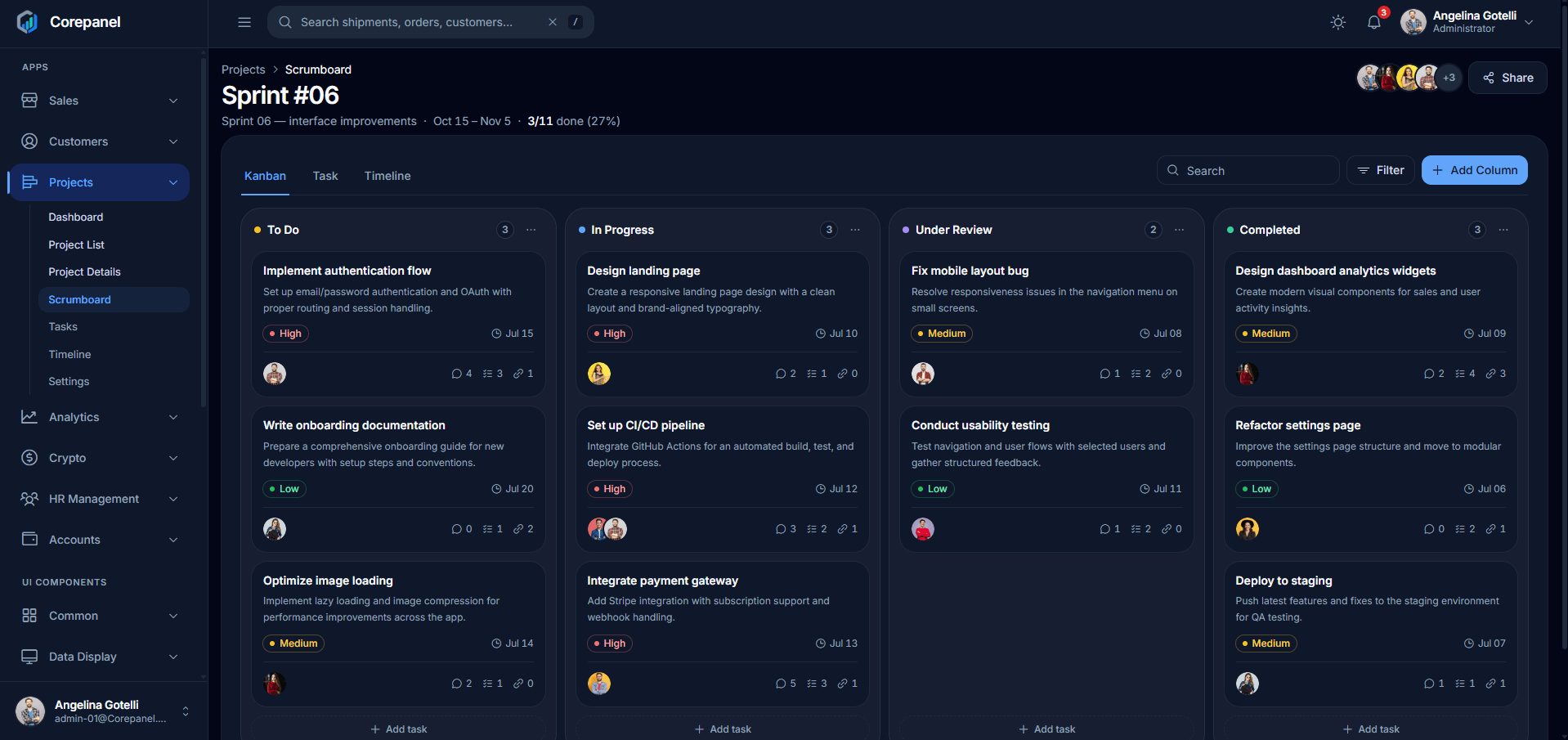
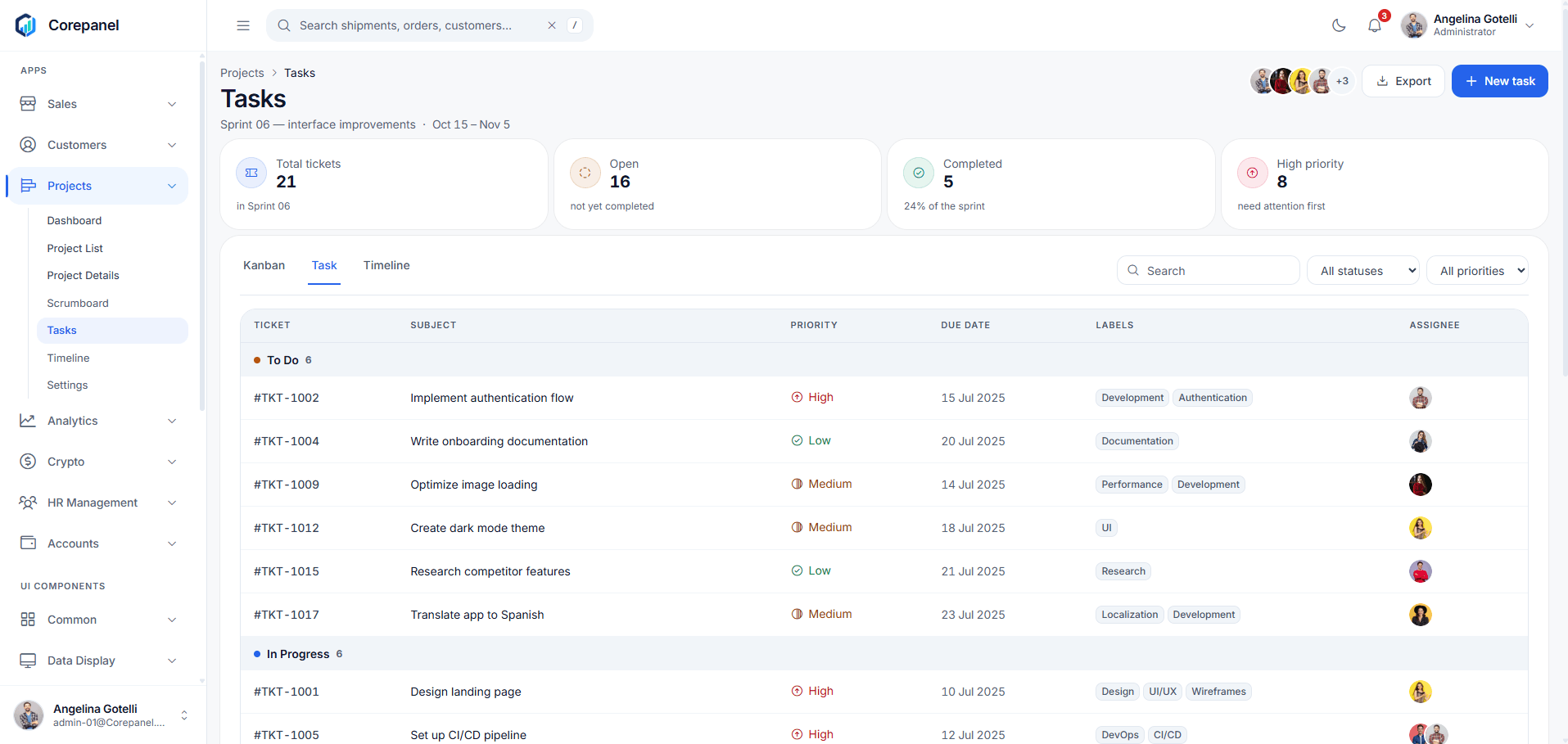
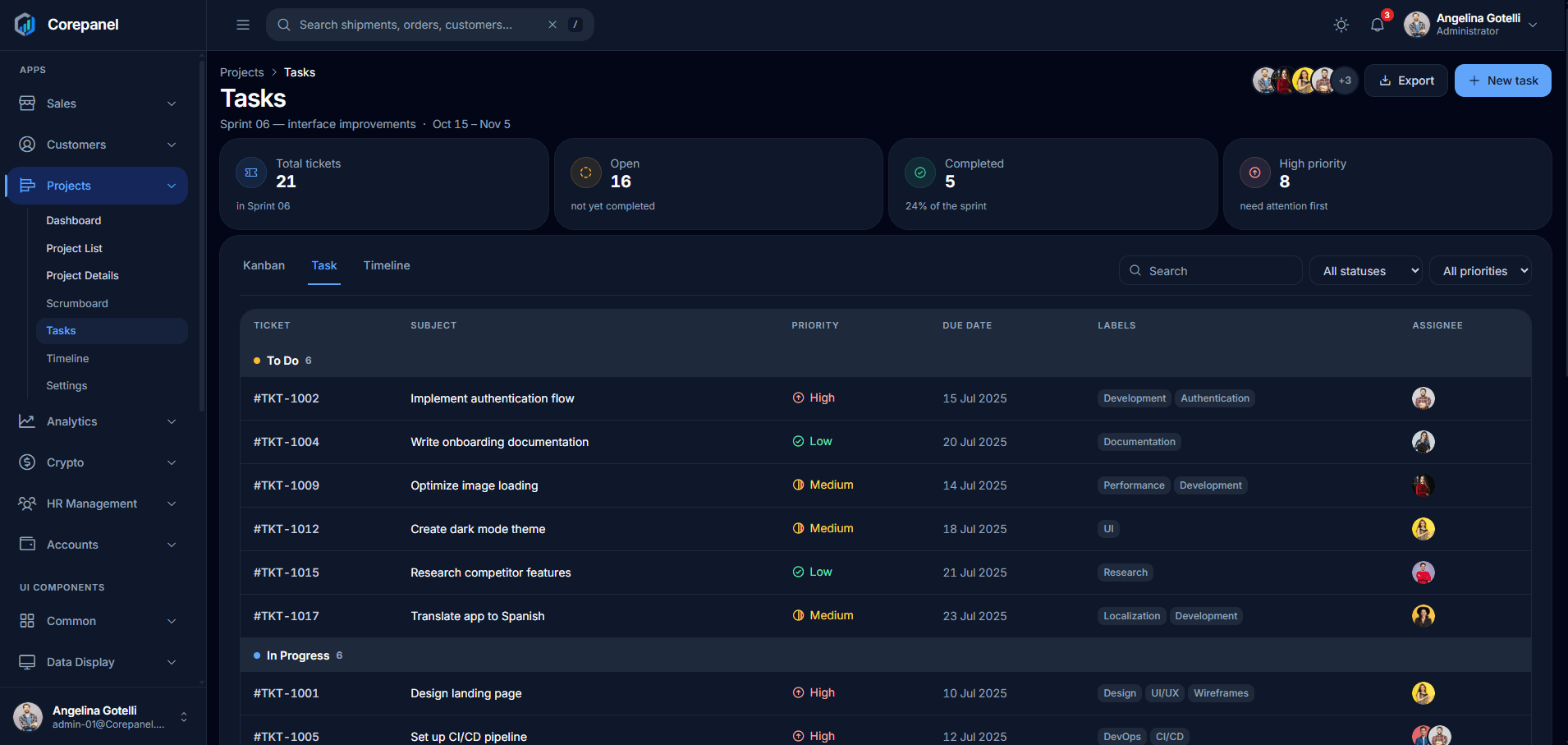
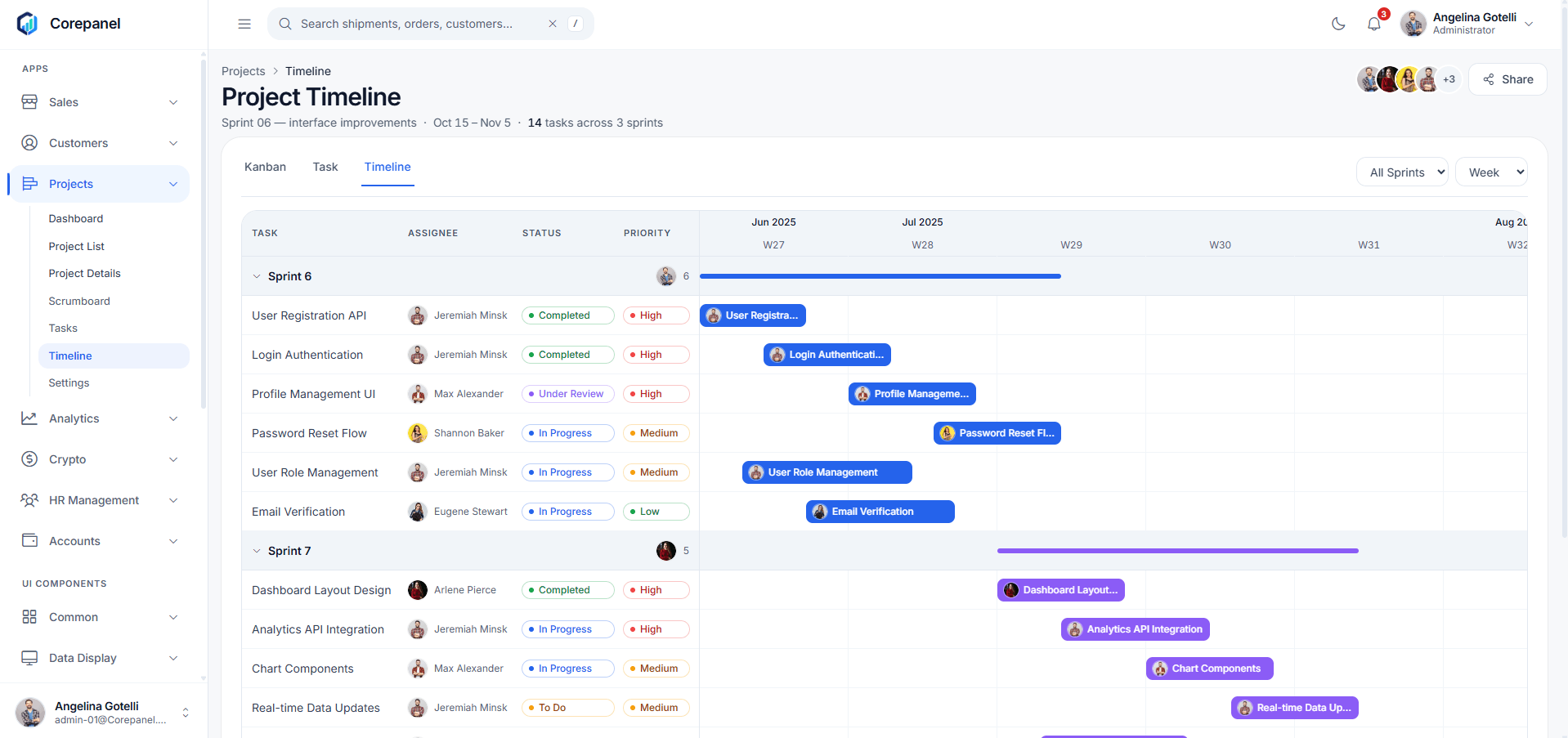
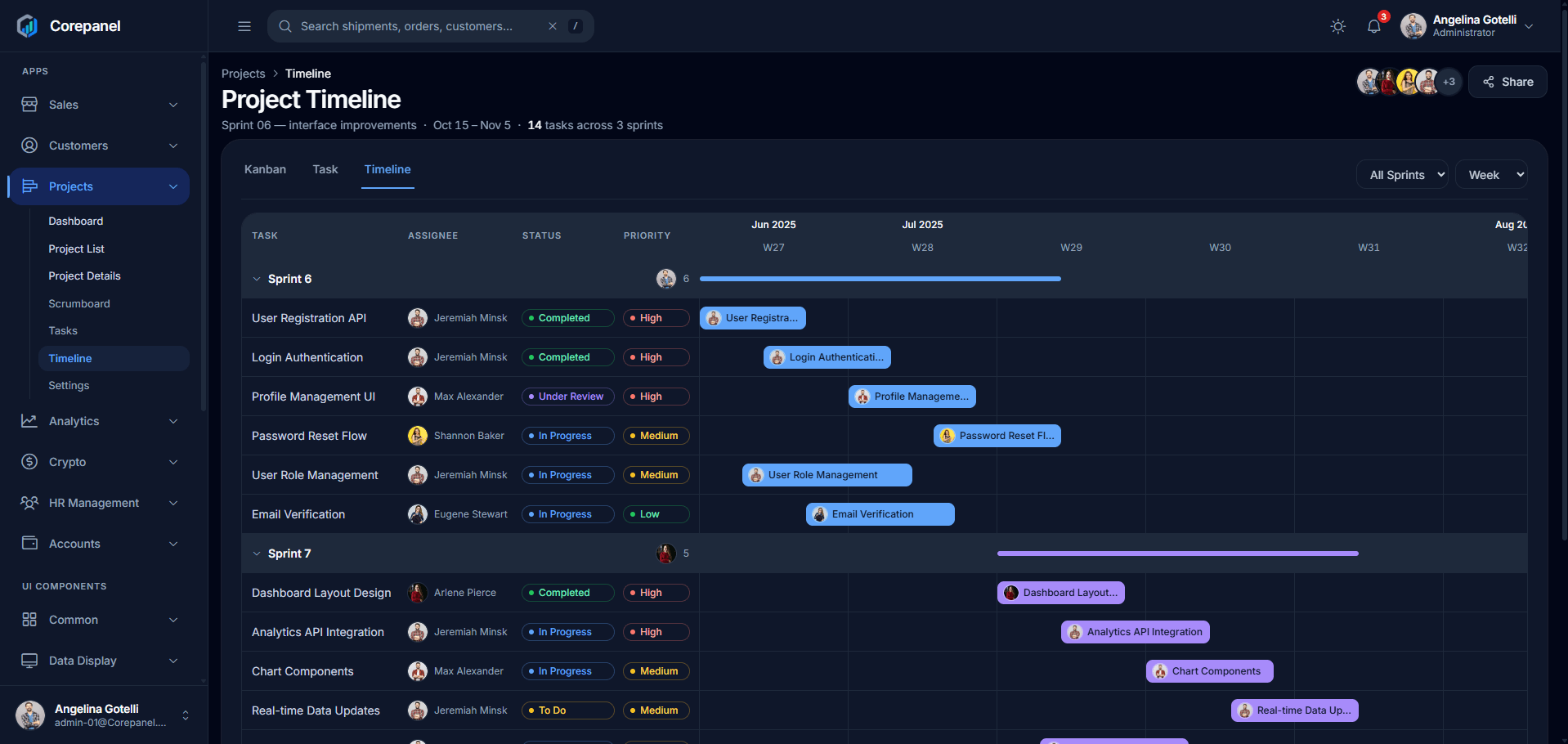
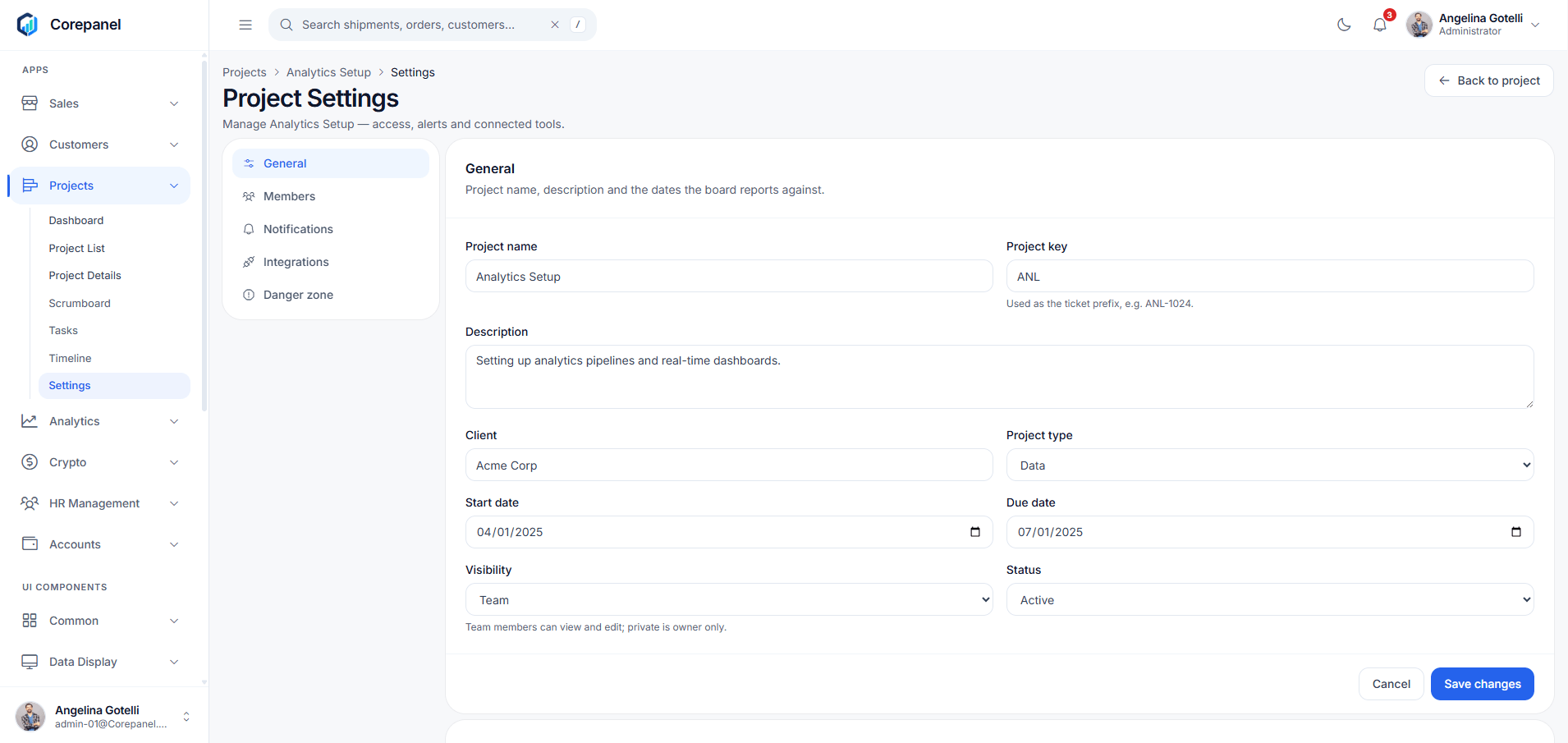
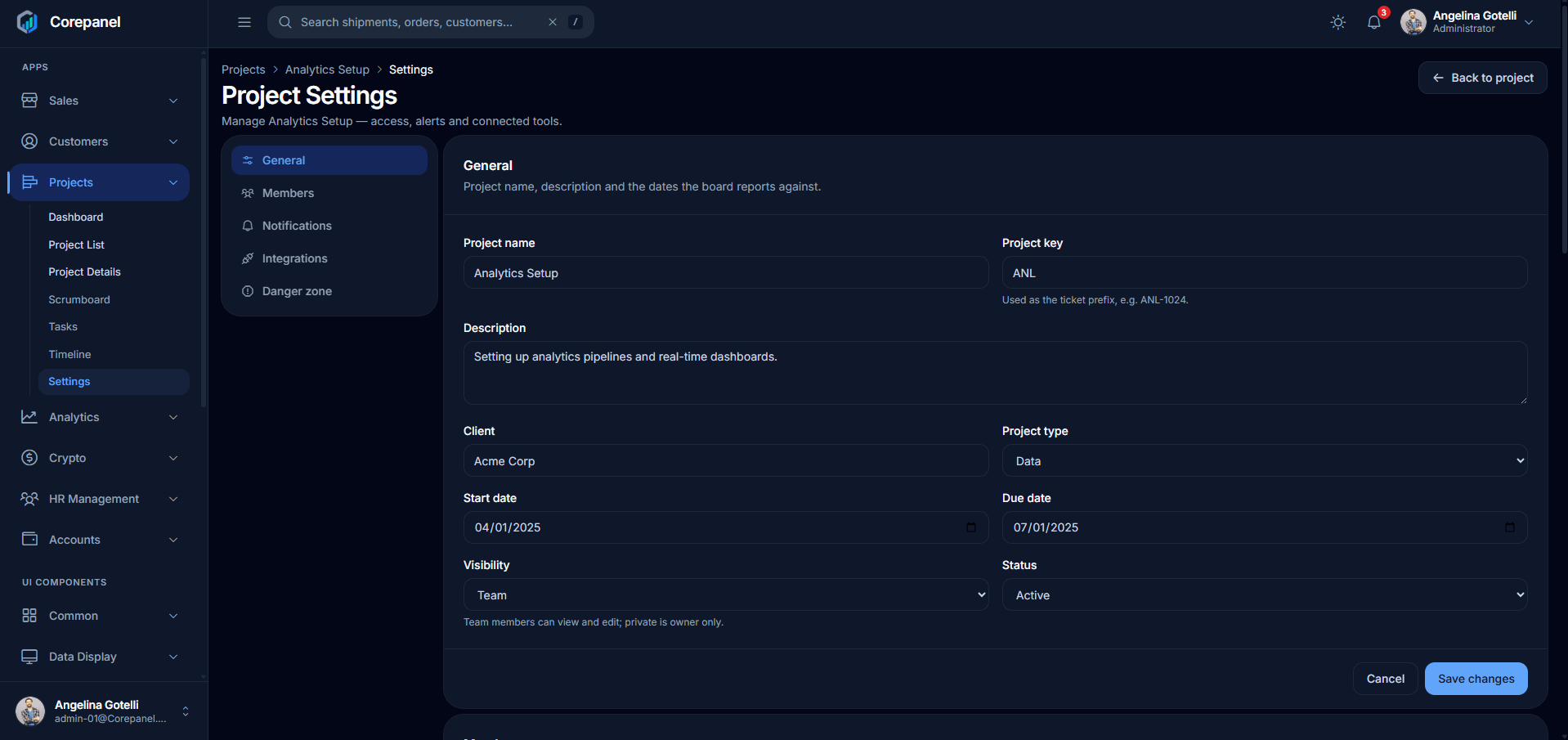
Analytics
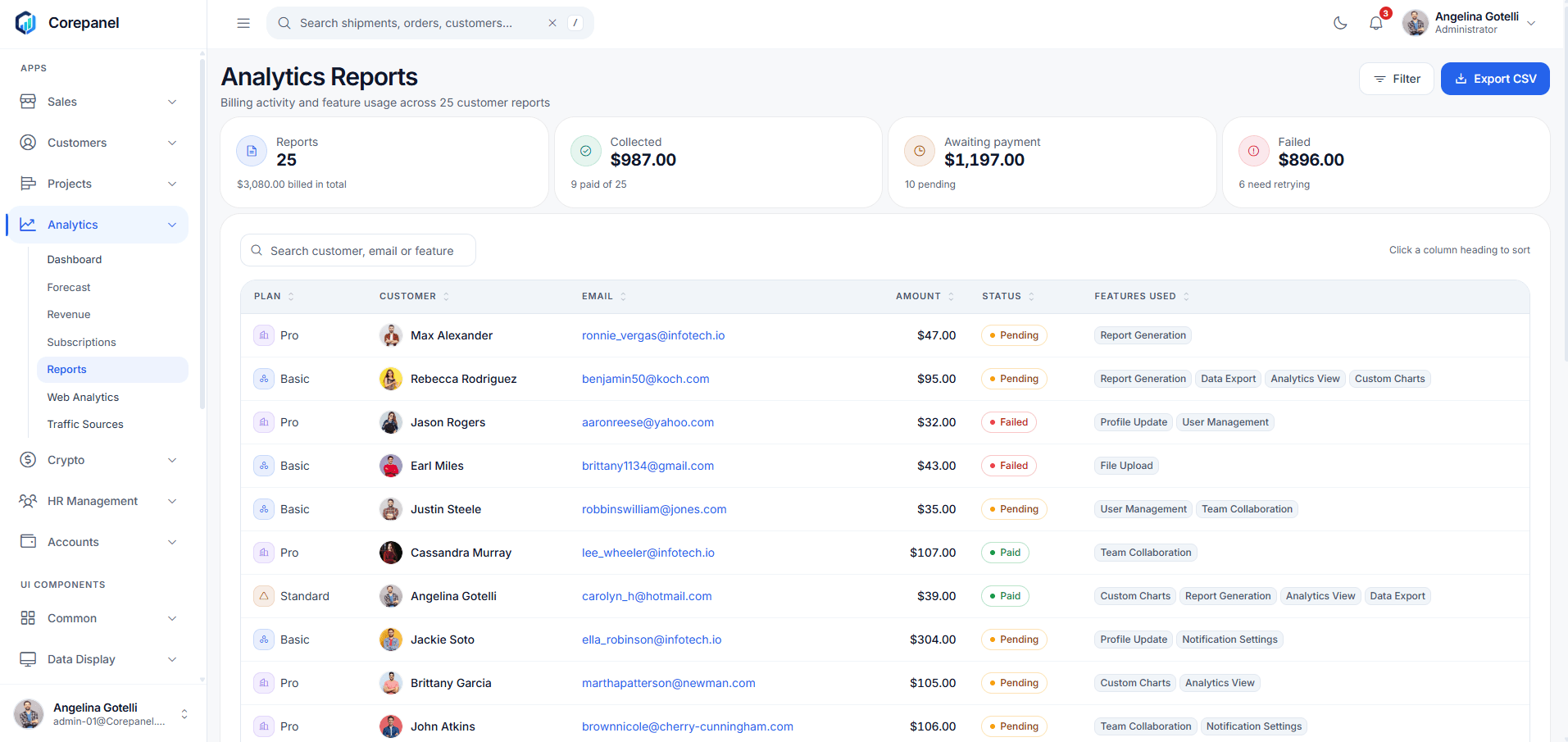
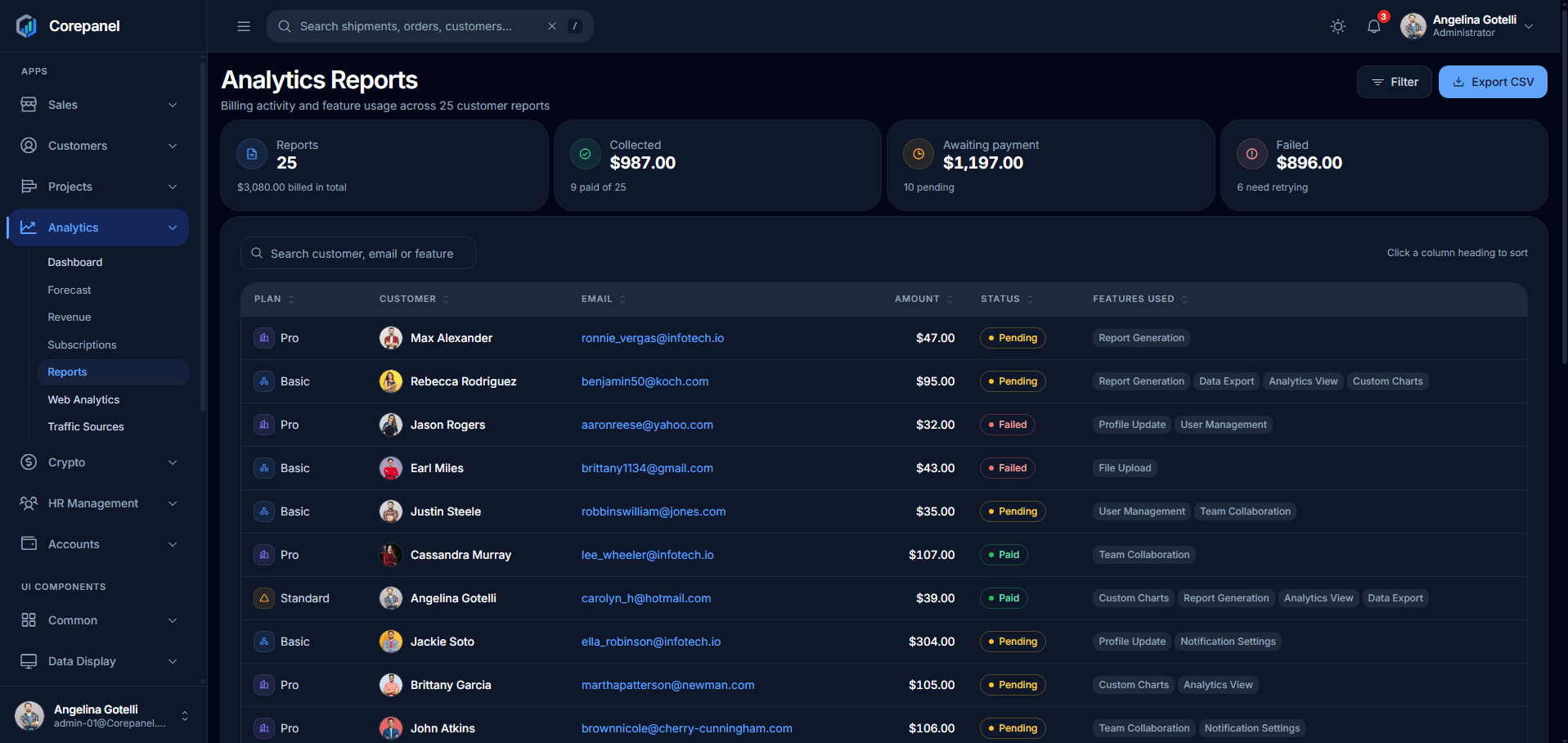
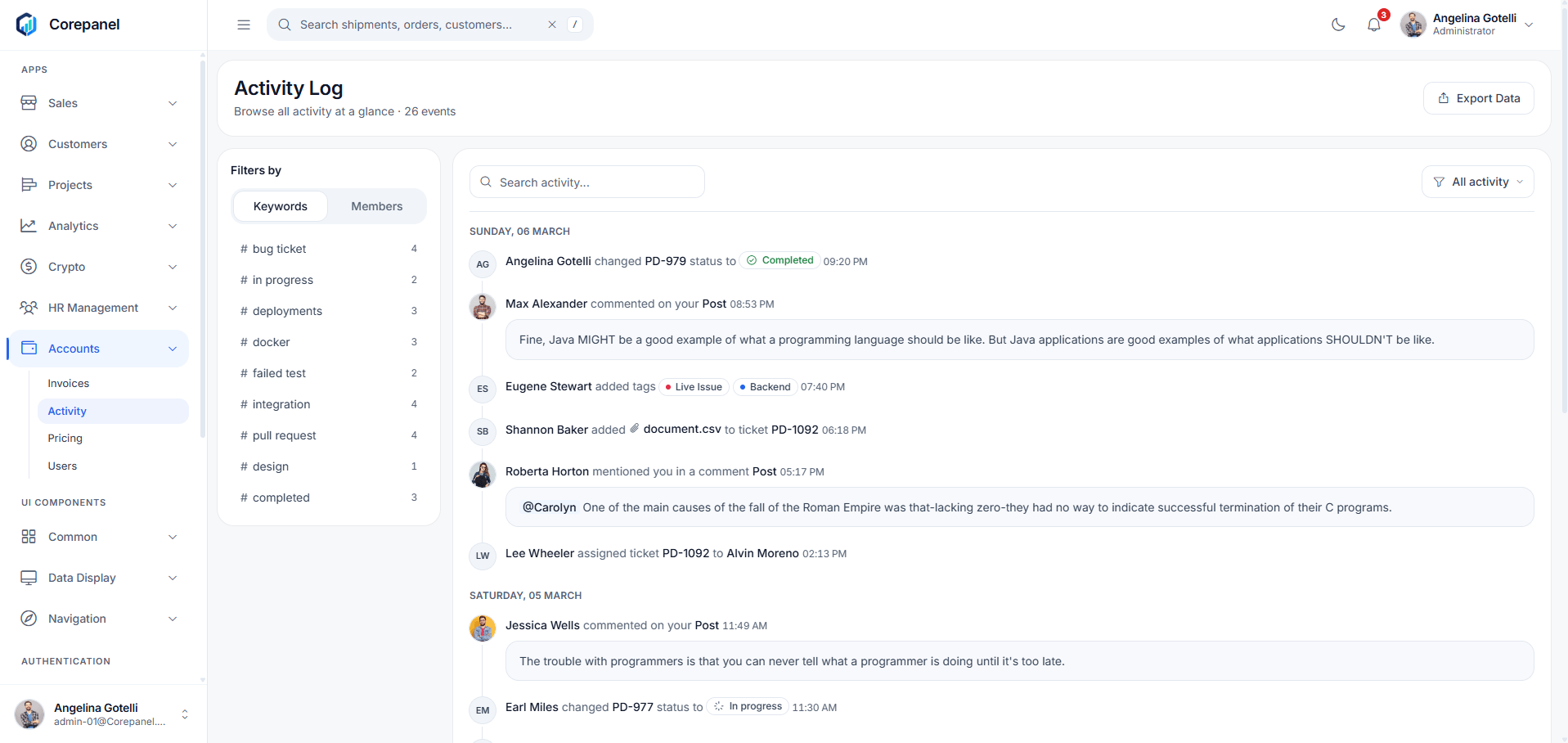
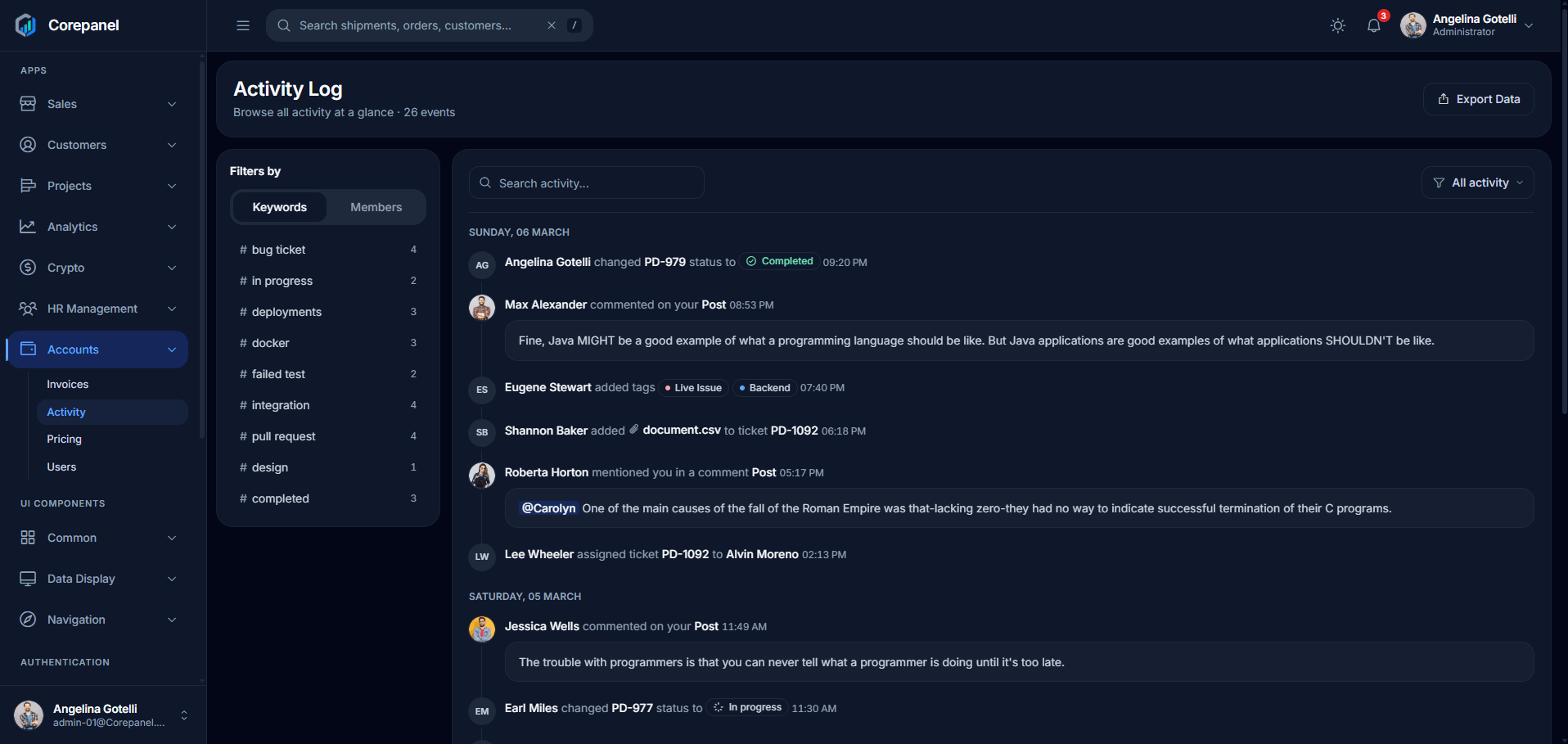
Crypto
HR Management
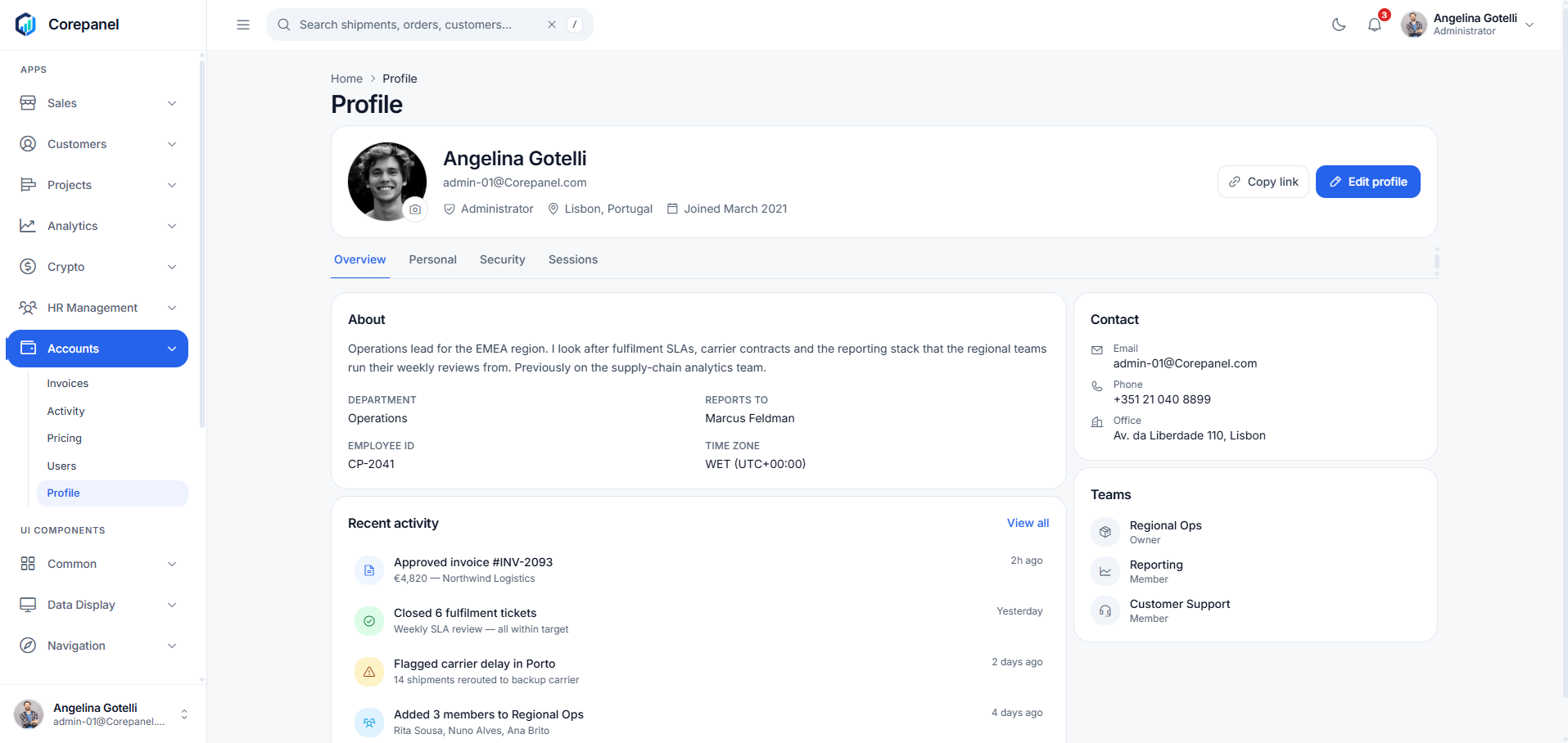
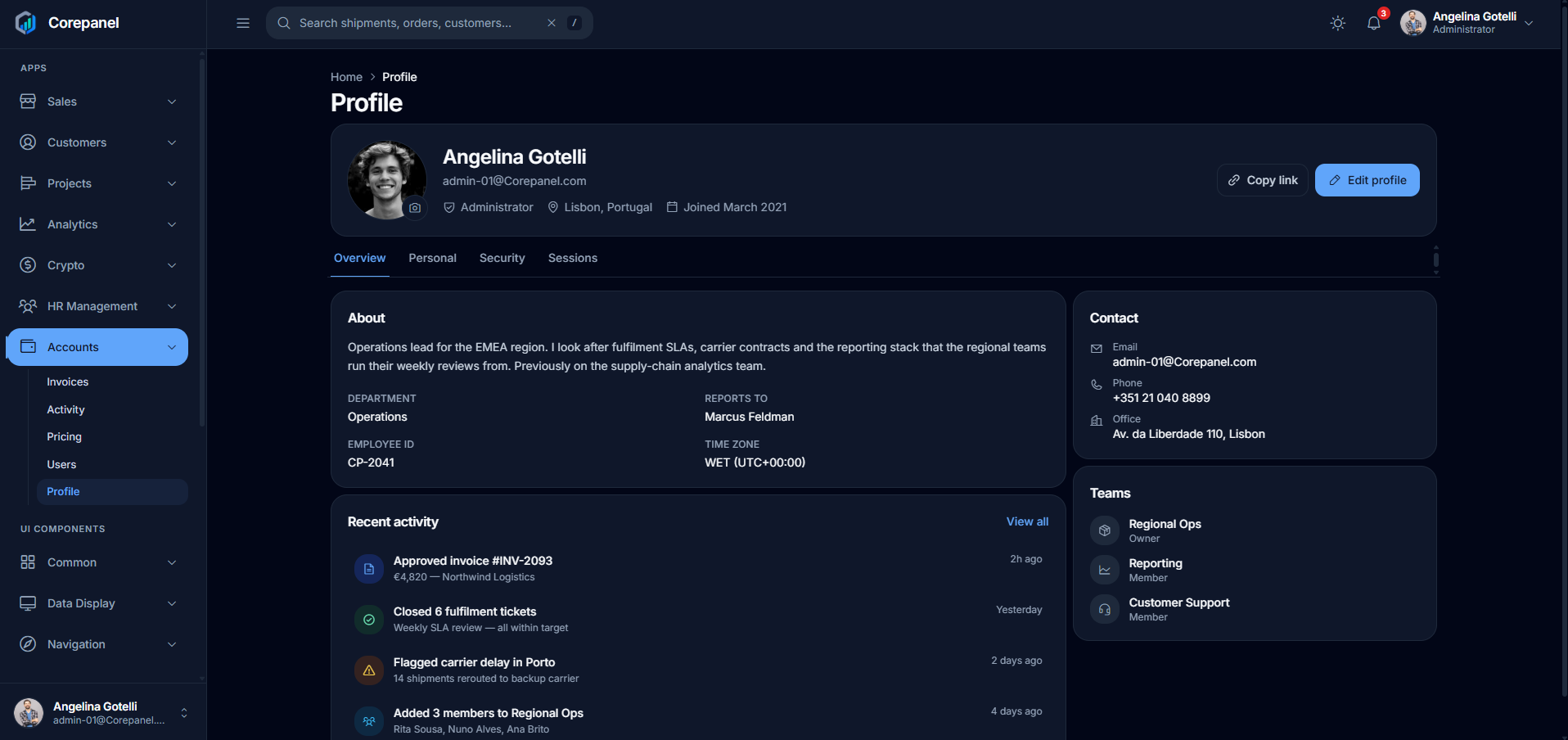
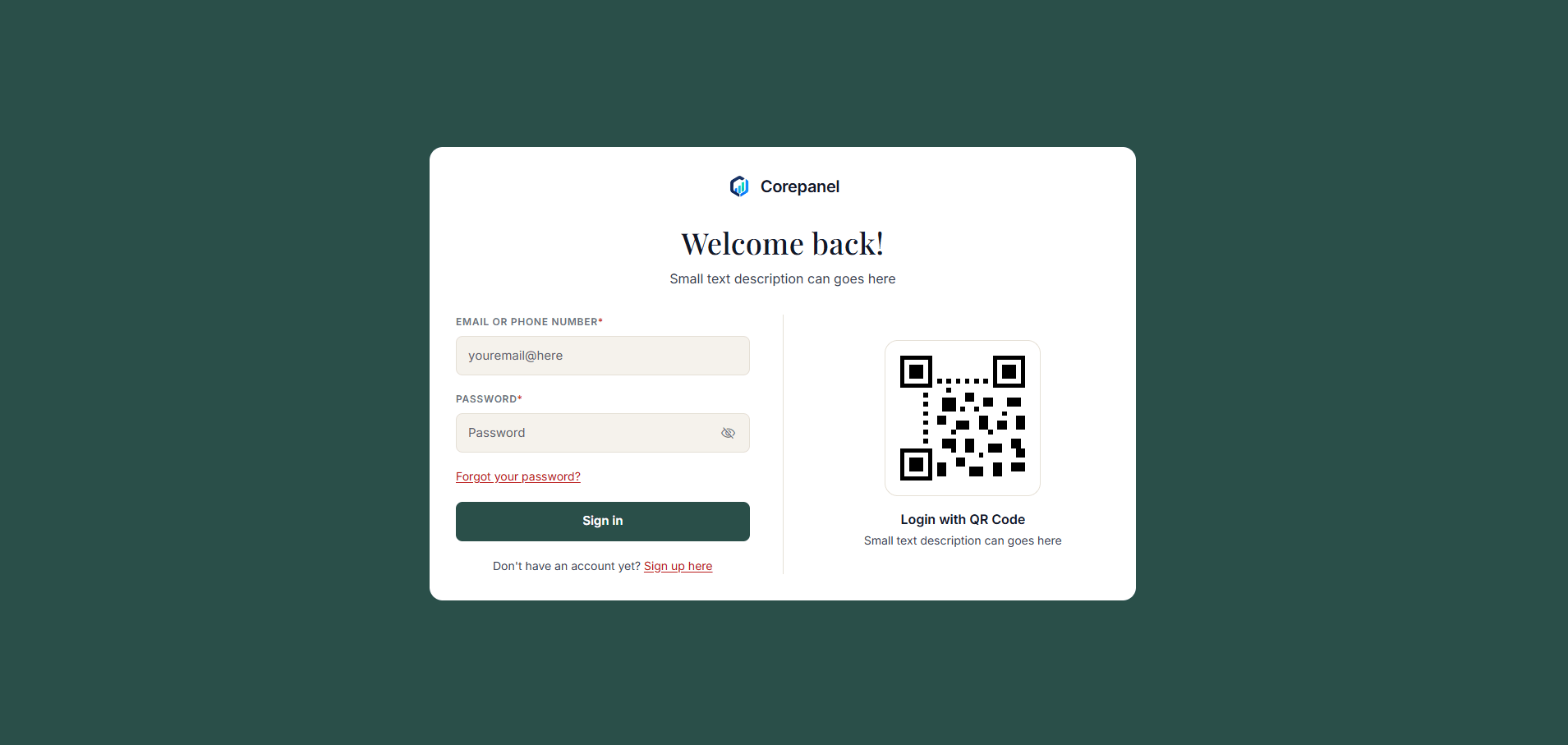
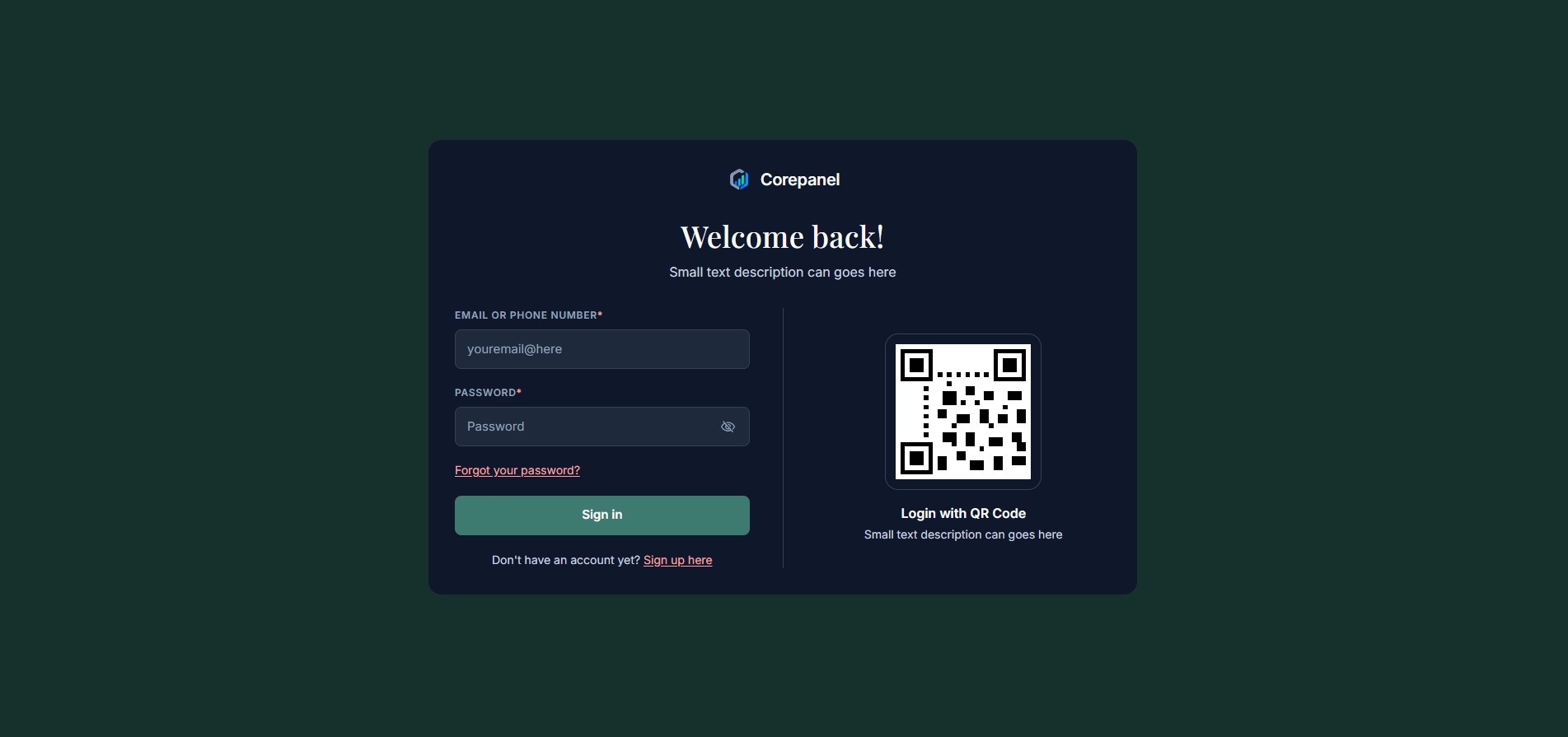
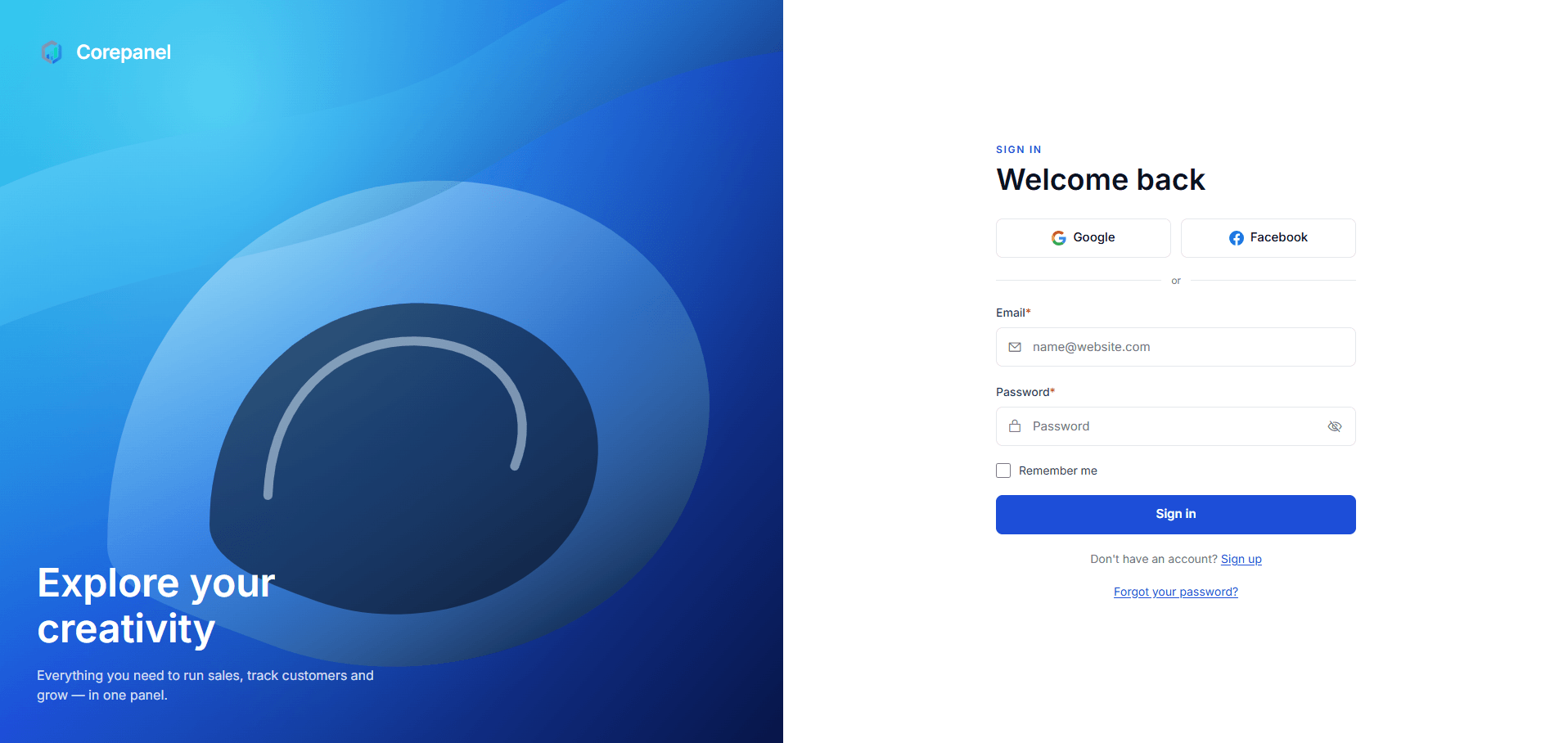
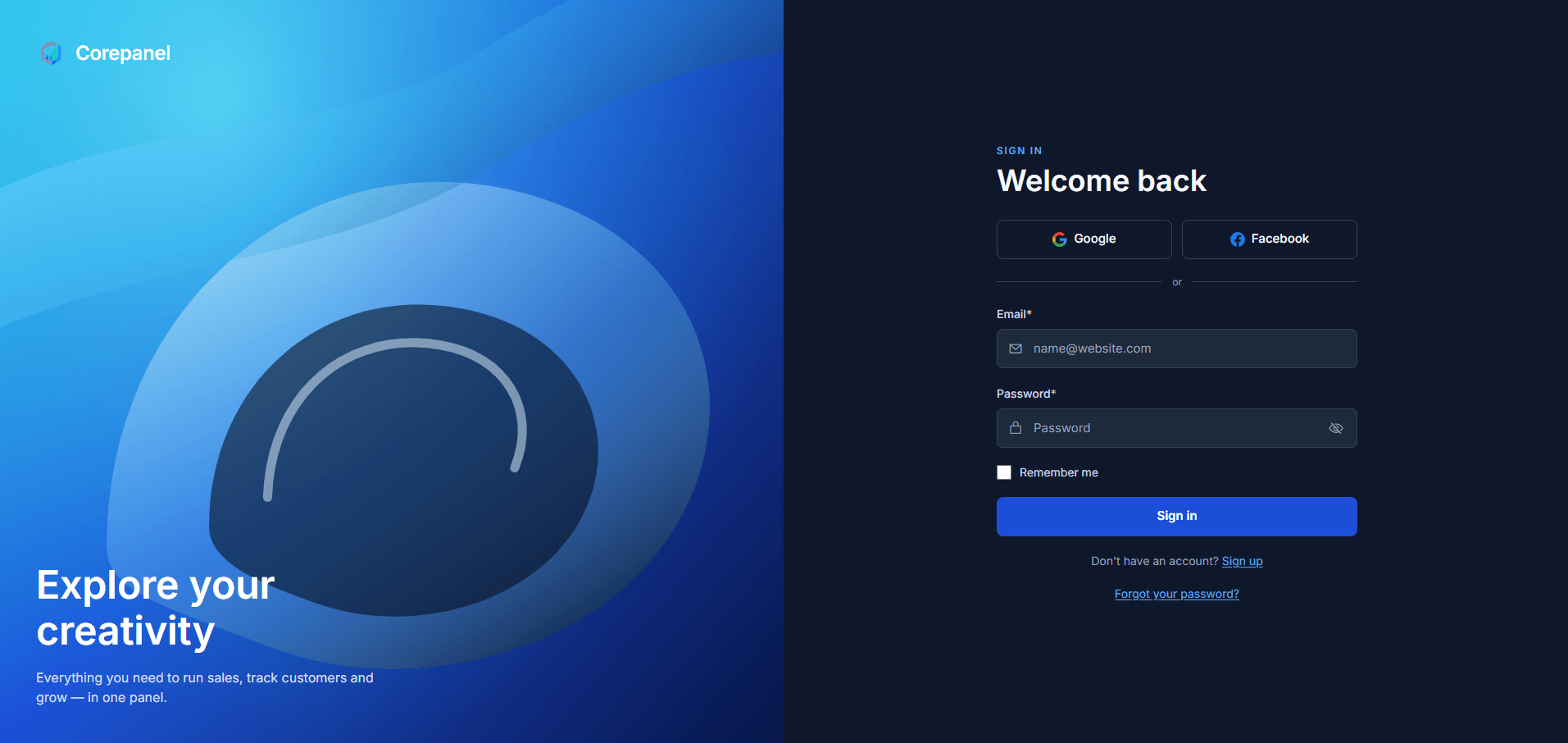
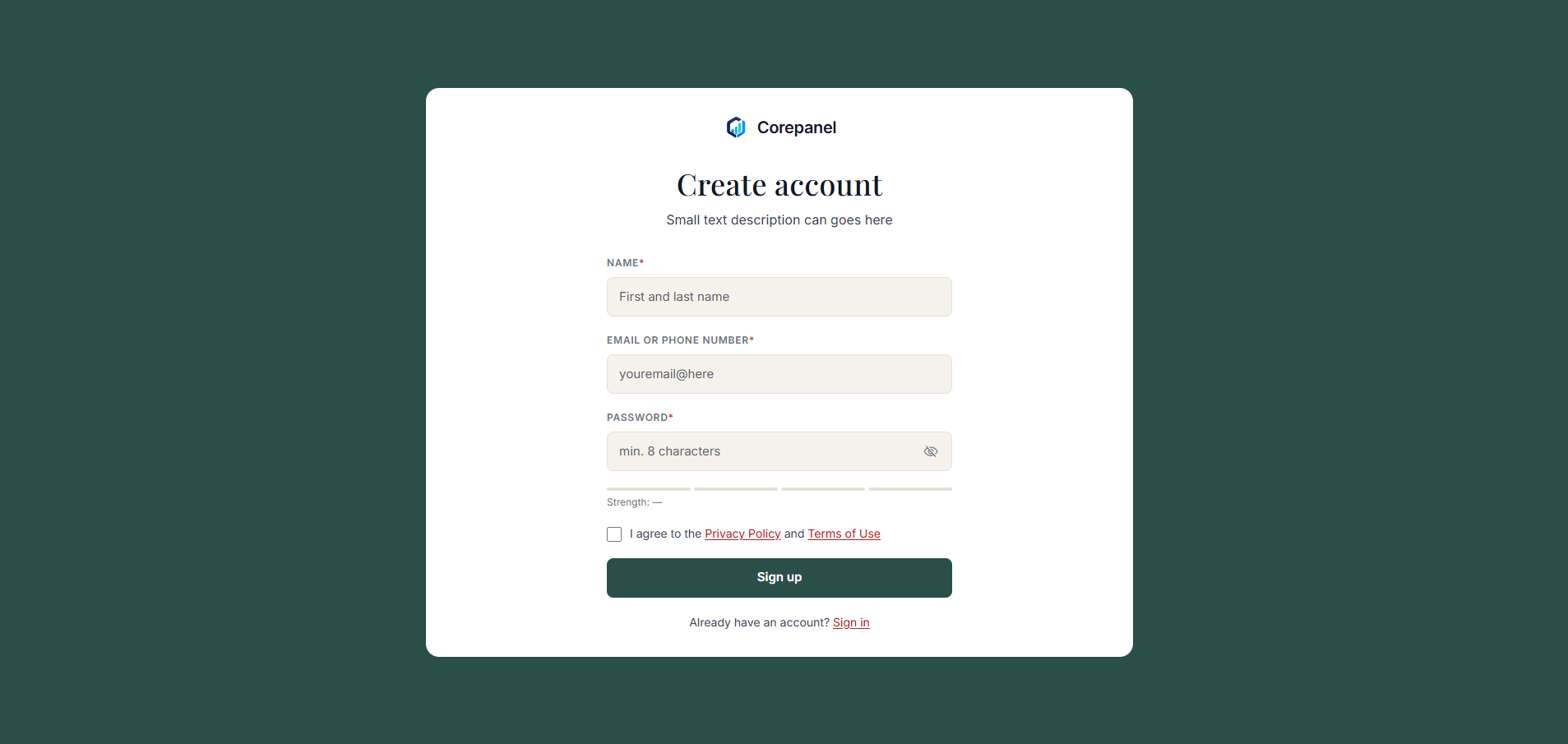
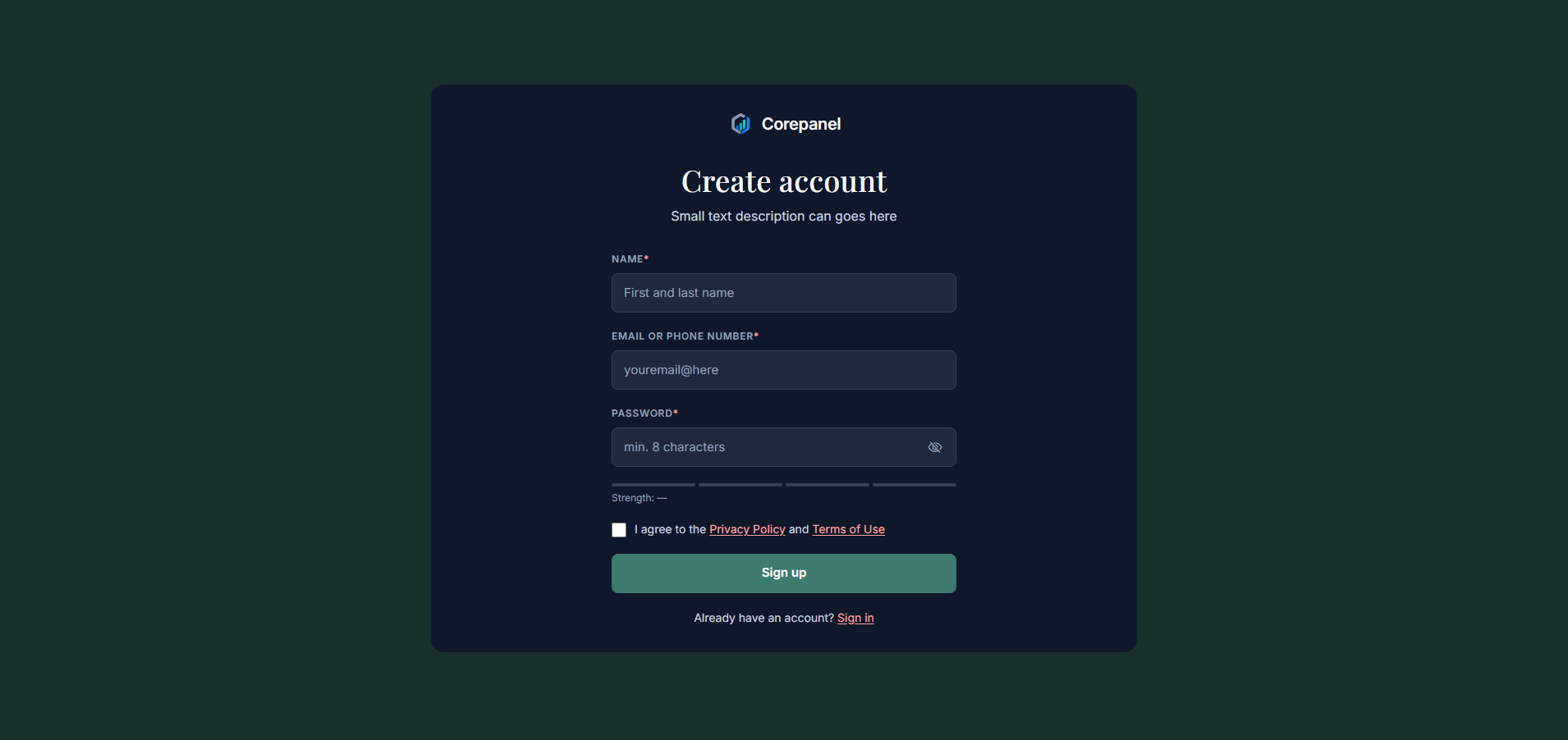
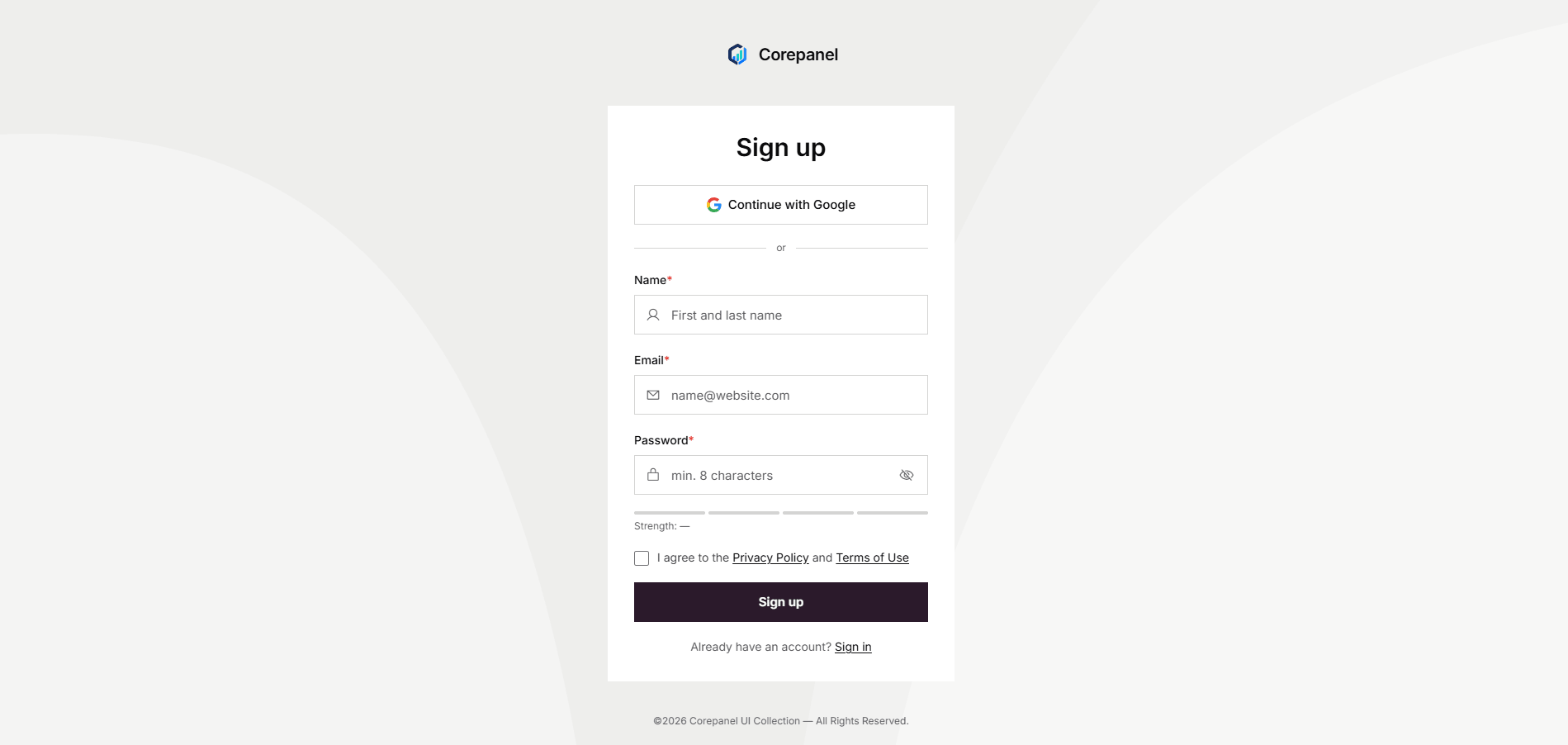
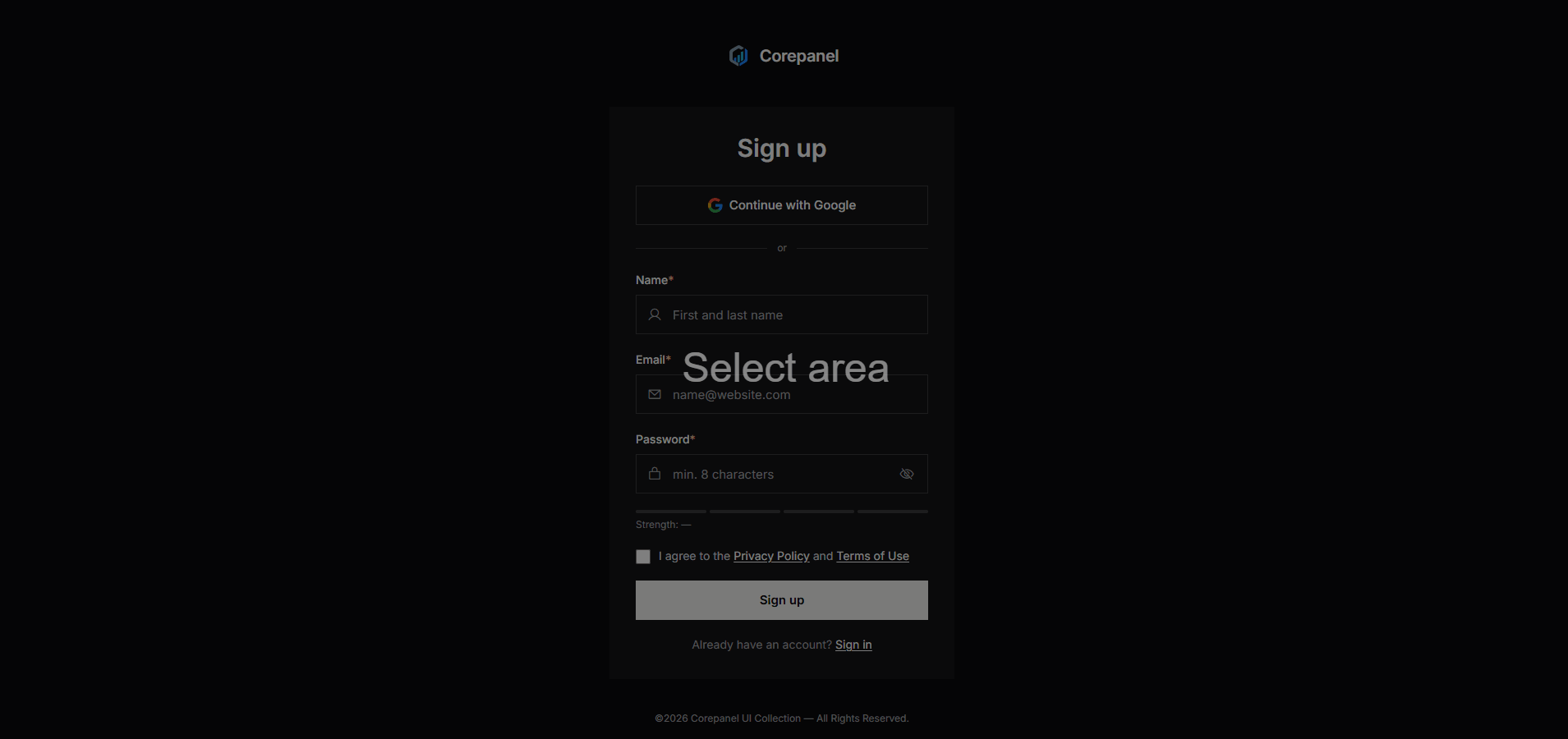
Authentication
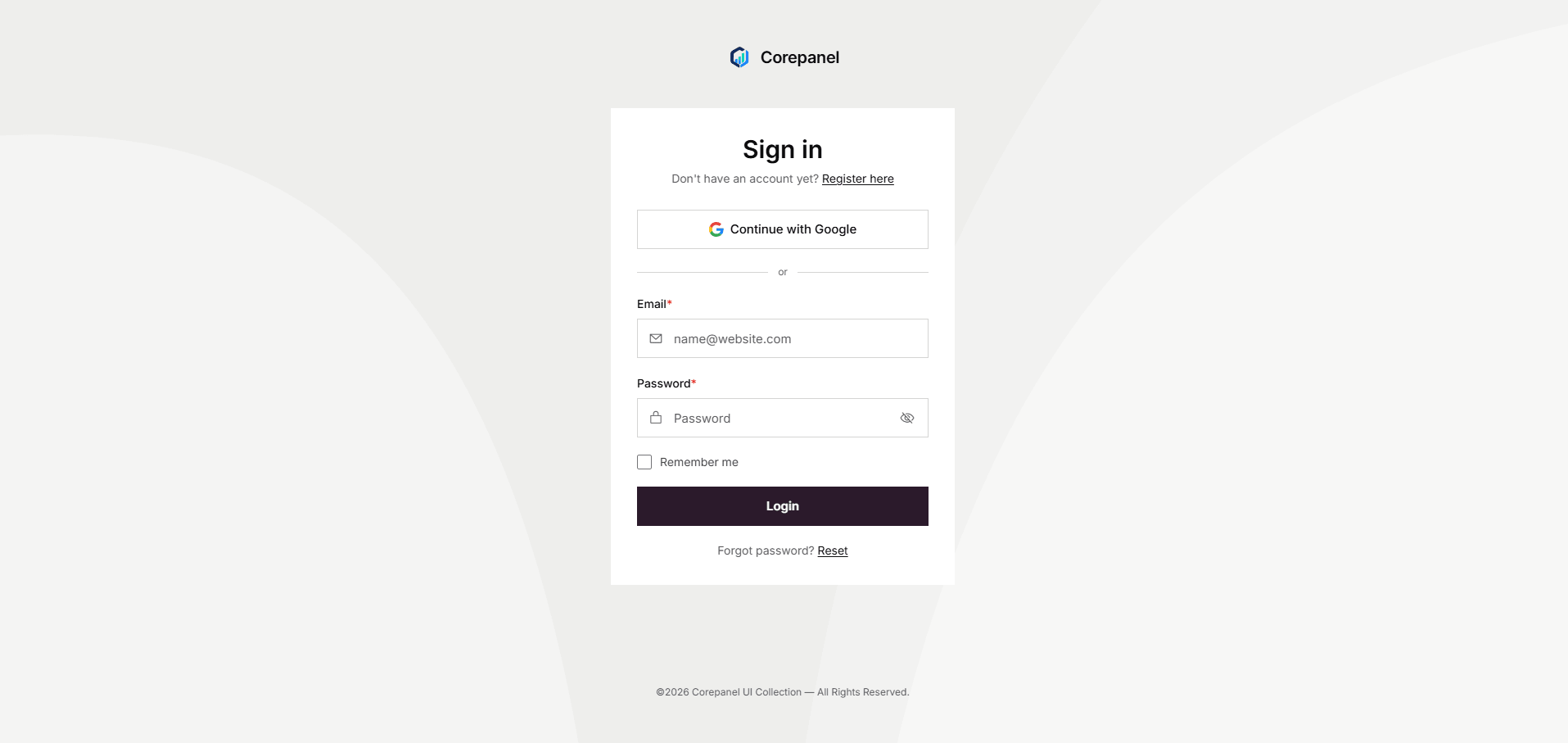
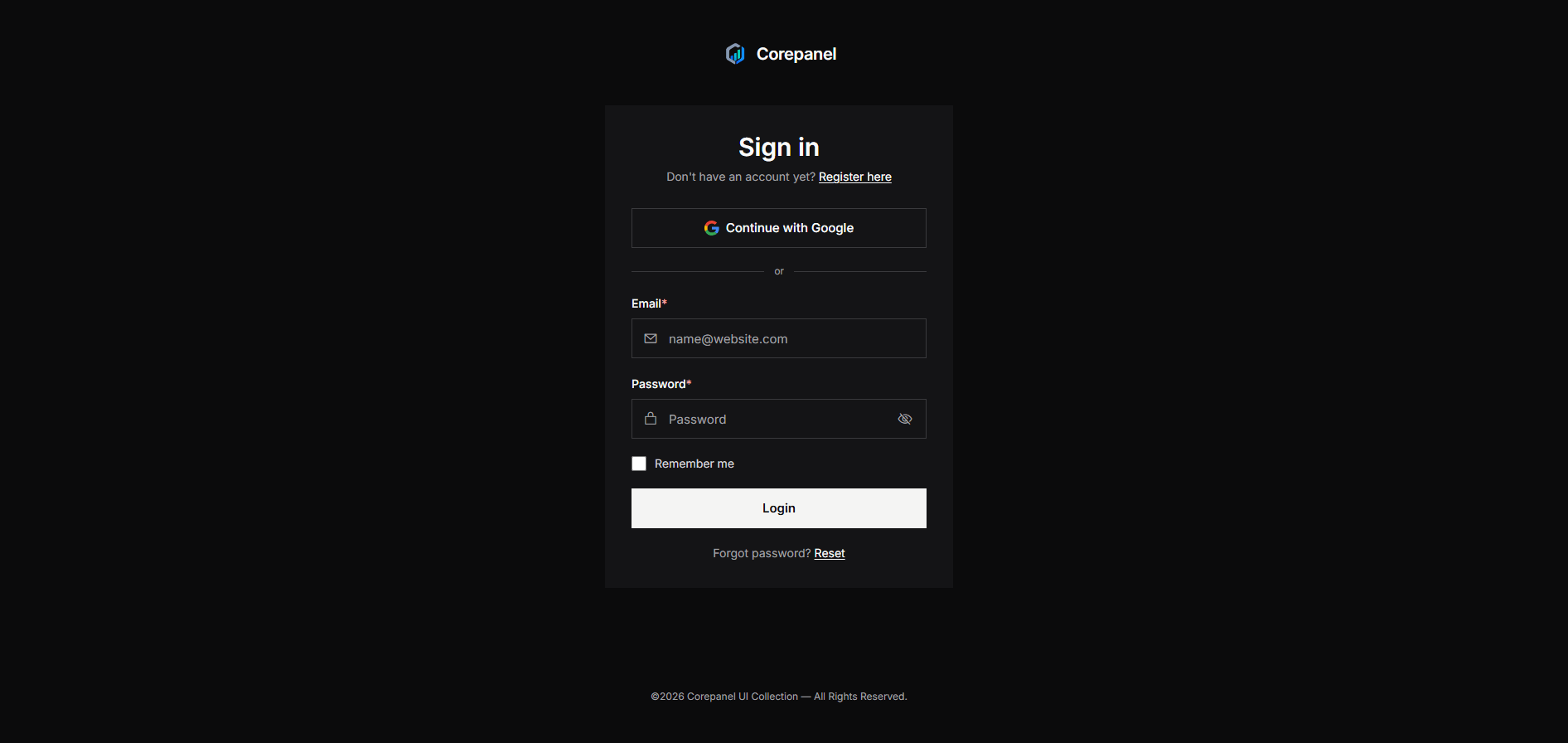
Five flows — sign in, sign up, forgot password, reset password and OTP — each in three layouts.
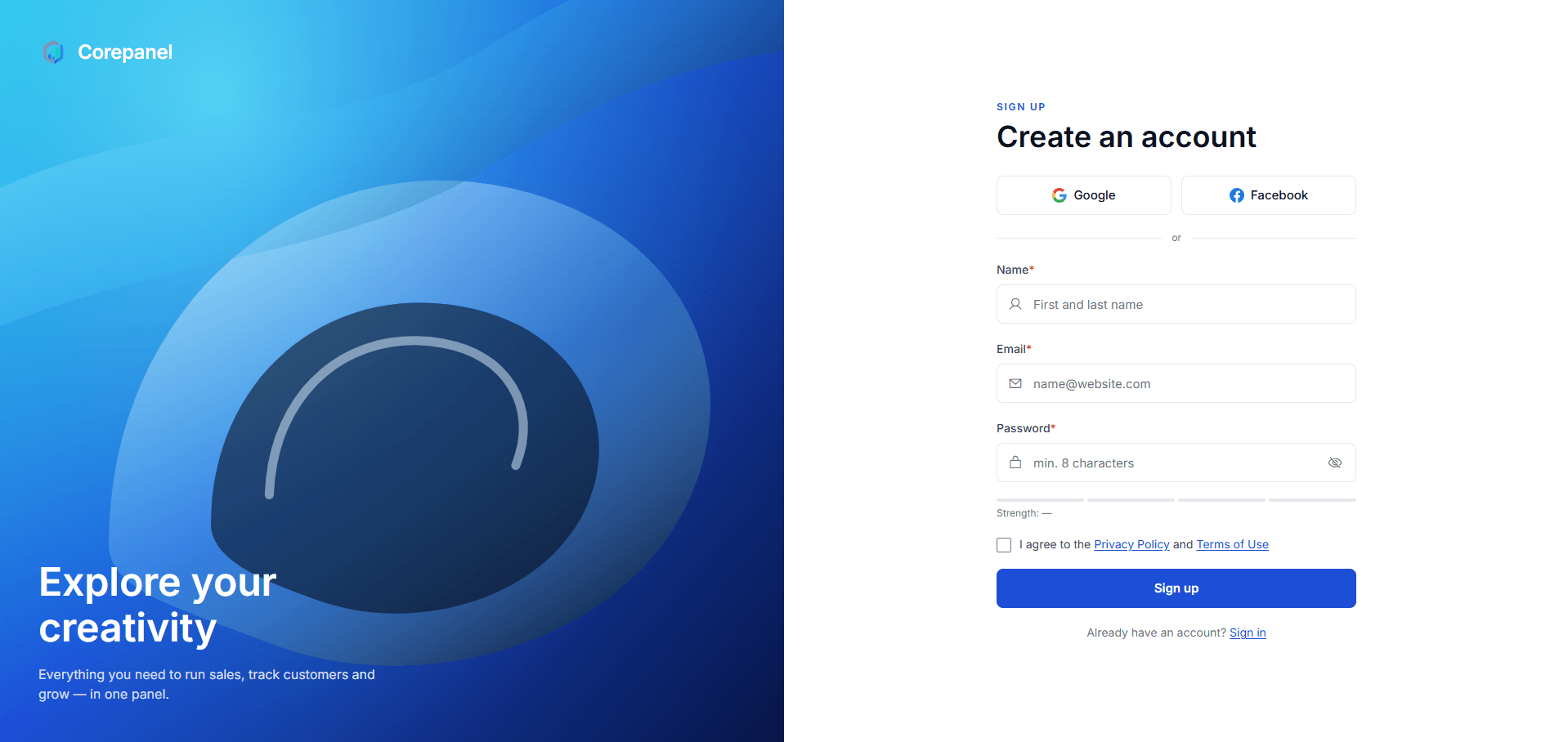
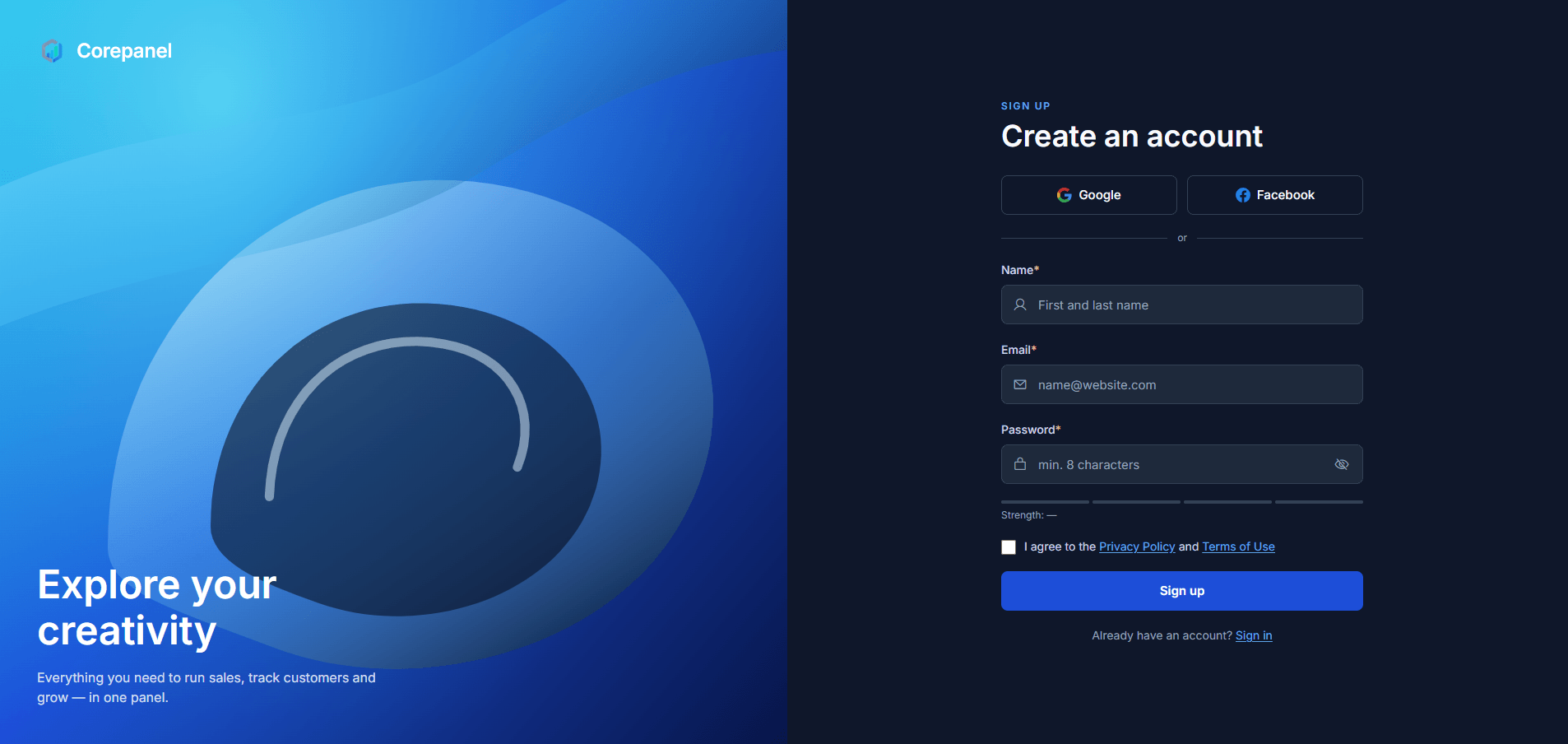
Foundations & components
The building blocks behind every screen above, each with a live example and copyable markup.
What's in the download
Full source, no obfuscation, no license server. Run
npm install
and you are building in under a minute.
-
74 HTML pages, commented throughout
Including 15 authentication screens across three layouts.
-
Tailwind v4 source, not compiled output
One stylesheet of tokens and component classes you can actually edit.
-
47 vanilla-JS component modules
Tables, tabs, dropdowns, charts — no framework runtime.
-
Webpack build, pre-configured
Dev server, hot reload, and a production build that just works.
-
Written documentation
Build, tokens, conventions — and the gotchas that would otherwise cost you an afternoon.
src/
├── index.html            Sales dashboard
├── analytics-dashboard.html
├── crypto-dashboard.html
├── … 71 more pages
├── partials/
│   ├── sidebar.html      Injected at build time
│   ├── topbar.html
│   └── footer.html
└── assets/
    ├── css/index.css     Tokens + components
    ├── js/
    │   ├── index.js      Single entry point
    │   └── components/   47 modules
    └── images/
Frequently Asked Questions
Licensing, updates and support — the things worth knowing before you buy.
What is a Regular License?
A Regular License covers one end product that is free for its end users. It suits an internal tool, a client project, or an app where nobody is charged to access what you have built.
What is an Extended License?
An Extended License covers one end product where end users are charged — a paid SaaS, a subscription dashboard, or anything sold to the people who use it.
Can I use one license for multiple applications?
No — a license covers a single end product. A second app needs a second license, whichever type you hold.
Do you offer a custom license for multiple products?
Yes. If you are building several products on the template, get in touch and we will price a bundle rather than have you buy a license at a time.
Do all license types include updates and support?
Every license includes free updates and support. Support covers defects and questions about the template itself, not custom development on top of it.